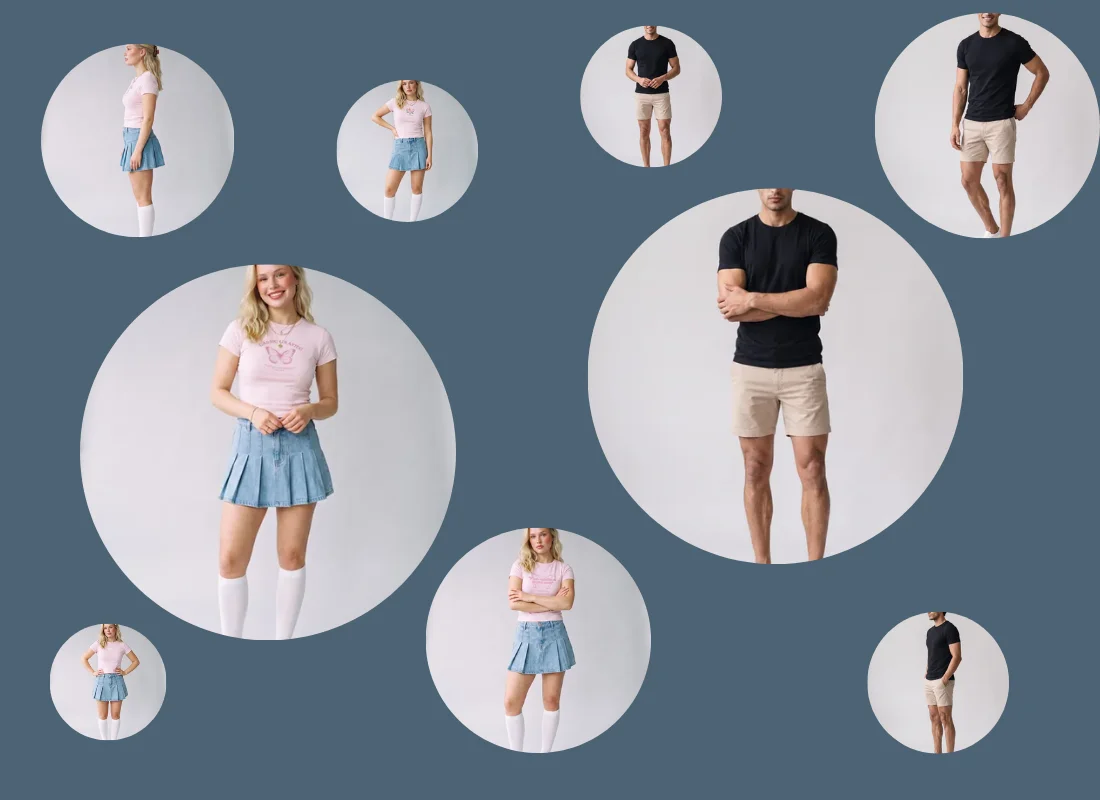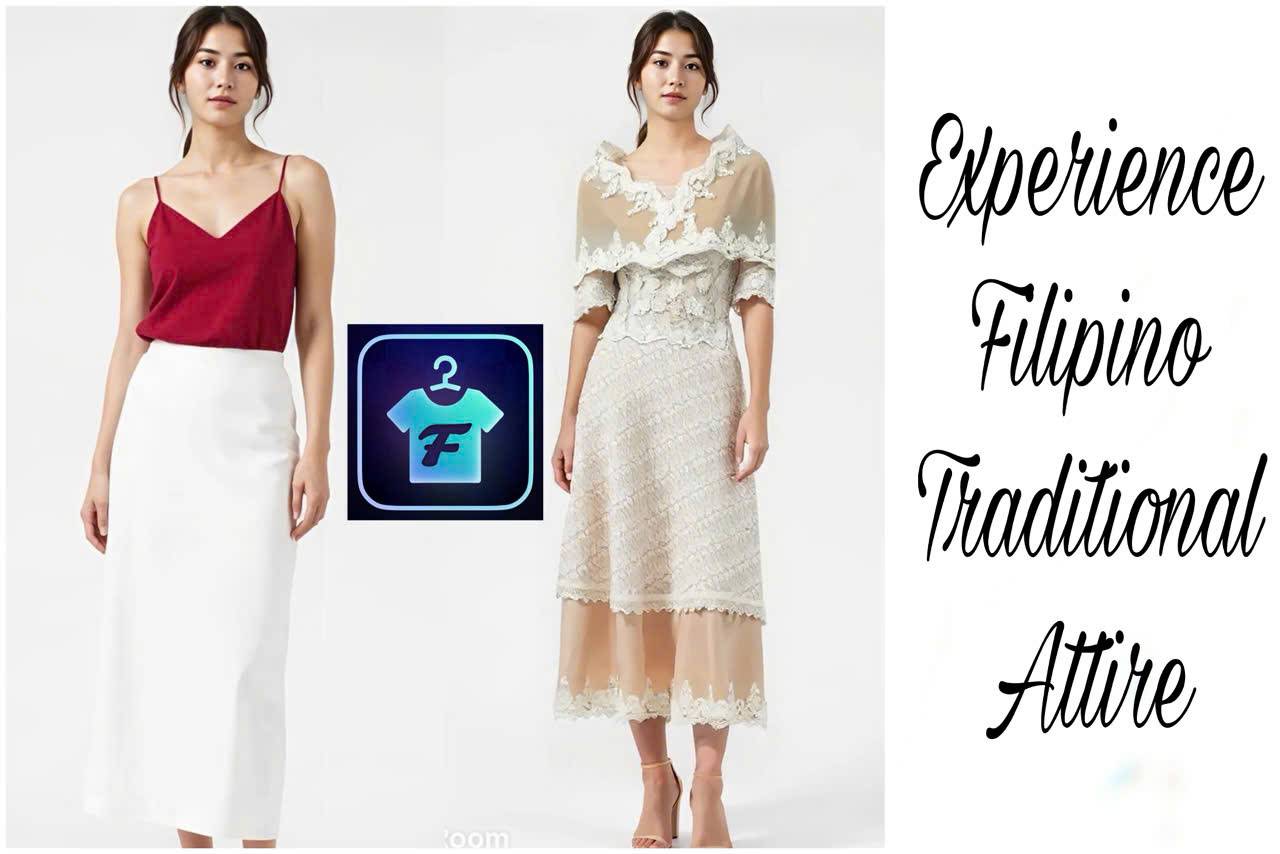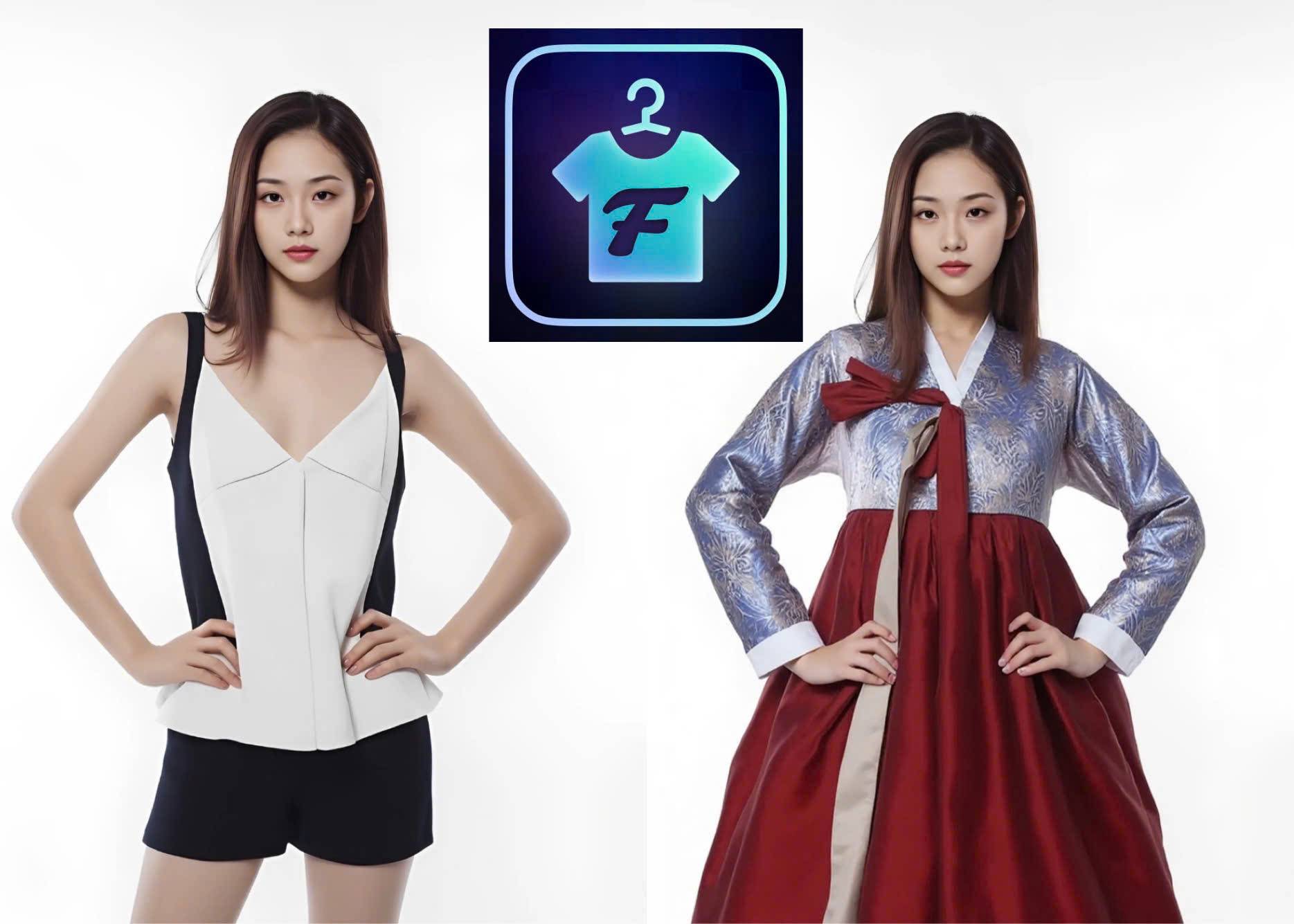
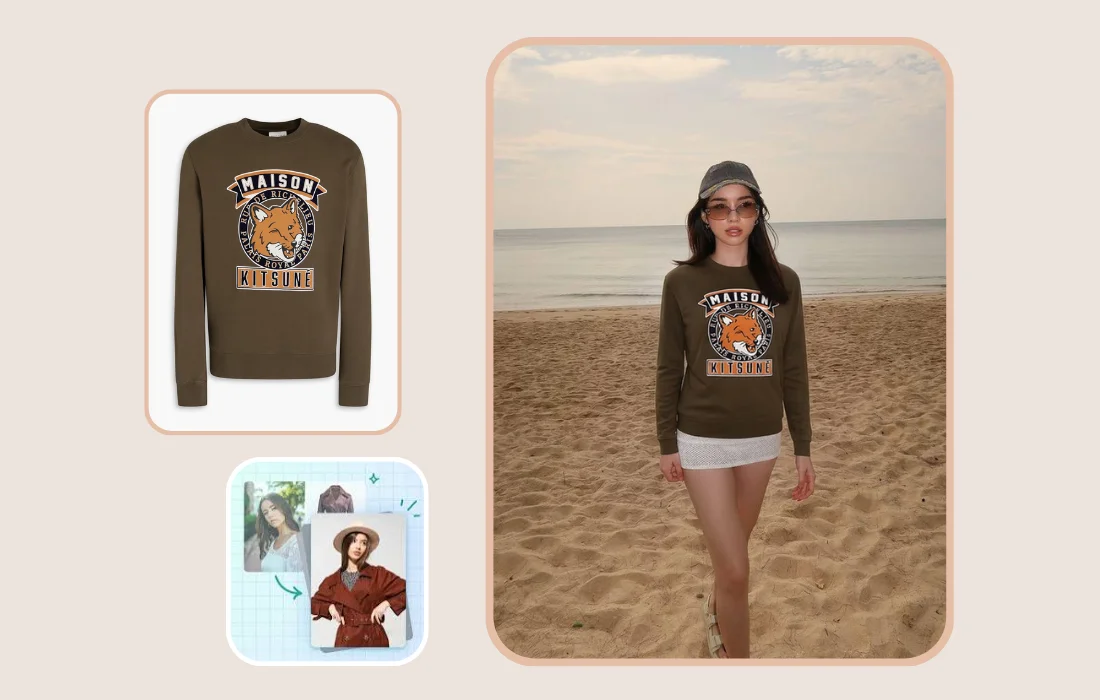
Virtual try-on has become remarkably realistic by 2026, but printed apparel has remained one of its big challenges. Logos, graphics, and small text are still prone to blurring, distortion, or missing details. Fitroom's latest update improves these challenging areas while also delivering better overall garment rendering.
What Update Fitroom Rolled Out
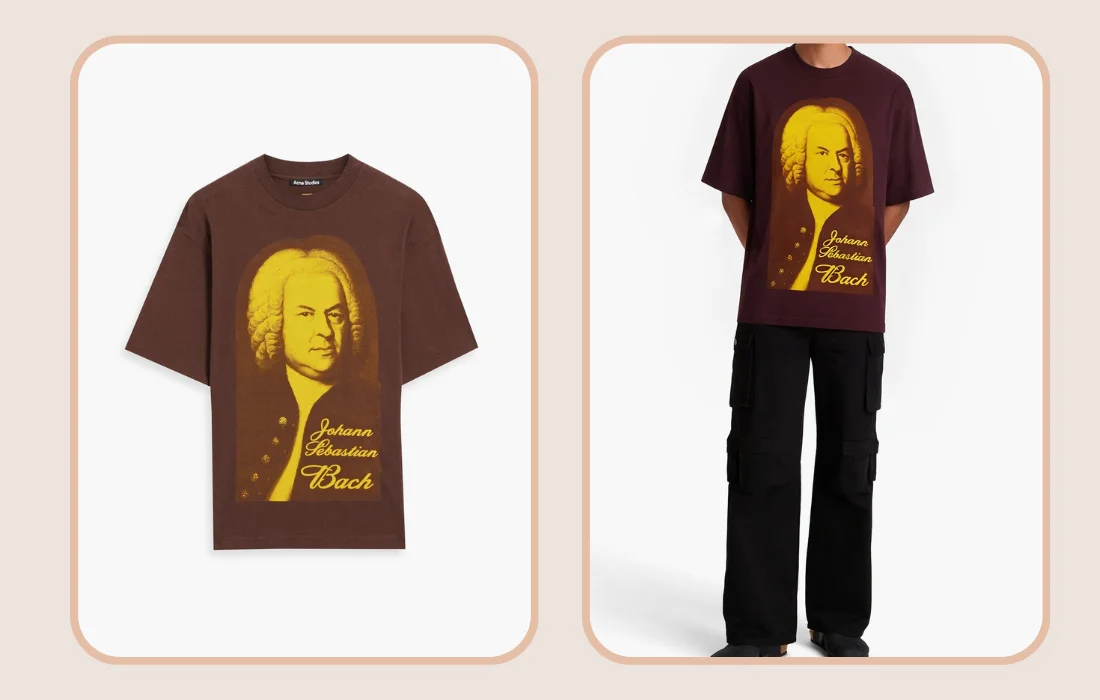
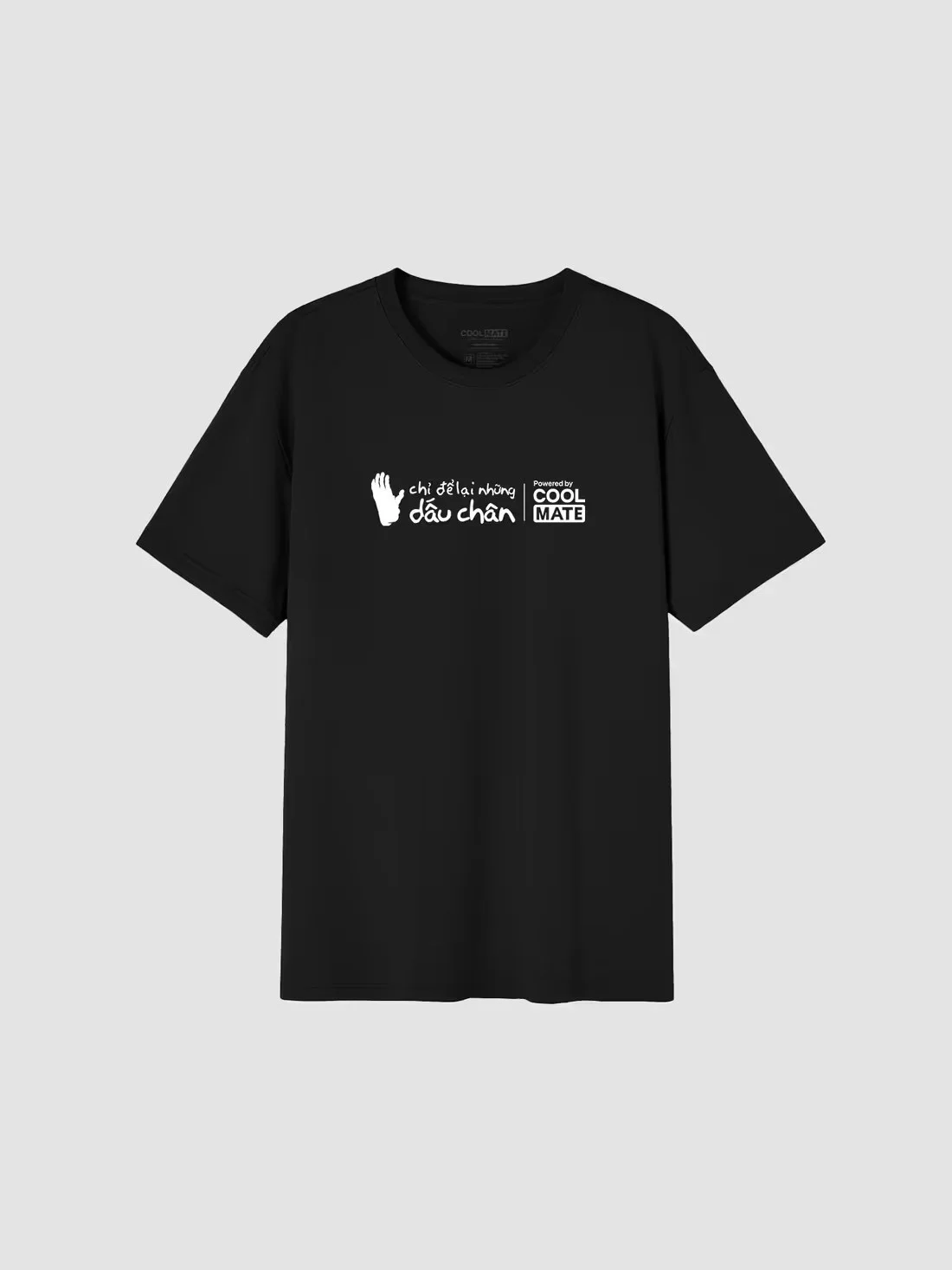
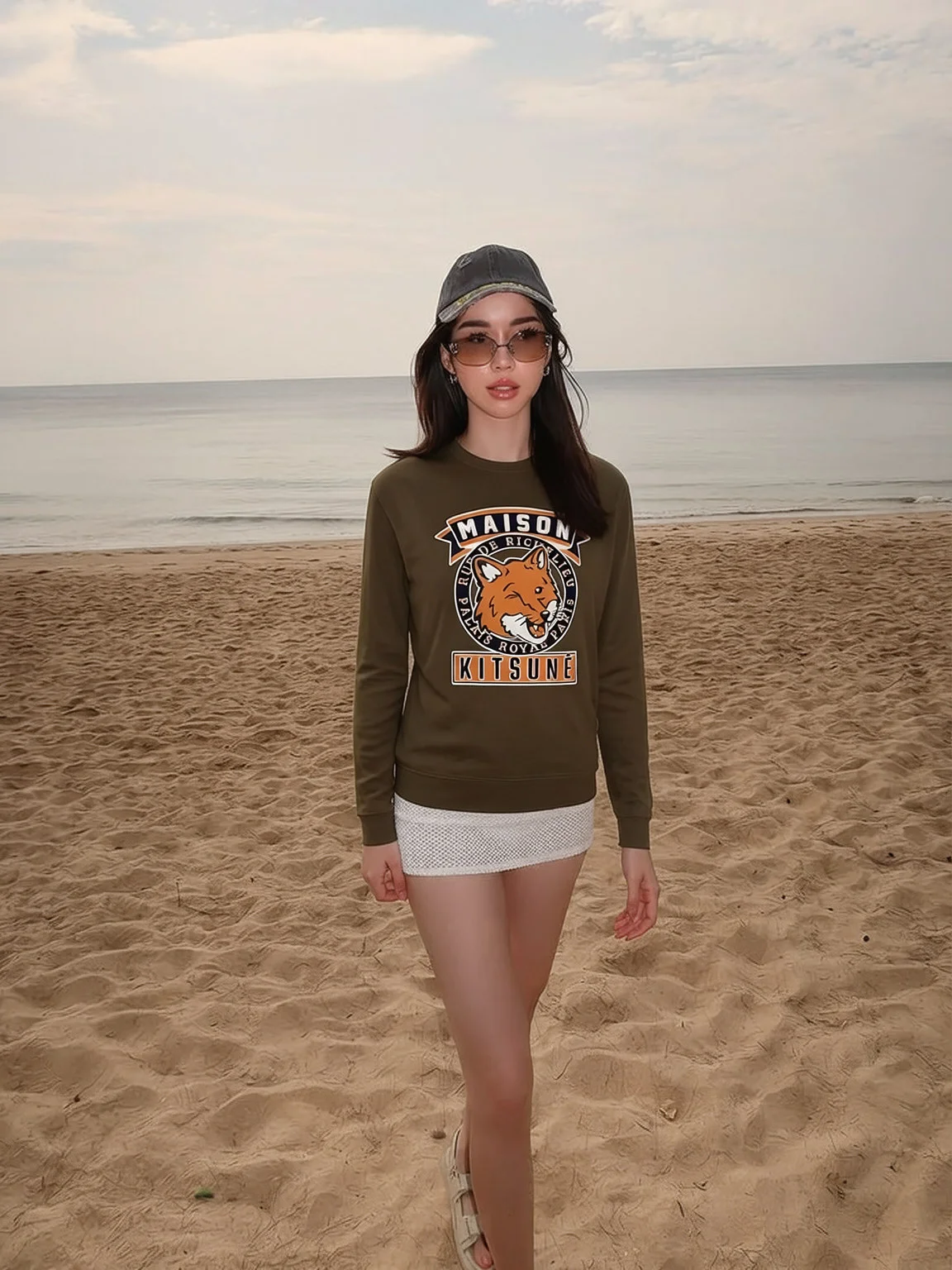
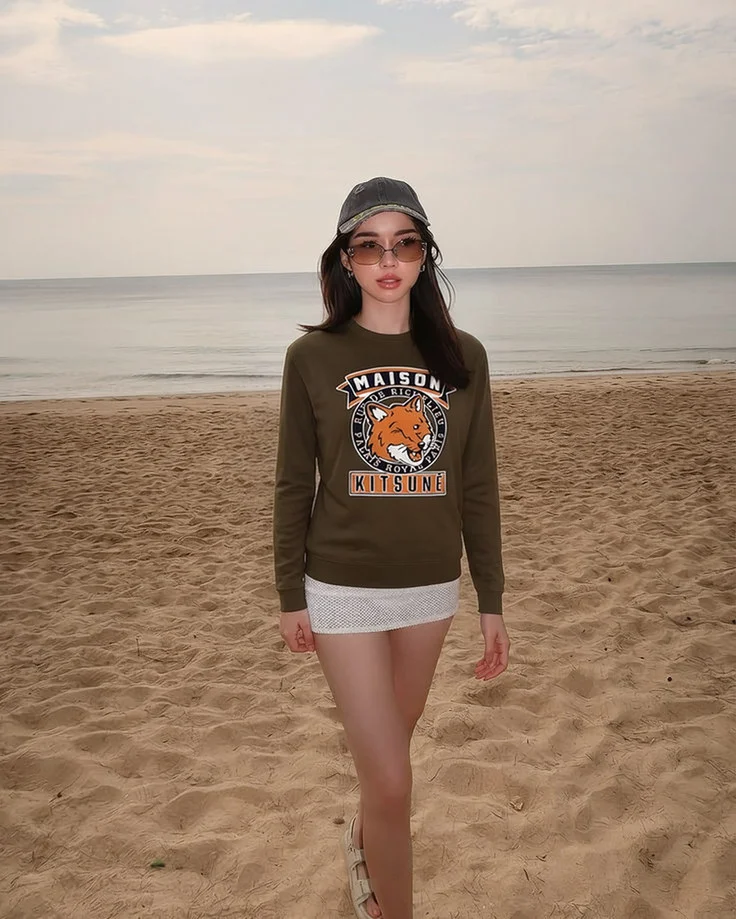
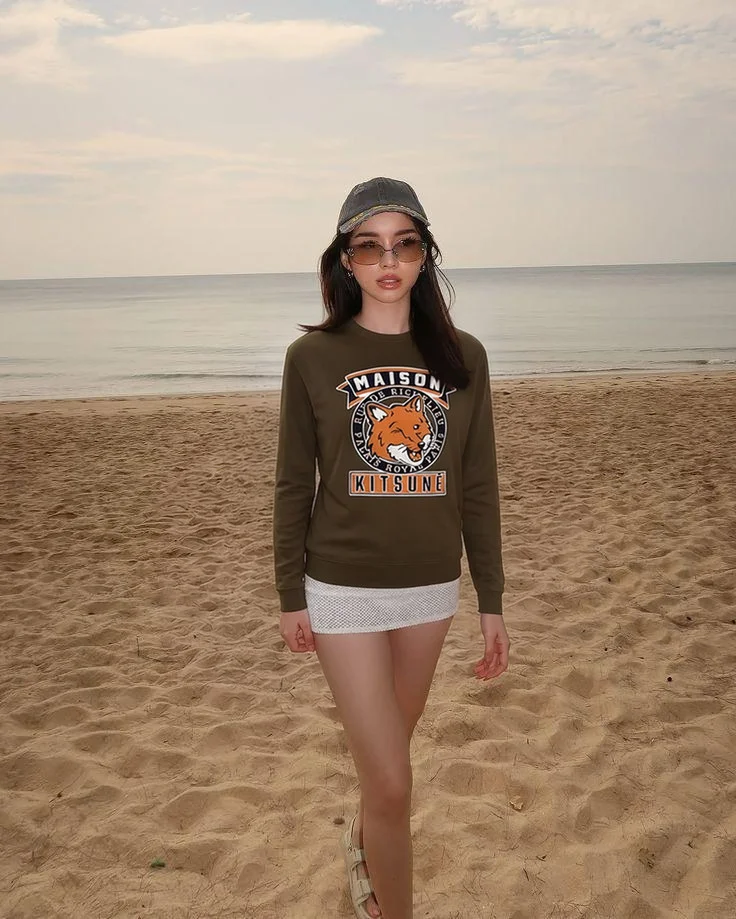
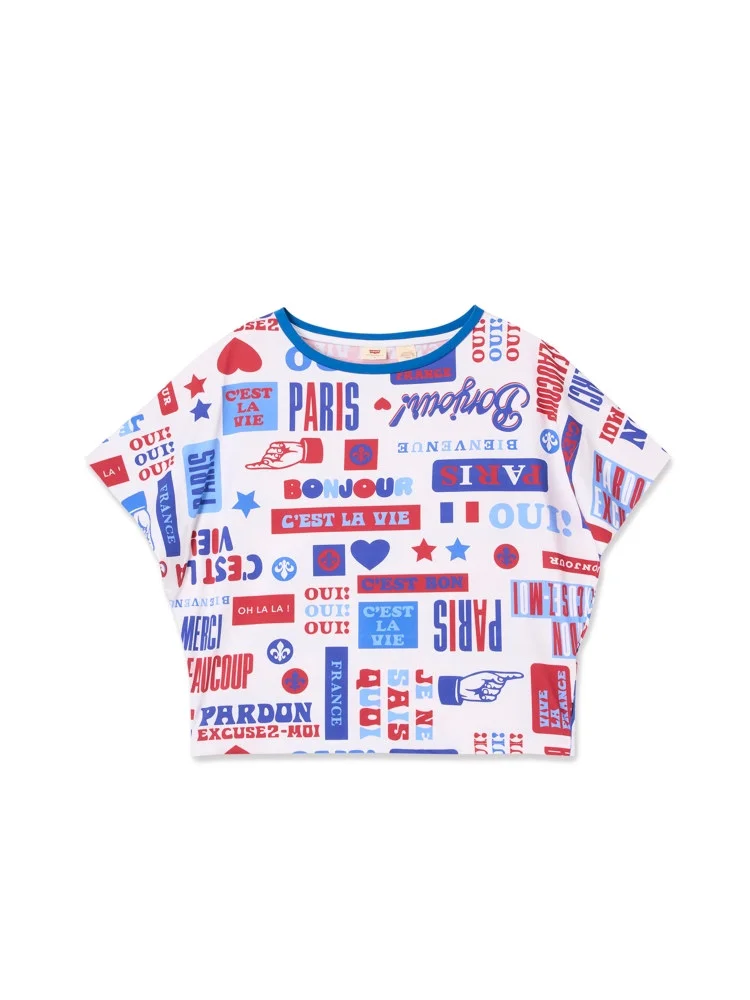
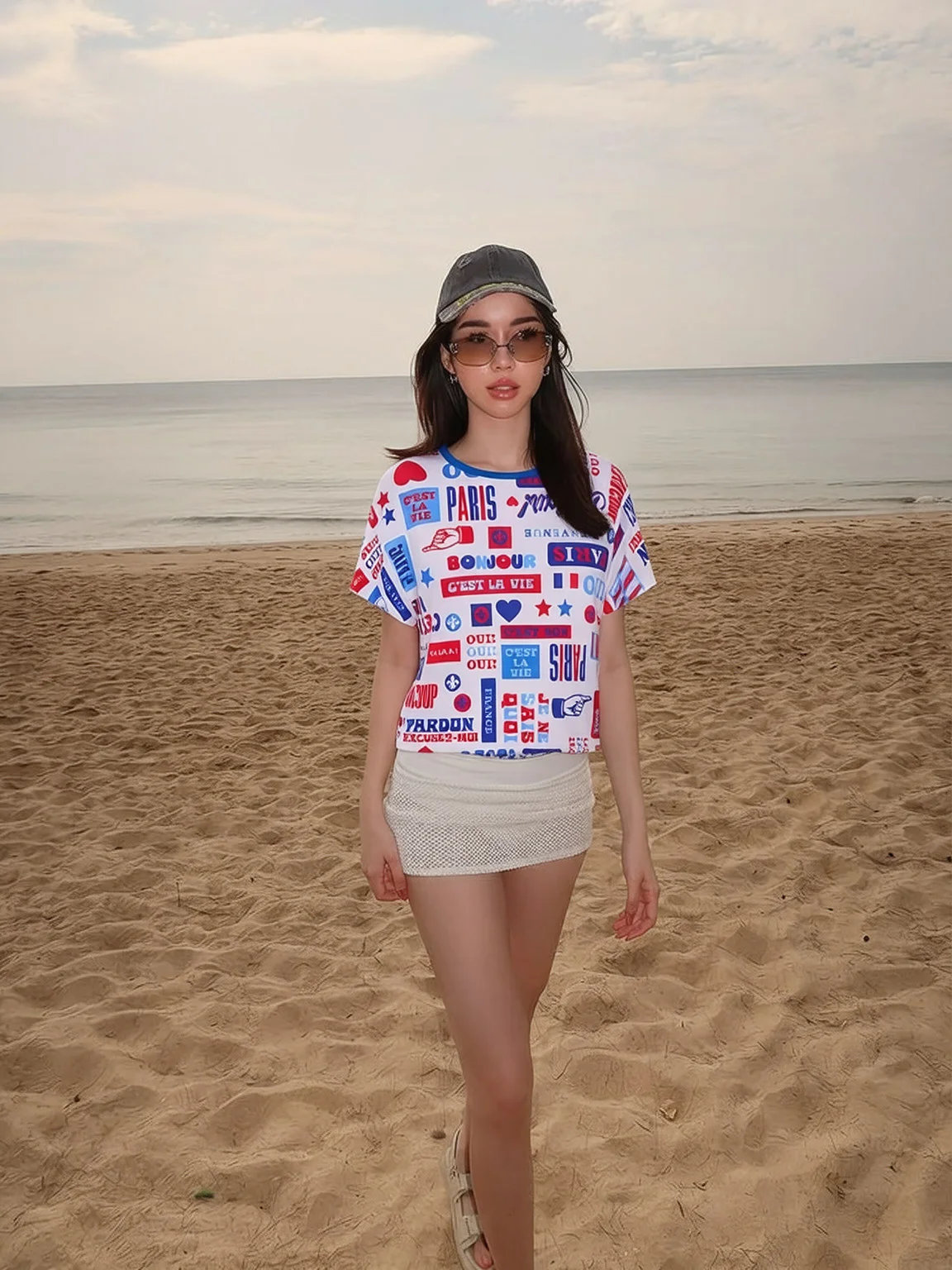
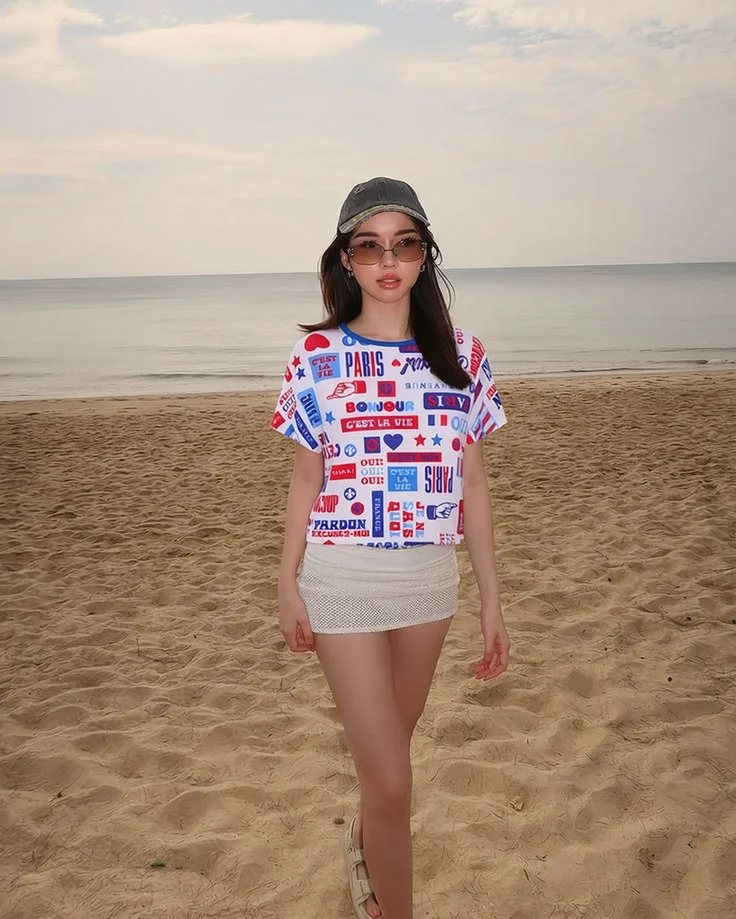
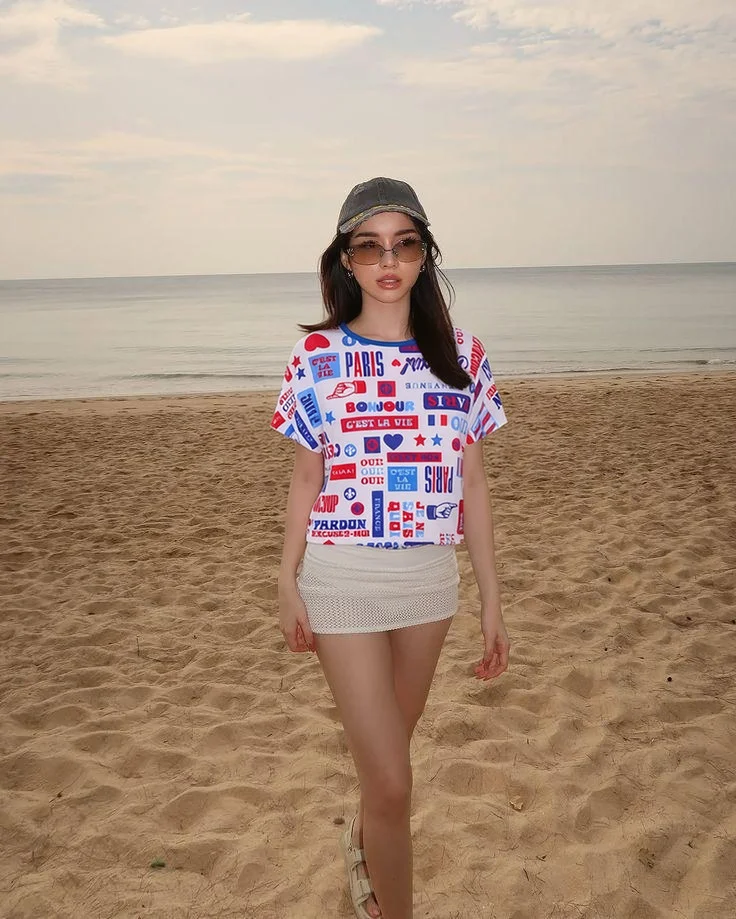
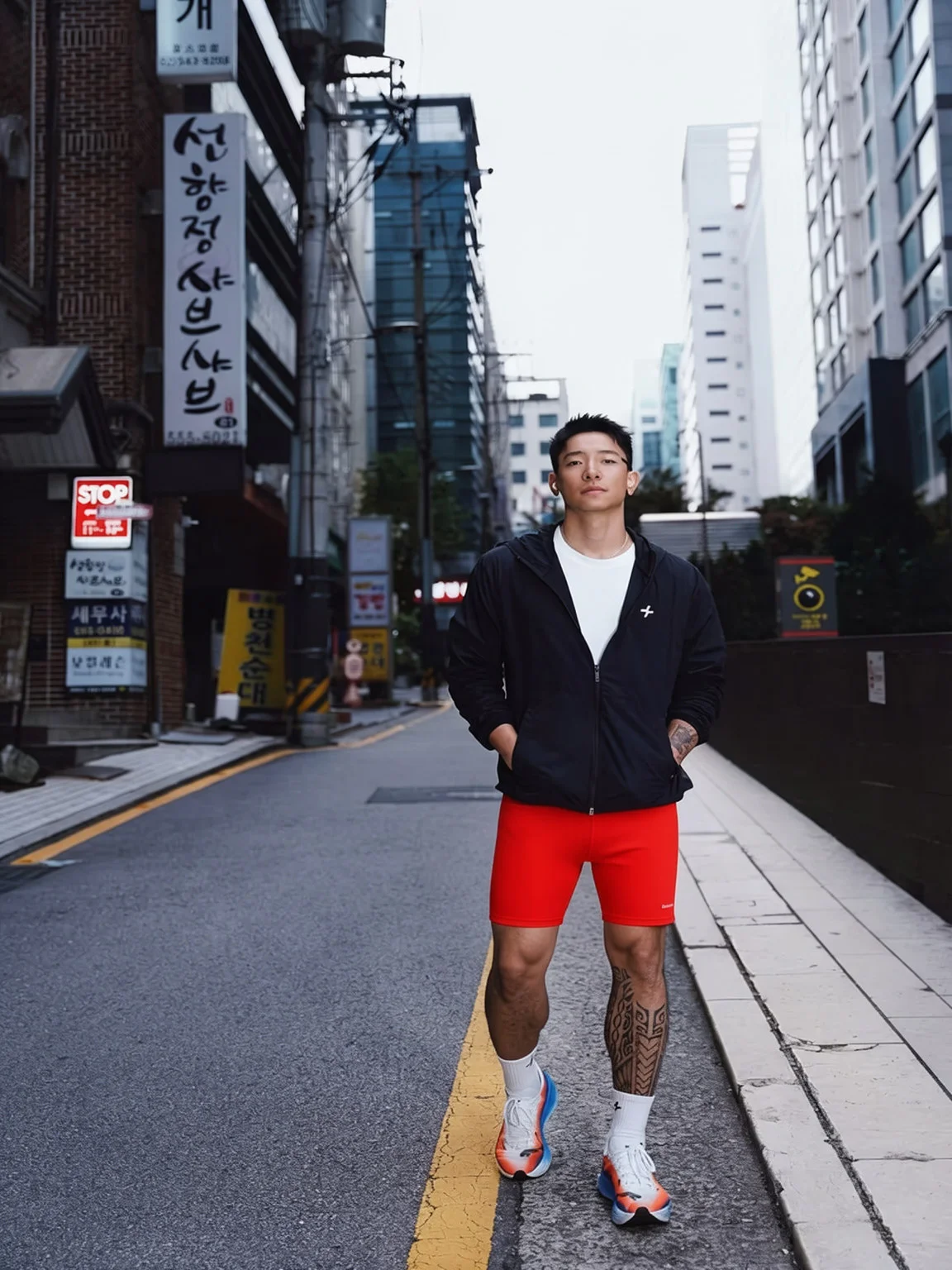
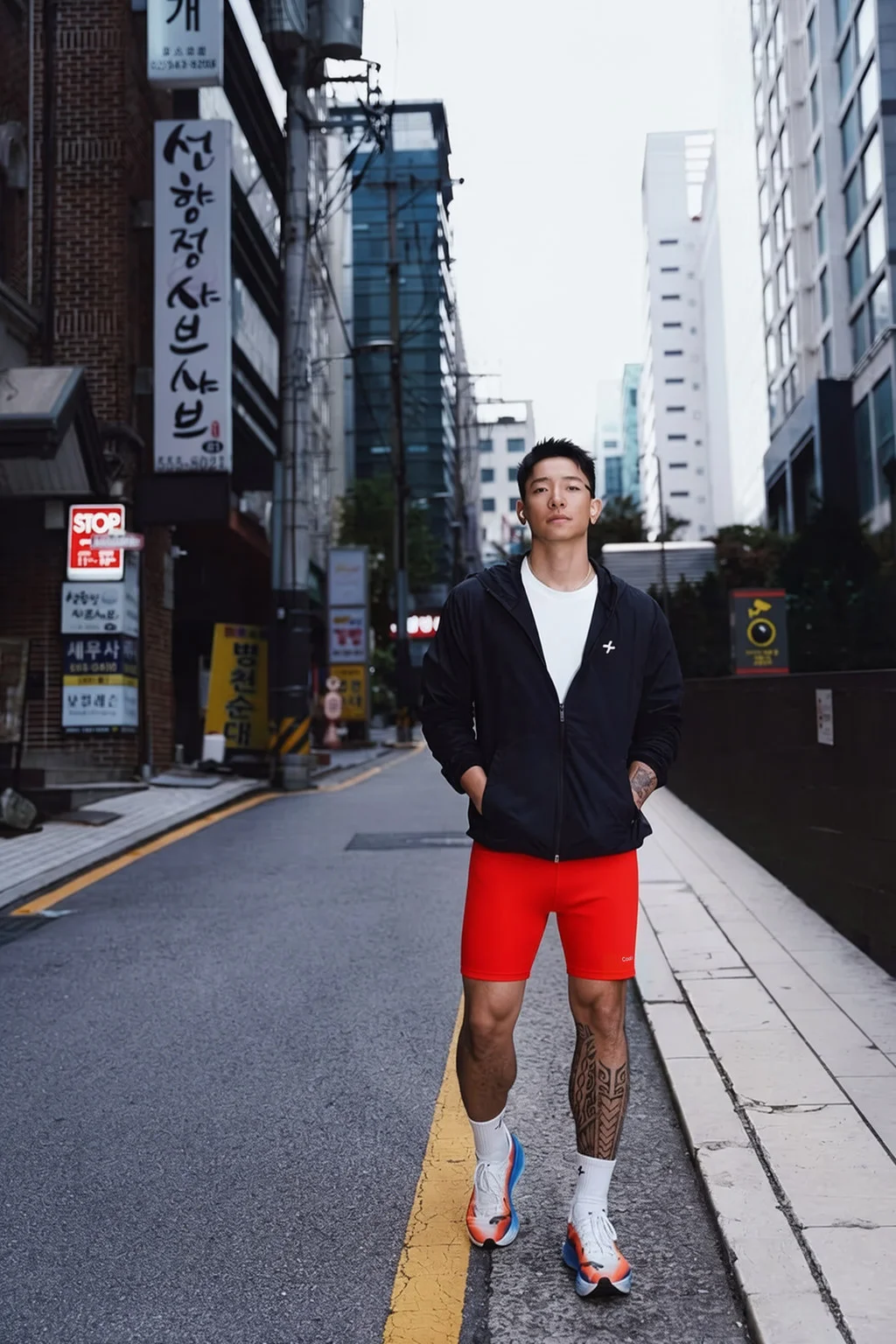
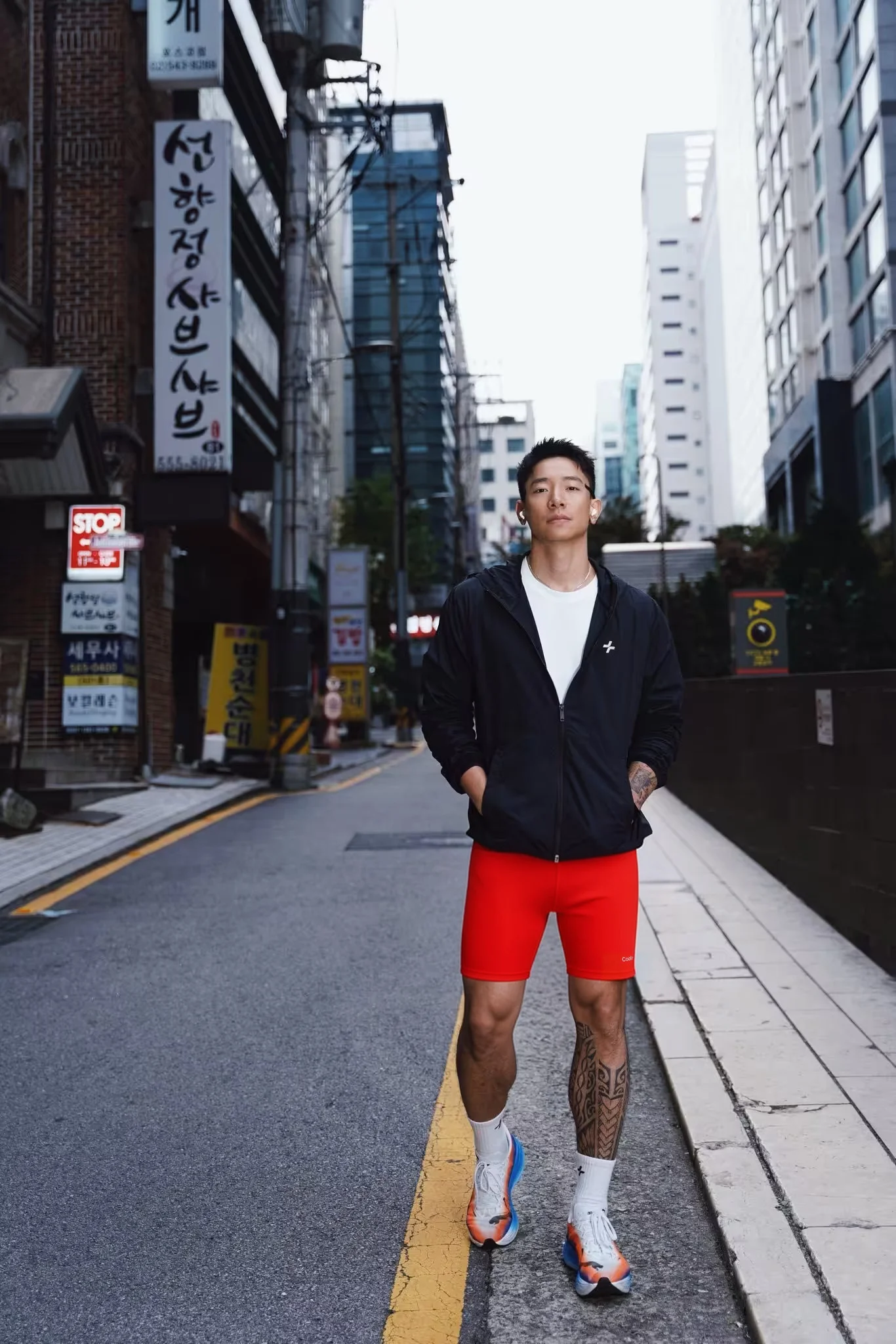
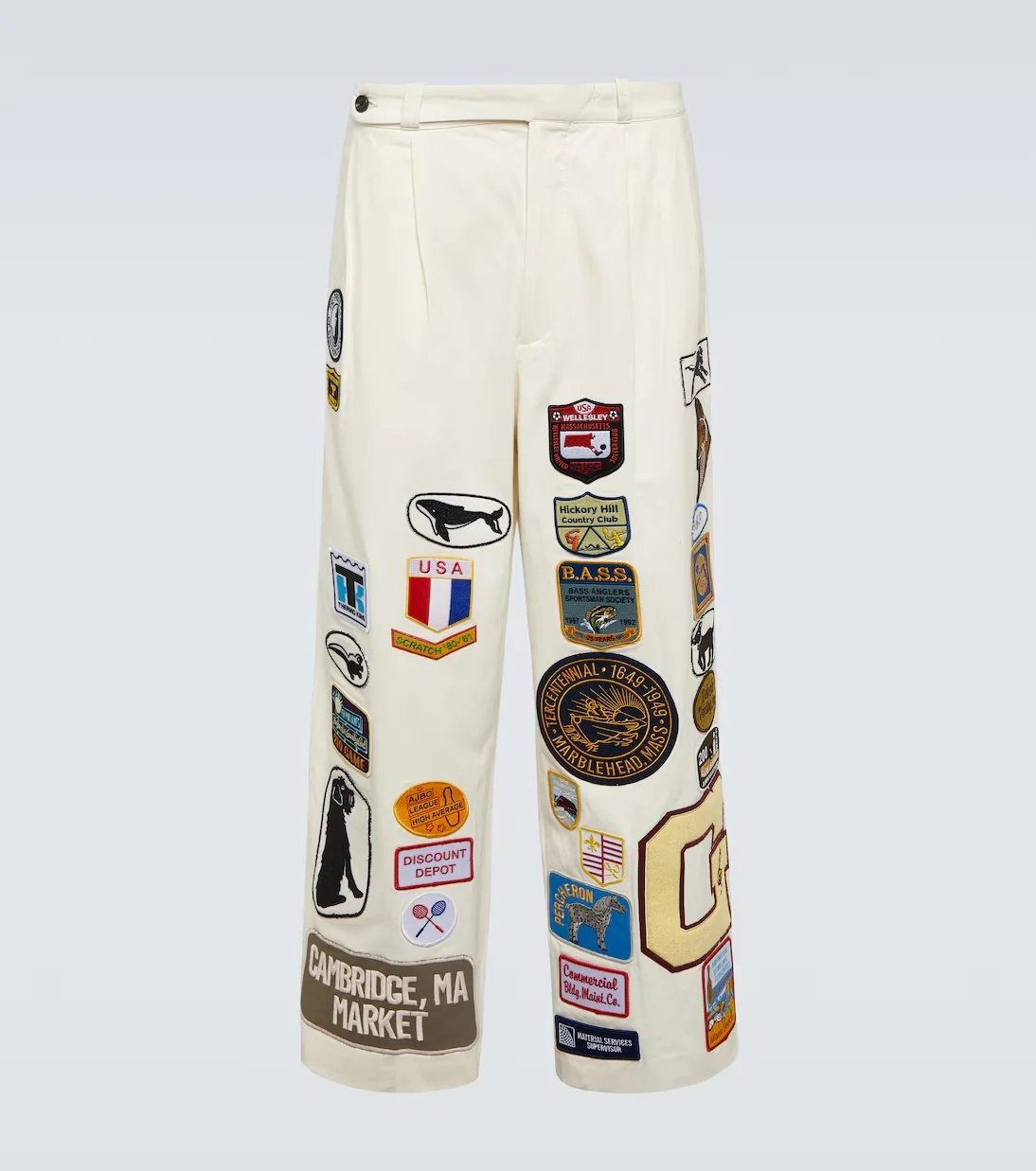
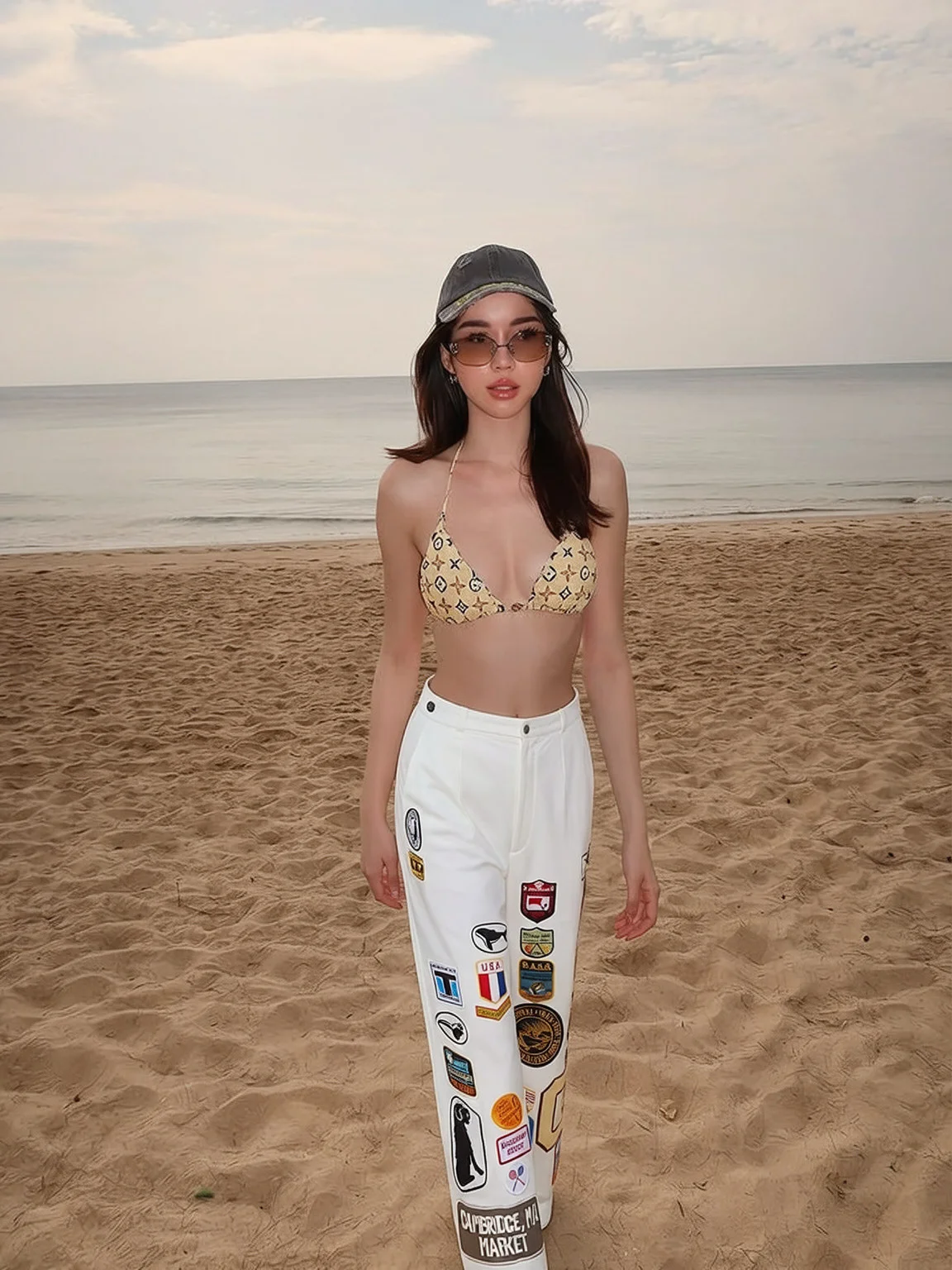
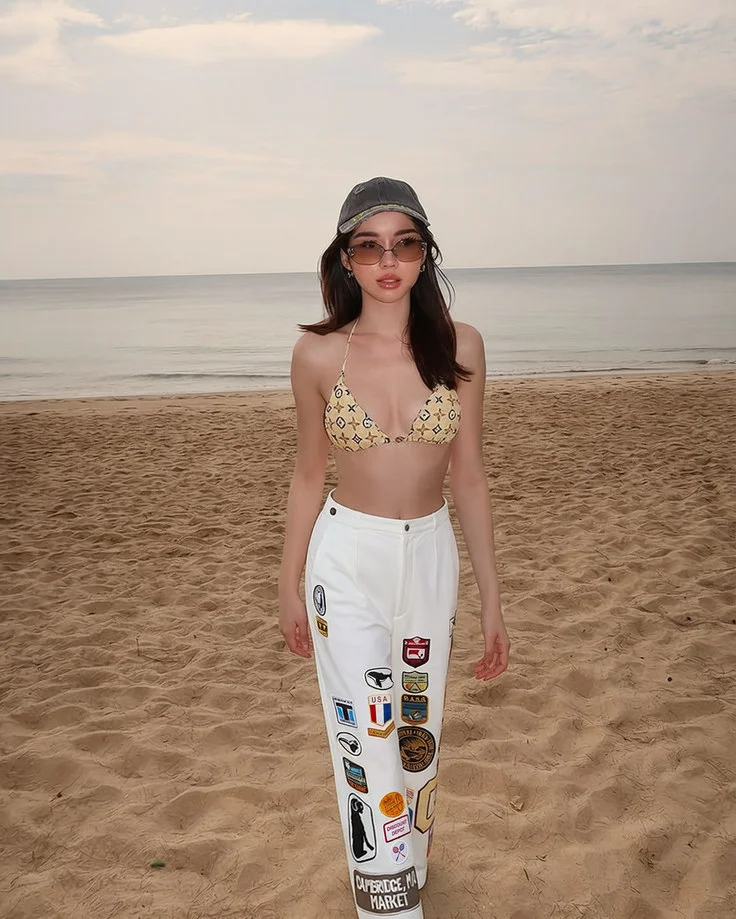
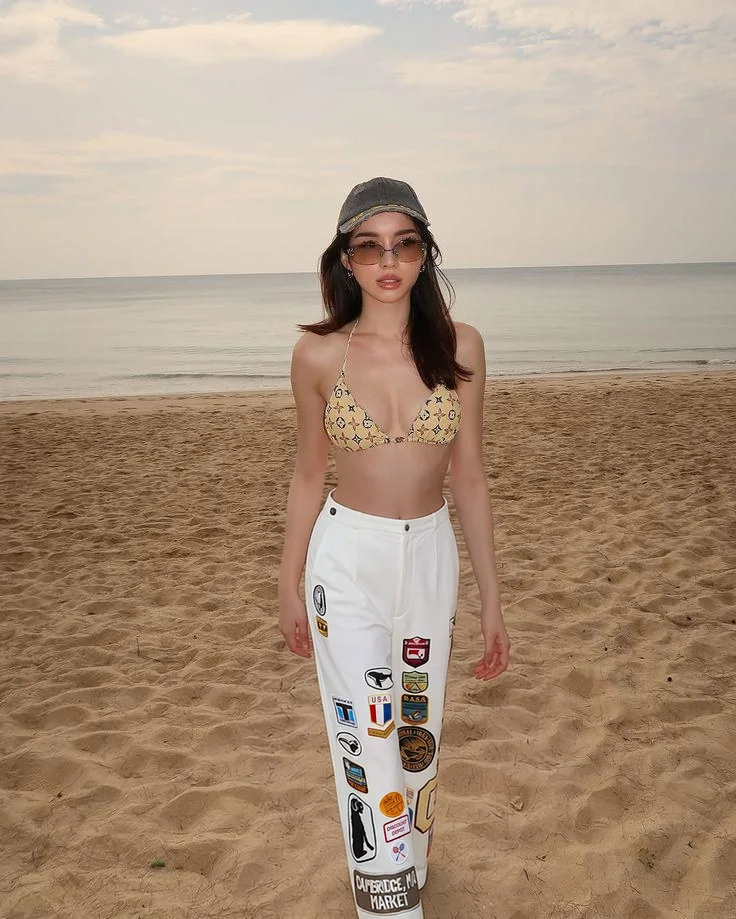
The core change: we continued training the model to better understand and preserve text, logos, and printed graphics during the initial generation.
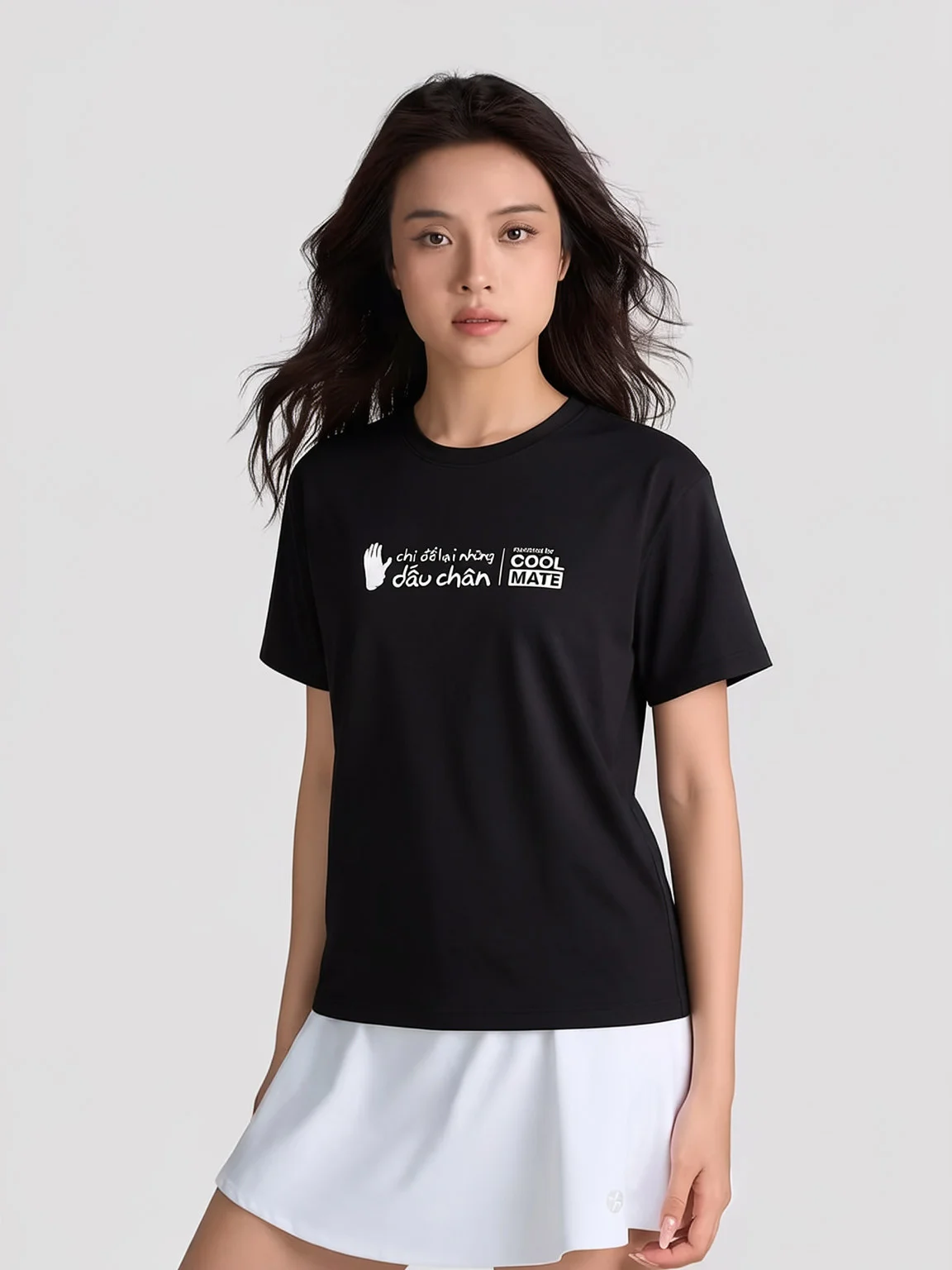
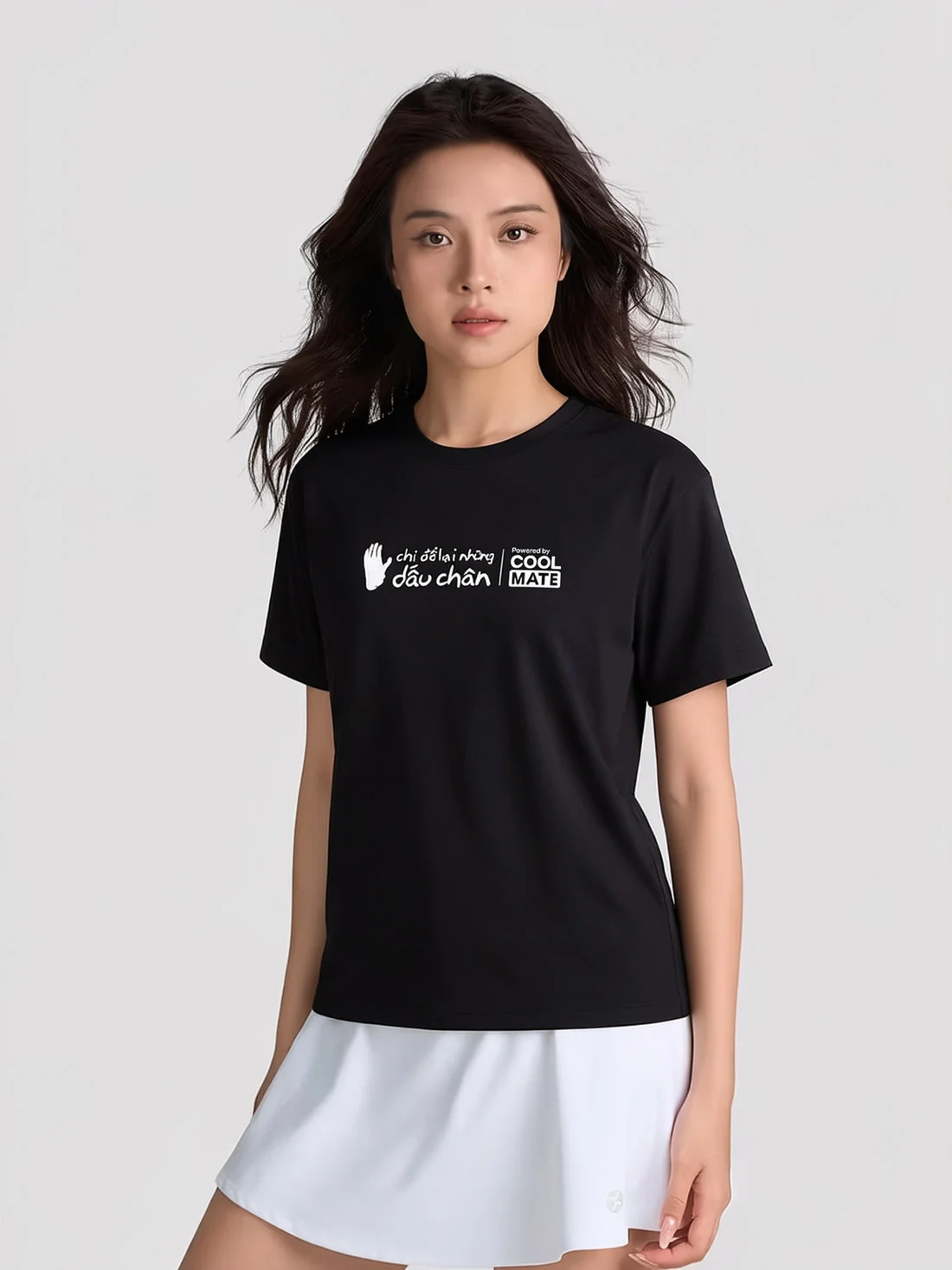
We also added a refinement pass that runs after generation to polish the overall result: shape, proportion, and silhouette balance, so the fit looks intentional rather than raw. Because this pass touches the whole image, we include a safety check: if the polish would degrade a logo or text region the base model already got right, that region is rejected and reverted, so refinement never comes at the cost of accuracy.
This upgrade isn't just limited to logos. The same underlying model upgrade improves fine texture, pattern detail, and fabric drape- how the material folds and falls on the body, across the whole garment, not just the printed regions.
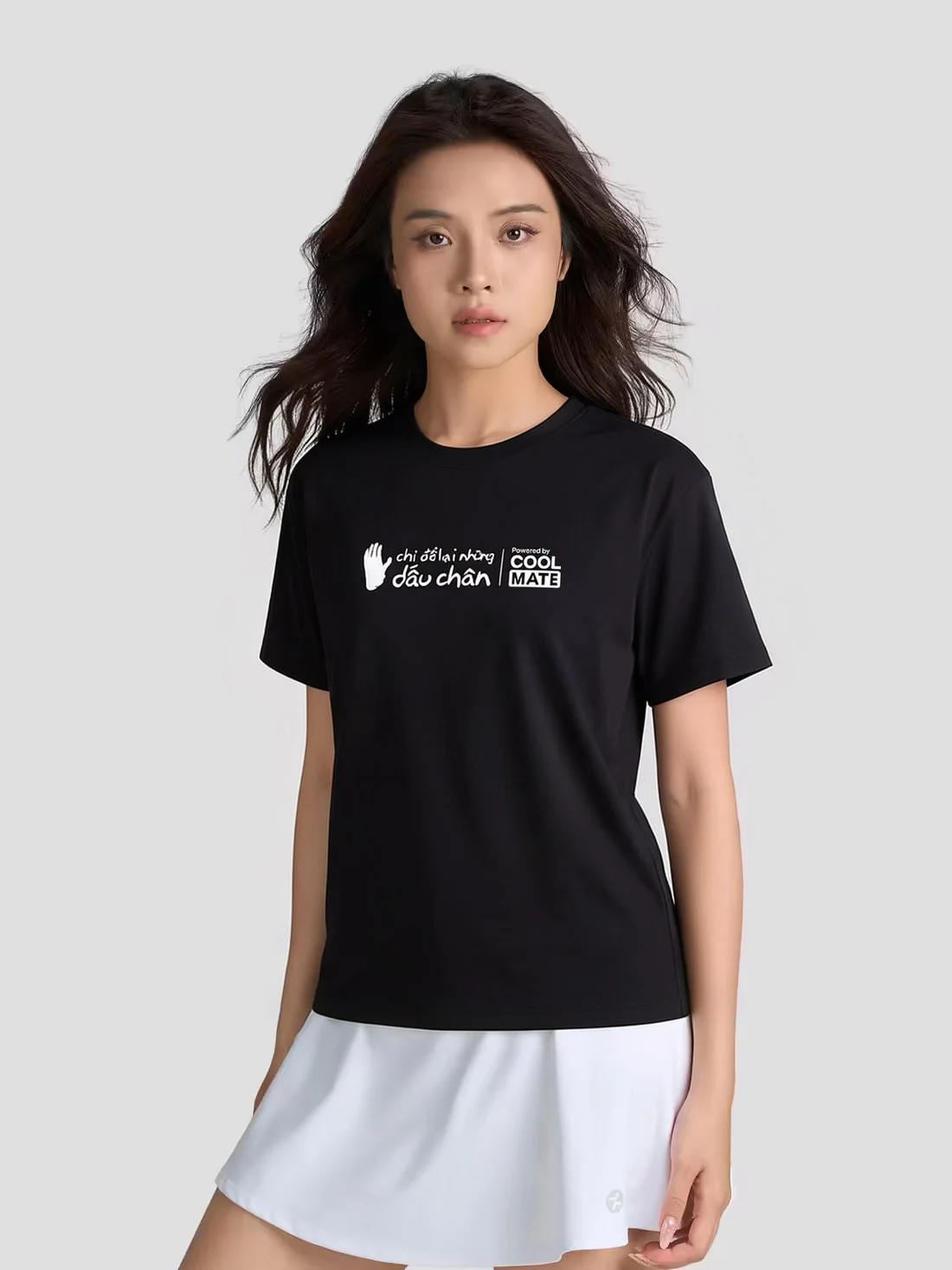
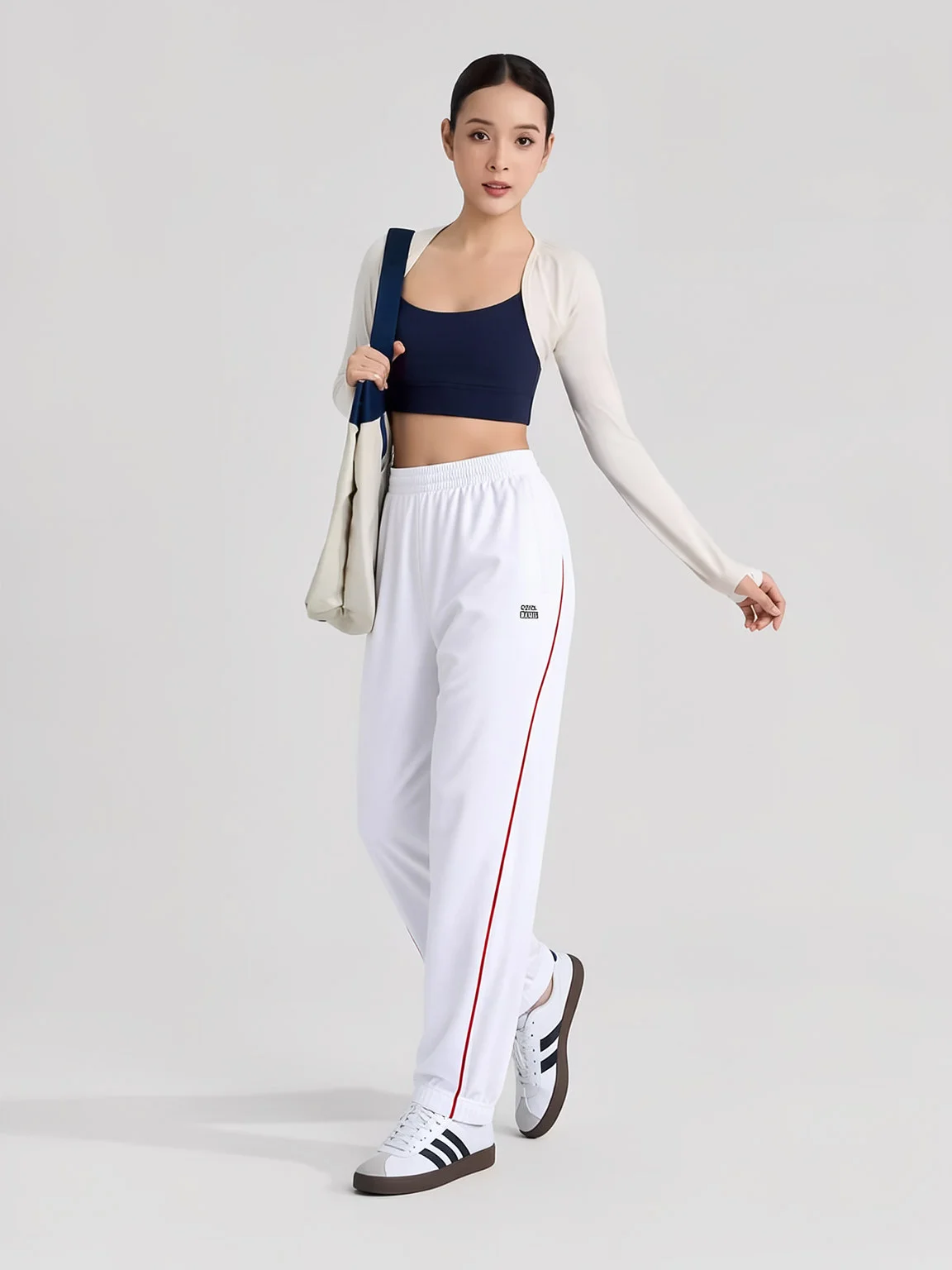
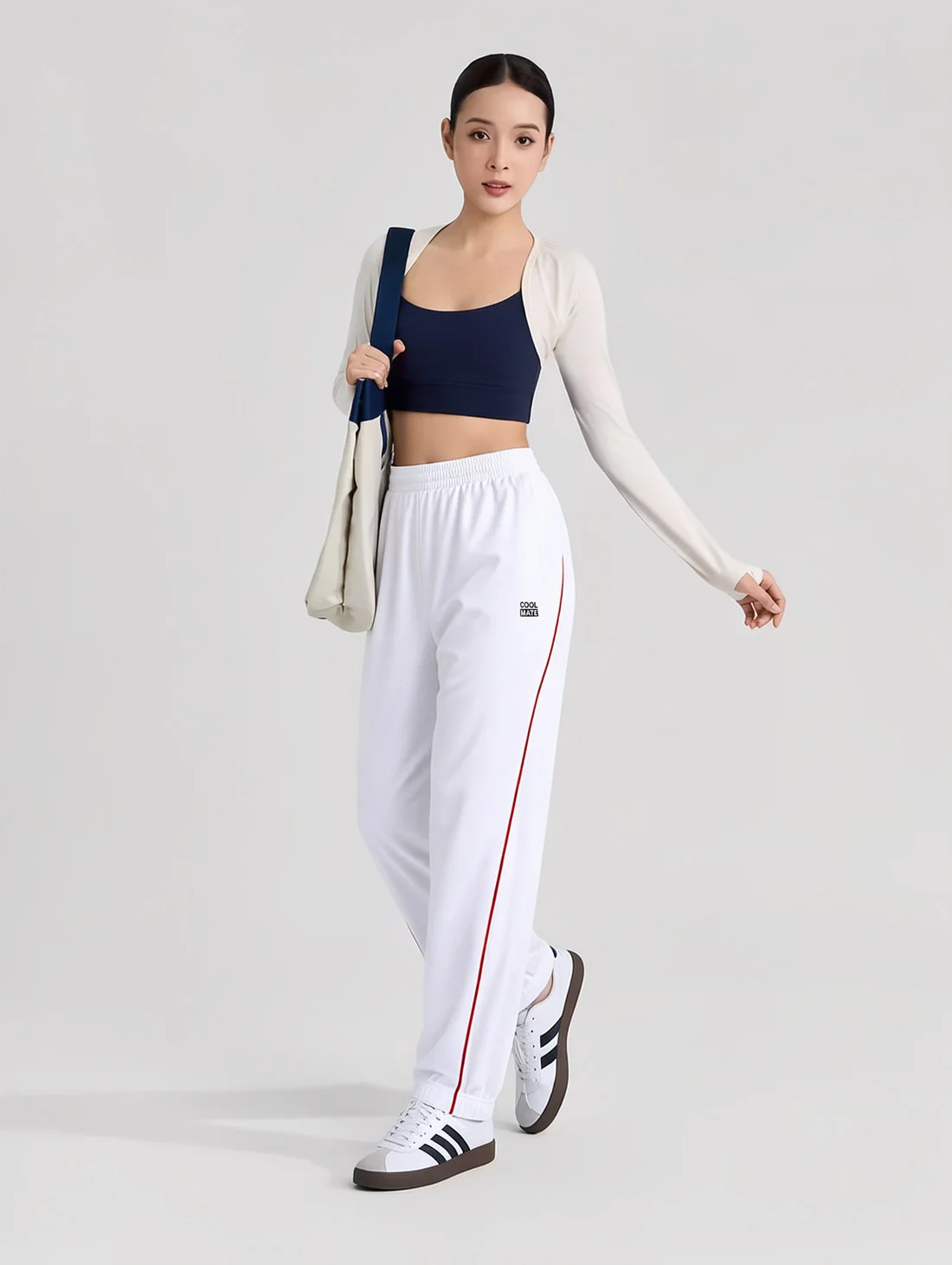
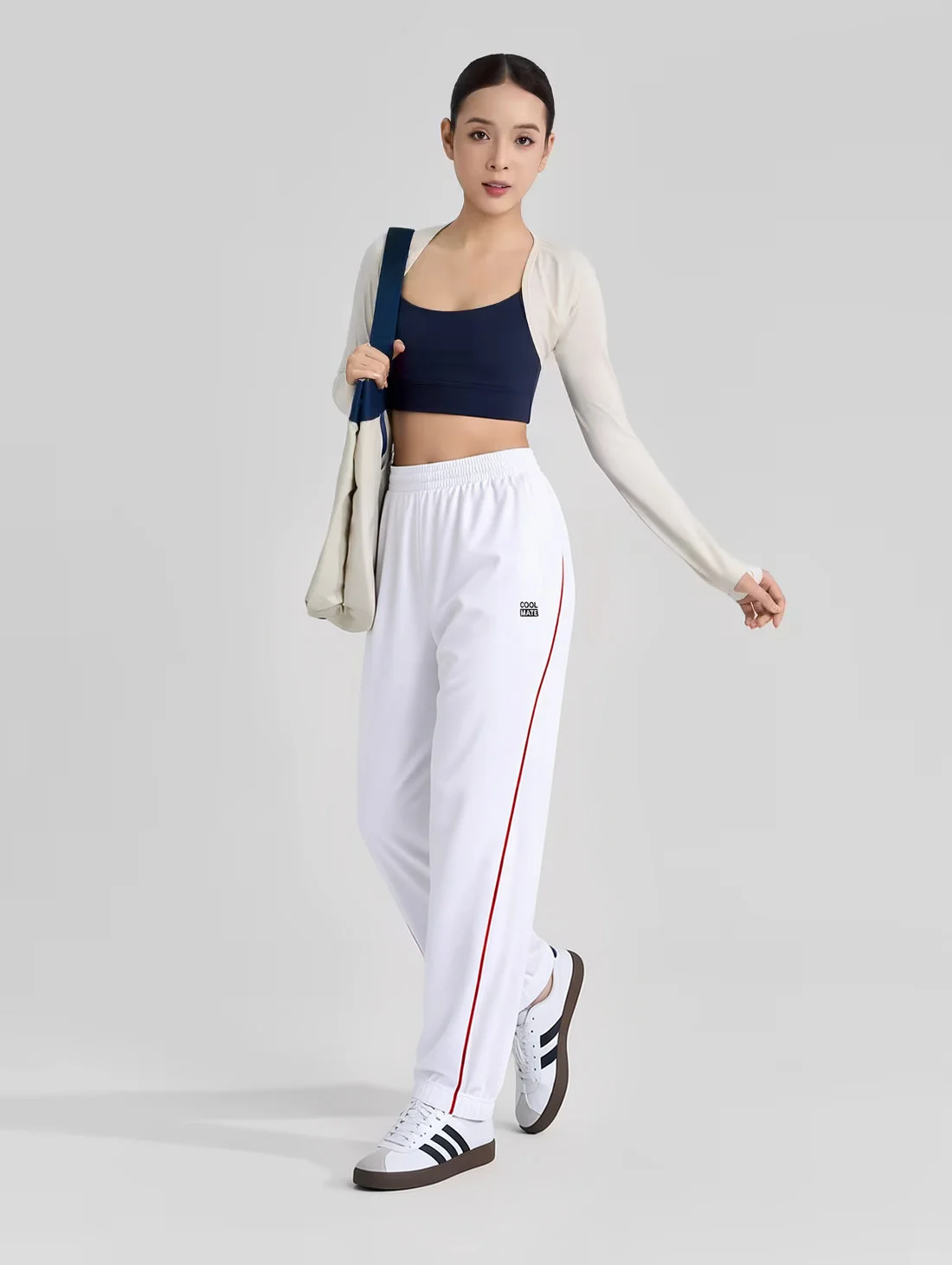
The result: Accurate logos, cleaner graphics, and more faithful printed details, alongside noticeably better texture, drape, and garment proportions. Together, these improvements help virtual try-on better reflect the final product, giving customers greater confidence in what they see. This had been one of the biggest limitations of our model. With this release, we've closed that gap.
Want to see how this update changes Fitroom's position against other virtual try-on APIs? We've updated our comparison to reflect the latest improvements in logo preservation, garment quality, and rendering accuracy. See the full benchmark HERE.
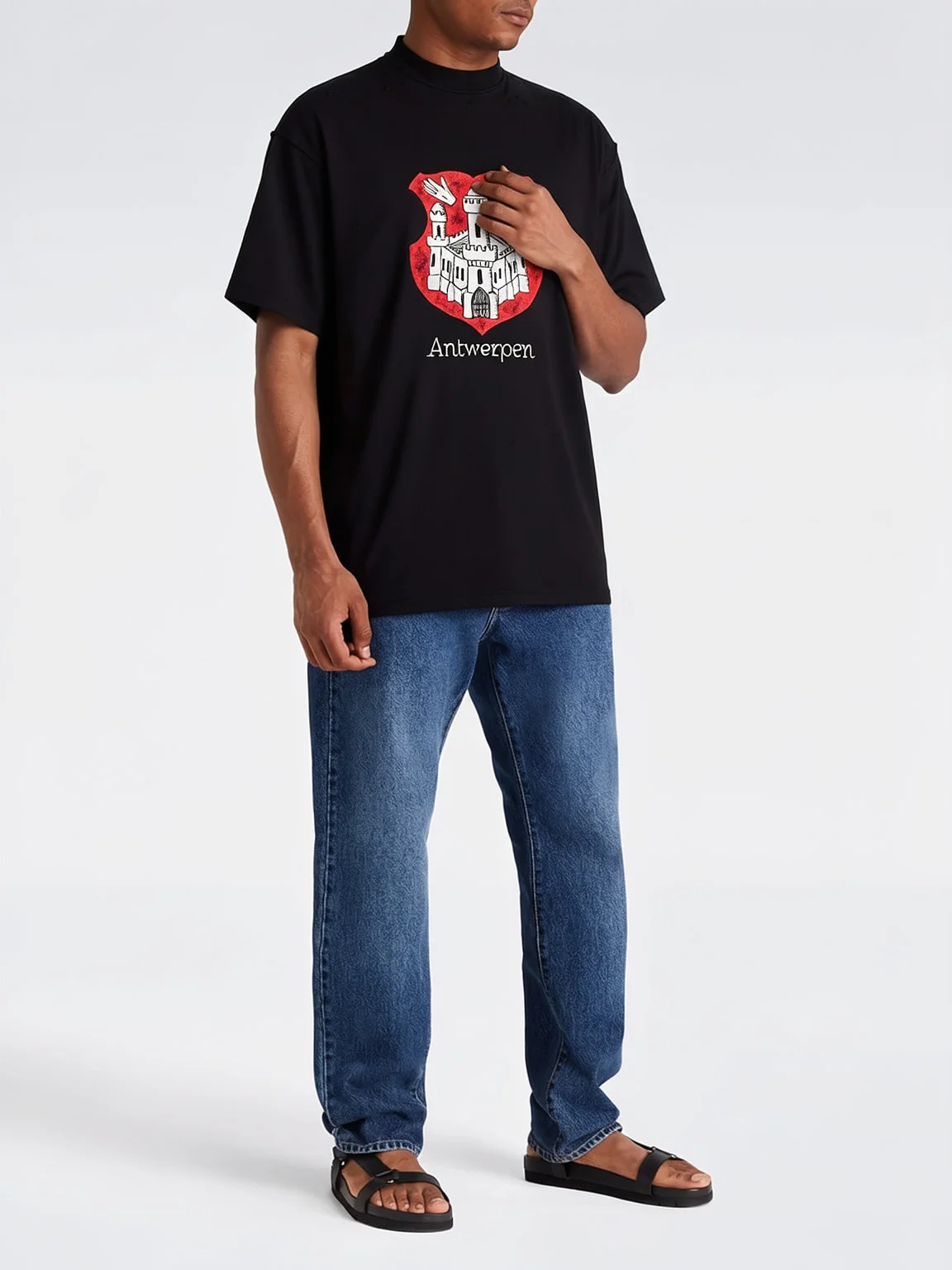
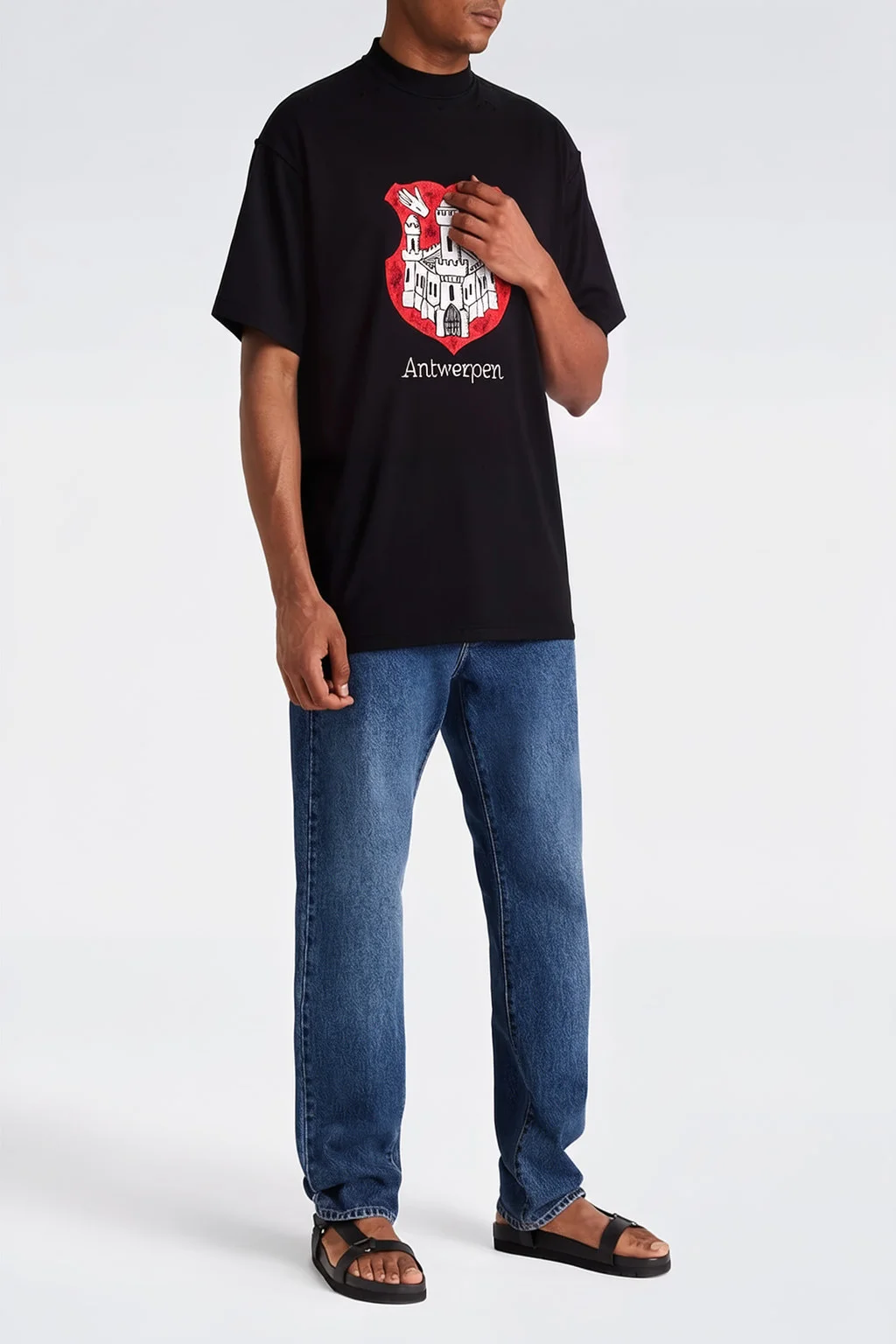
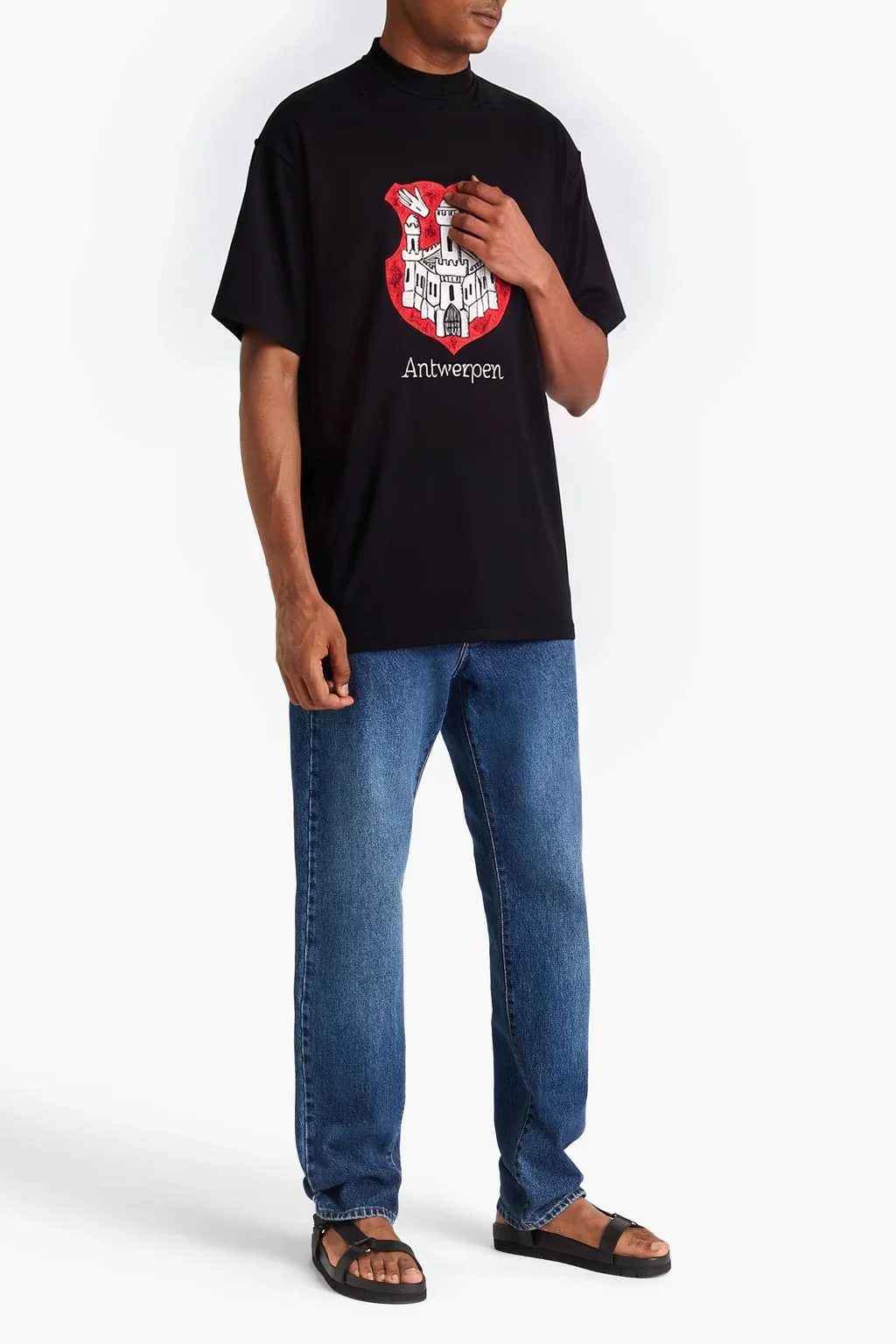
See the Difference: Before vs After Logo & Print Refinement
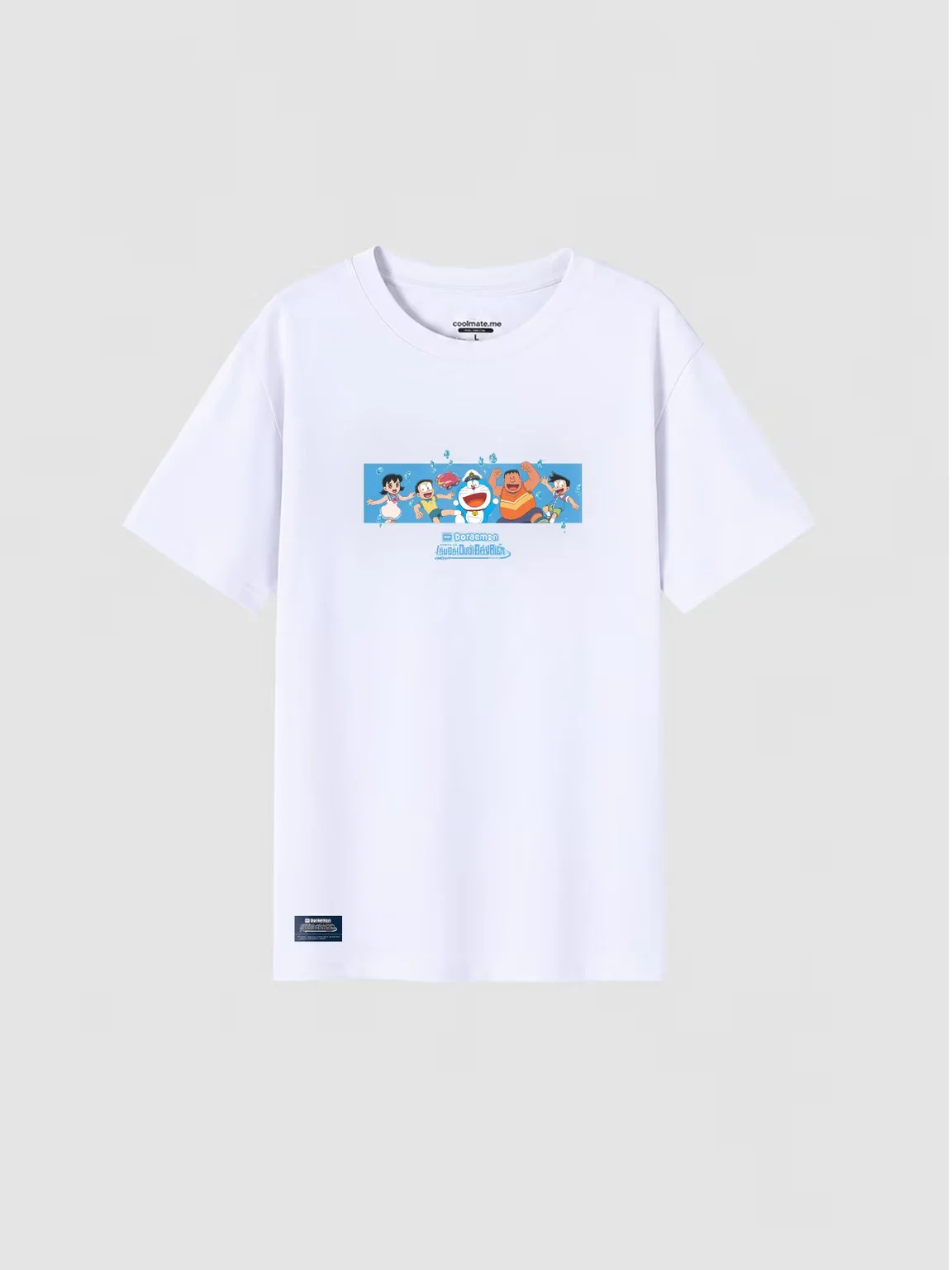
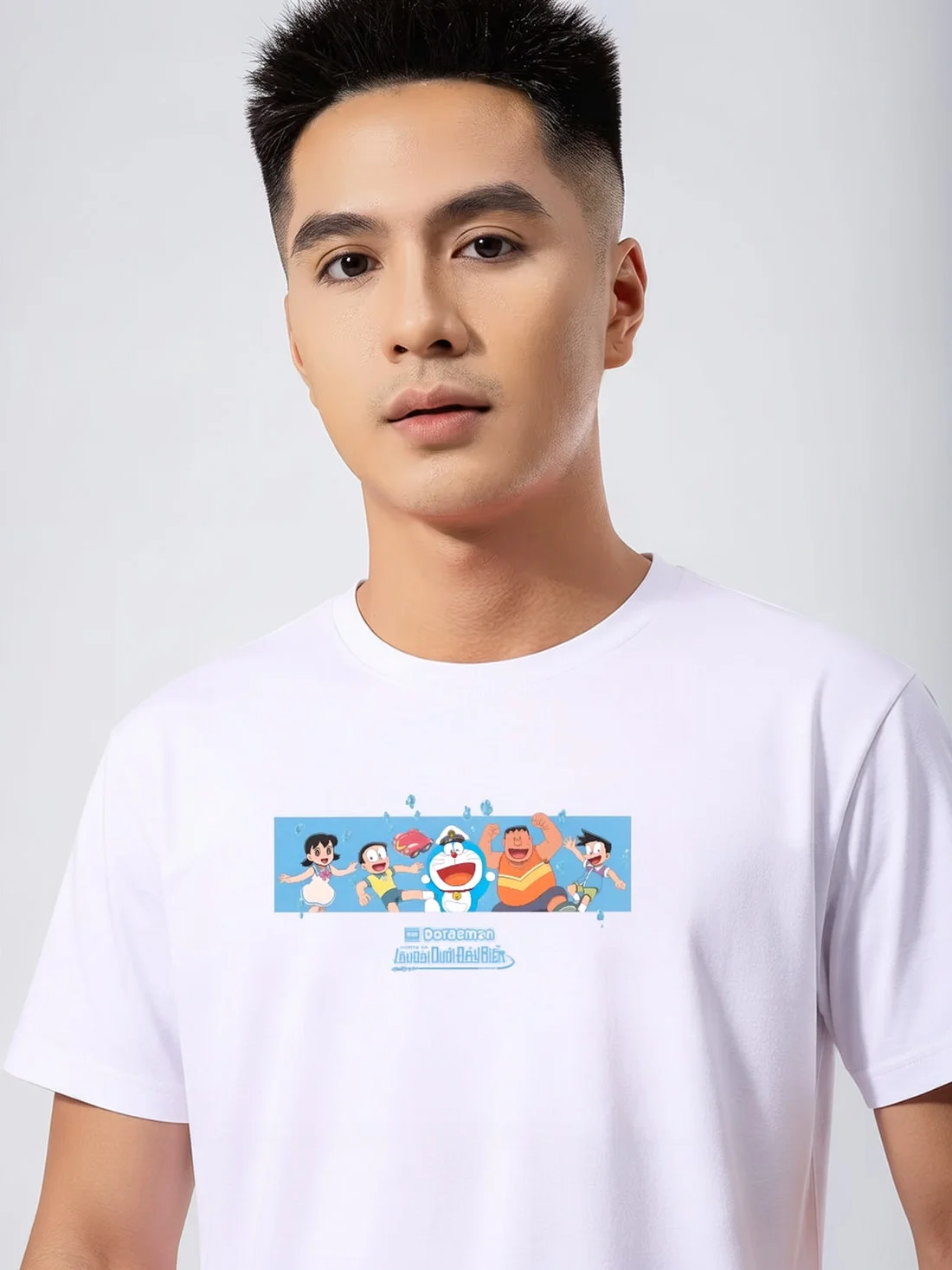
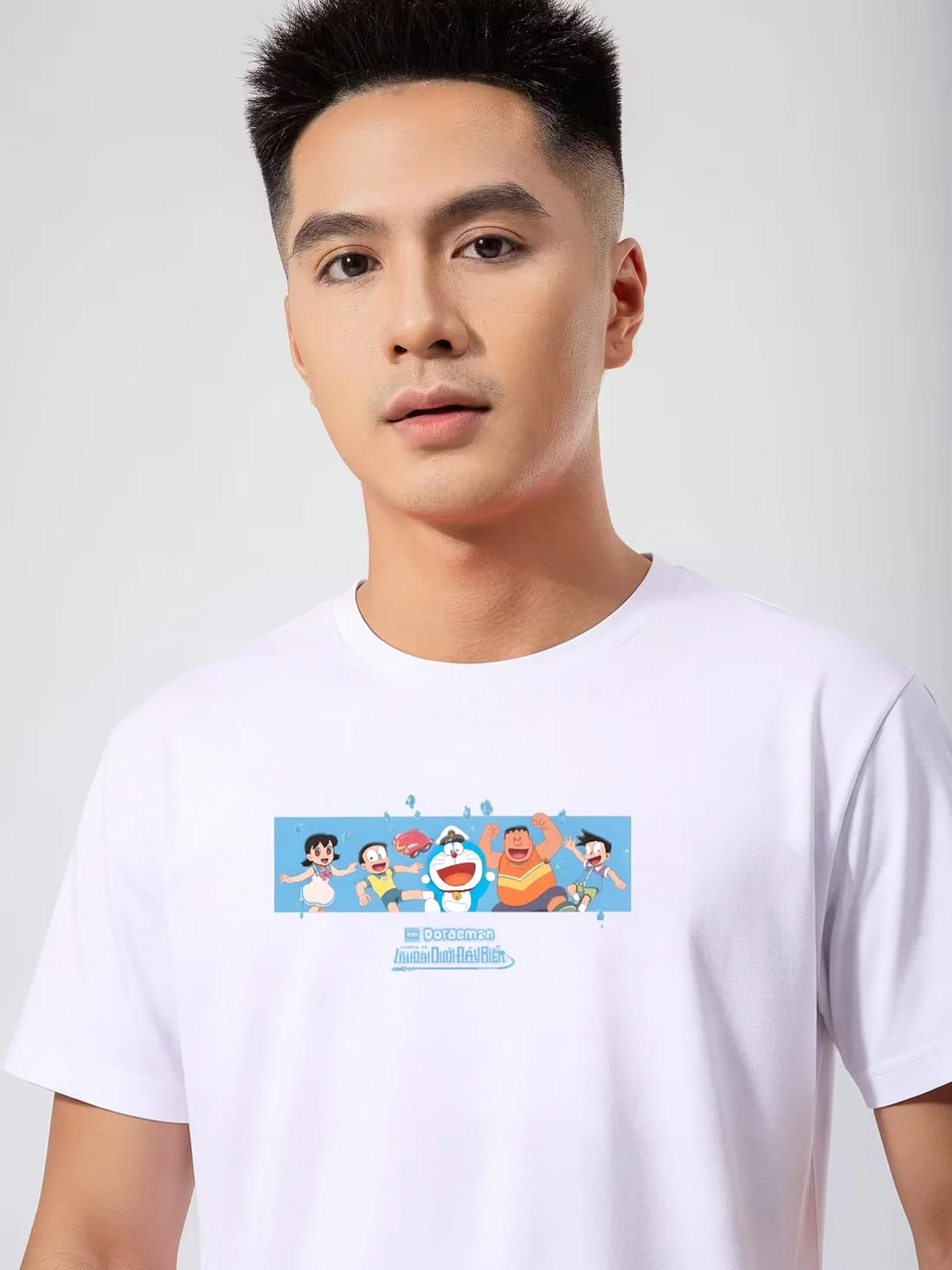
You'll see the difference in quality before and after the virtual try-on images are processed by the refiner. We've grouped the results into three test cases below, and you can explore the complete benchmark images here: THIS LINK.
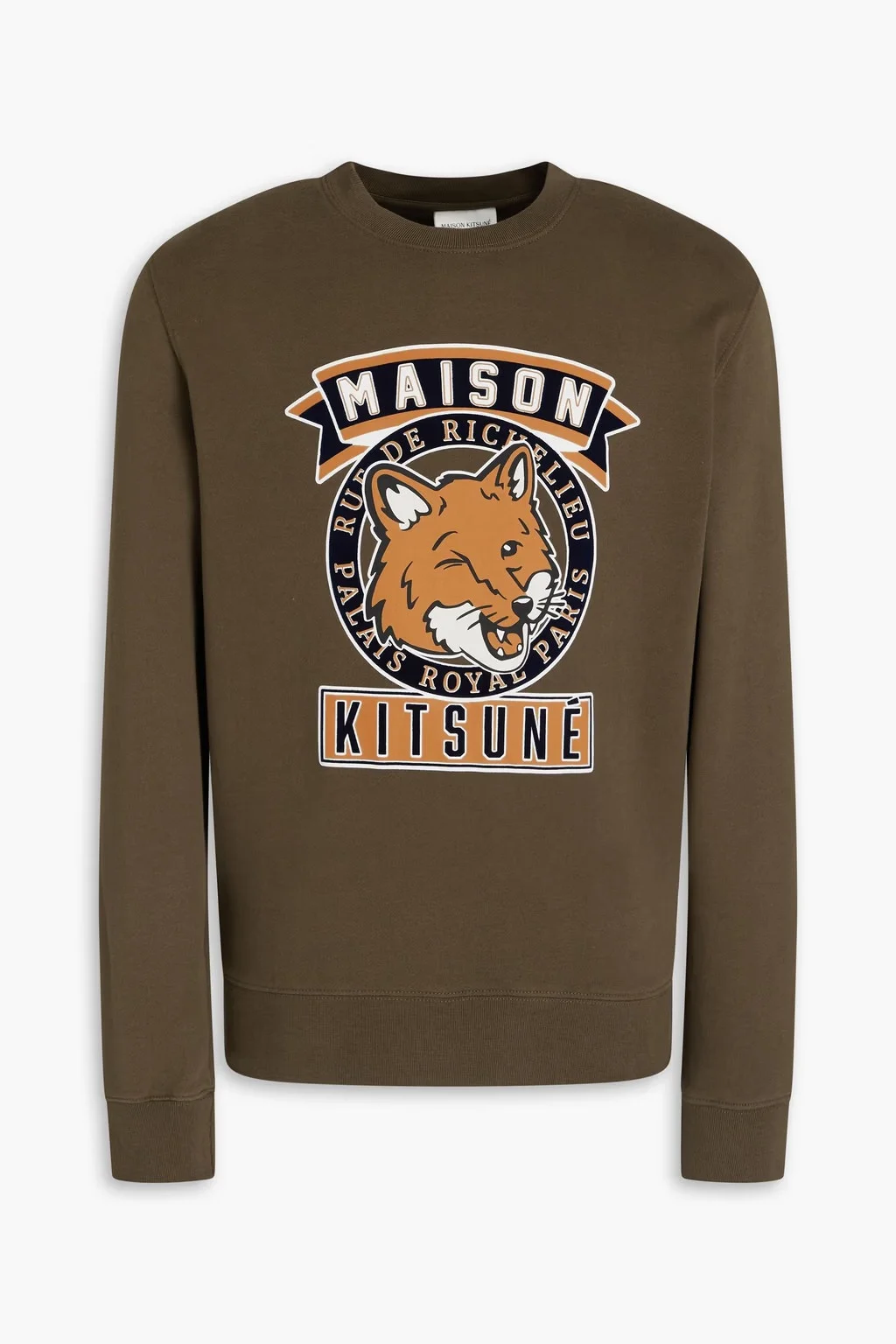
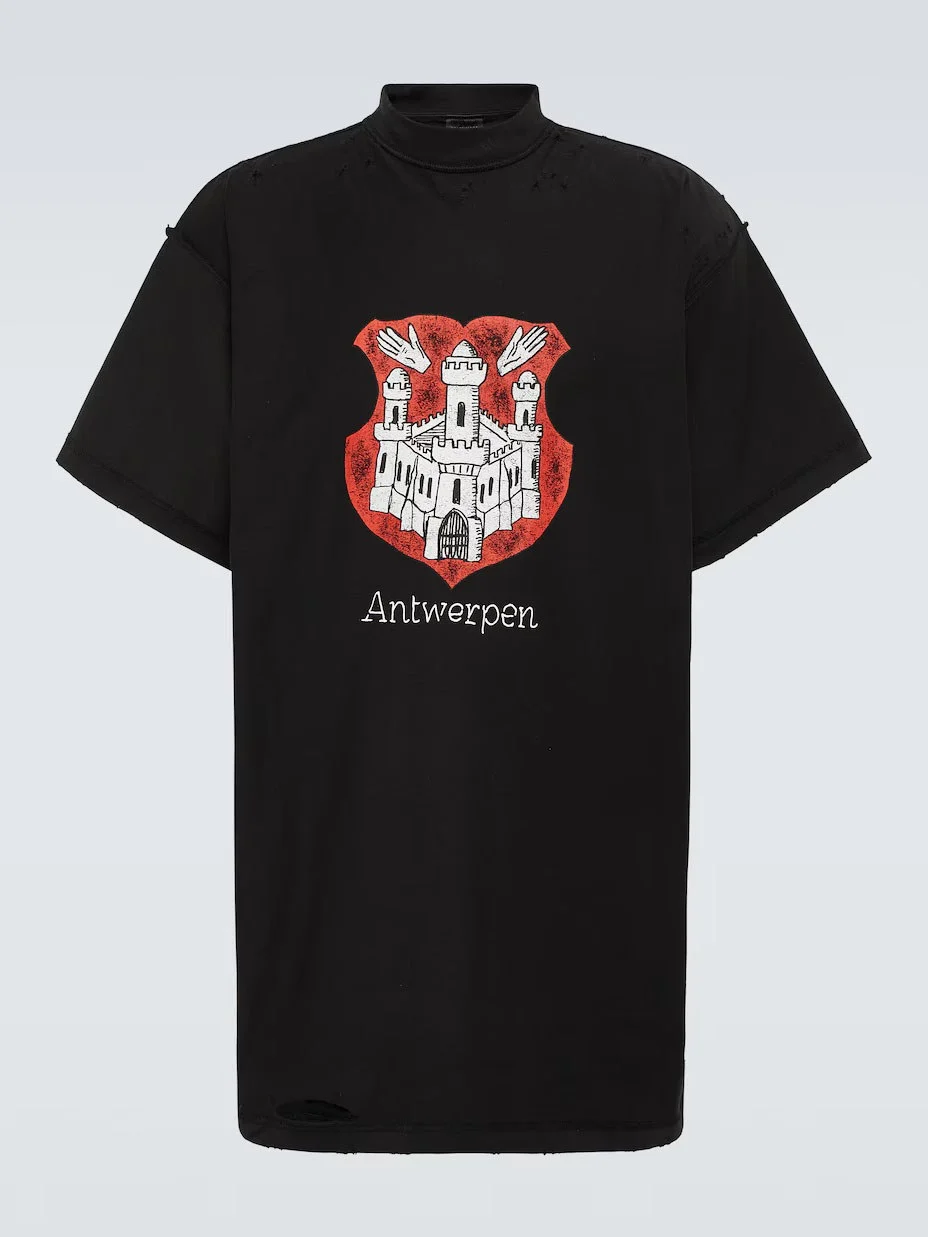
Graphic tees and prints - Upper
| Upper | Before Refiner | After Refiner | Final Output |
|---|---|---|---|
 |
 |
 |
 |
 |
 |
 |
 |
 |
 |
 |
 |
 |
 |
 |
 |
 |
 |
 |
 |
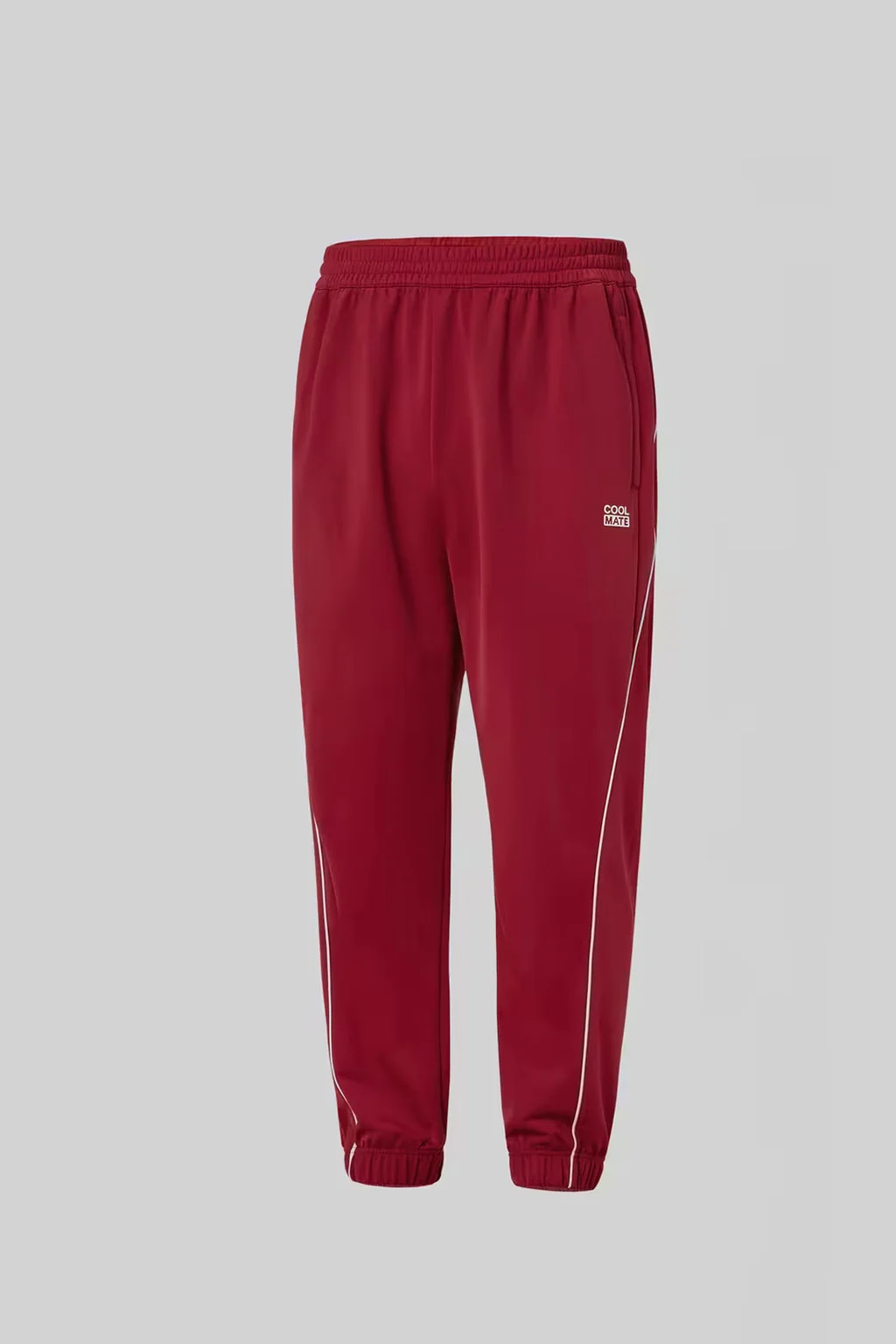
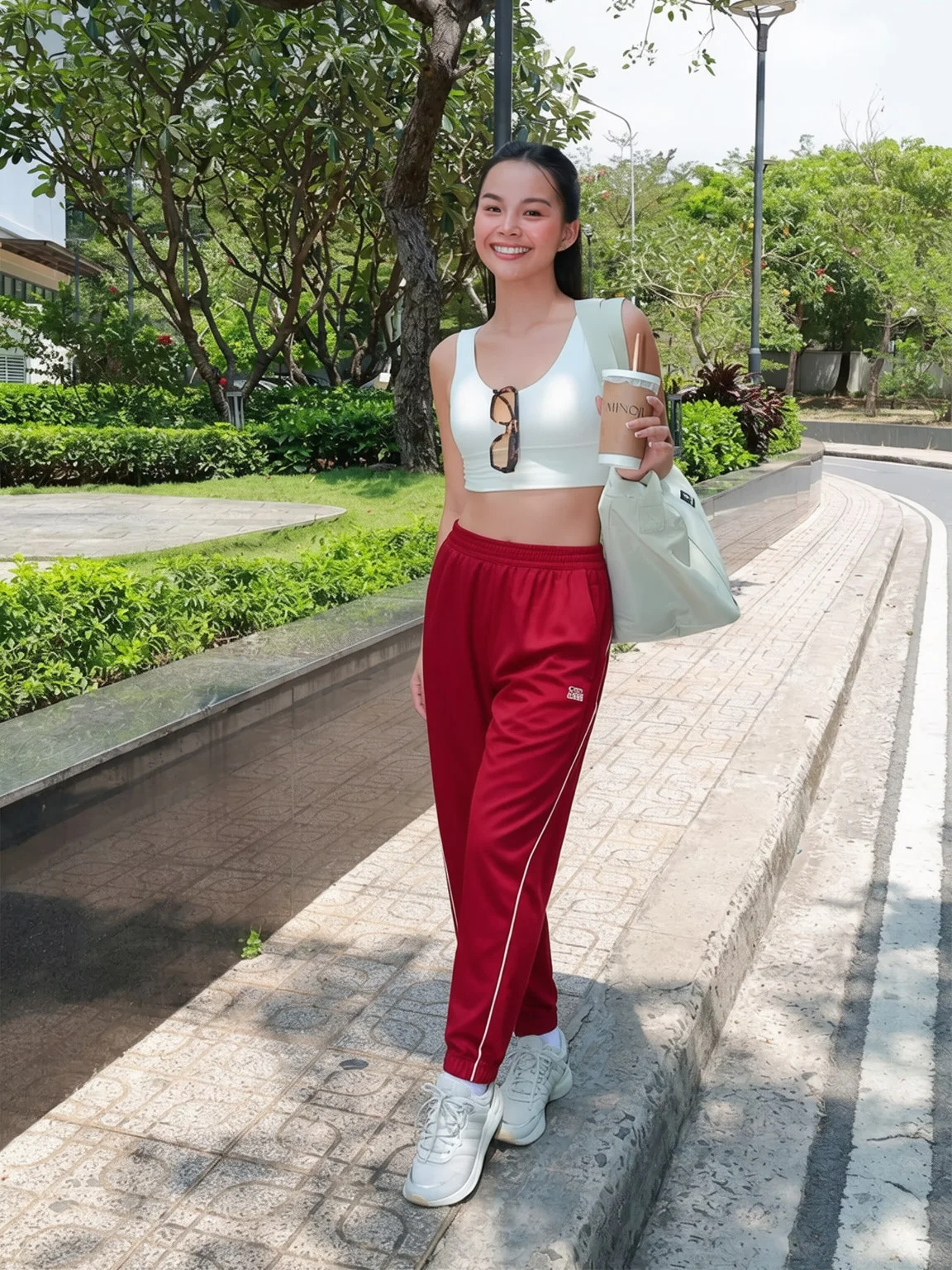
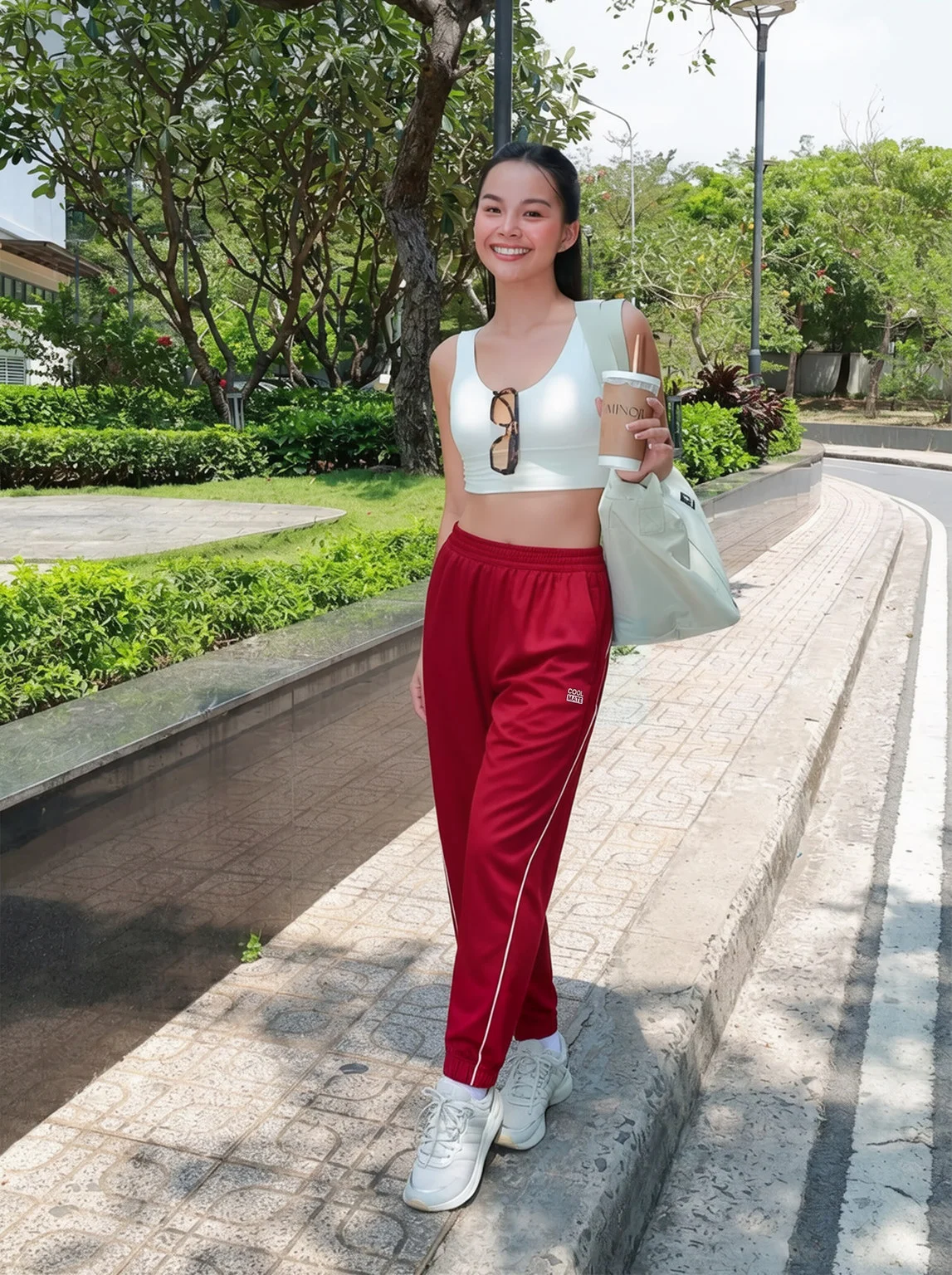
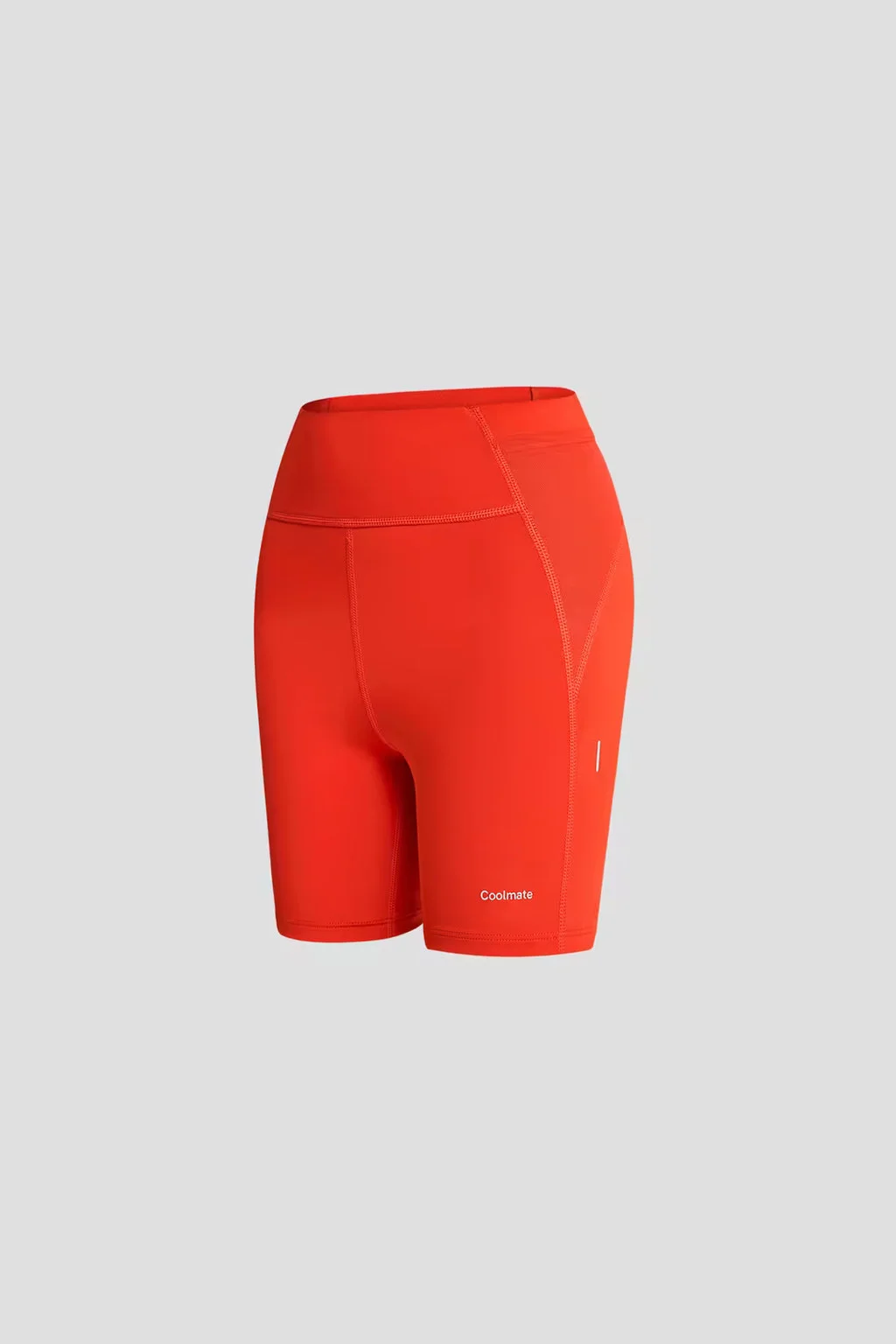
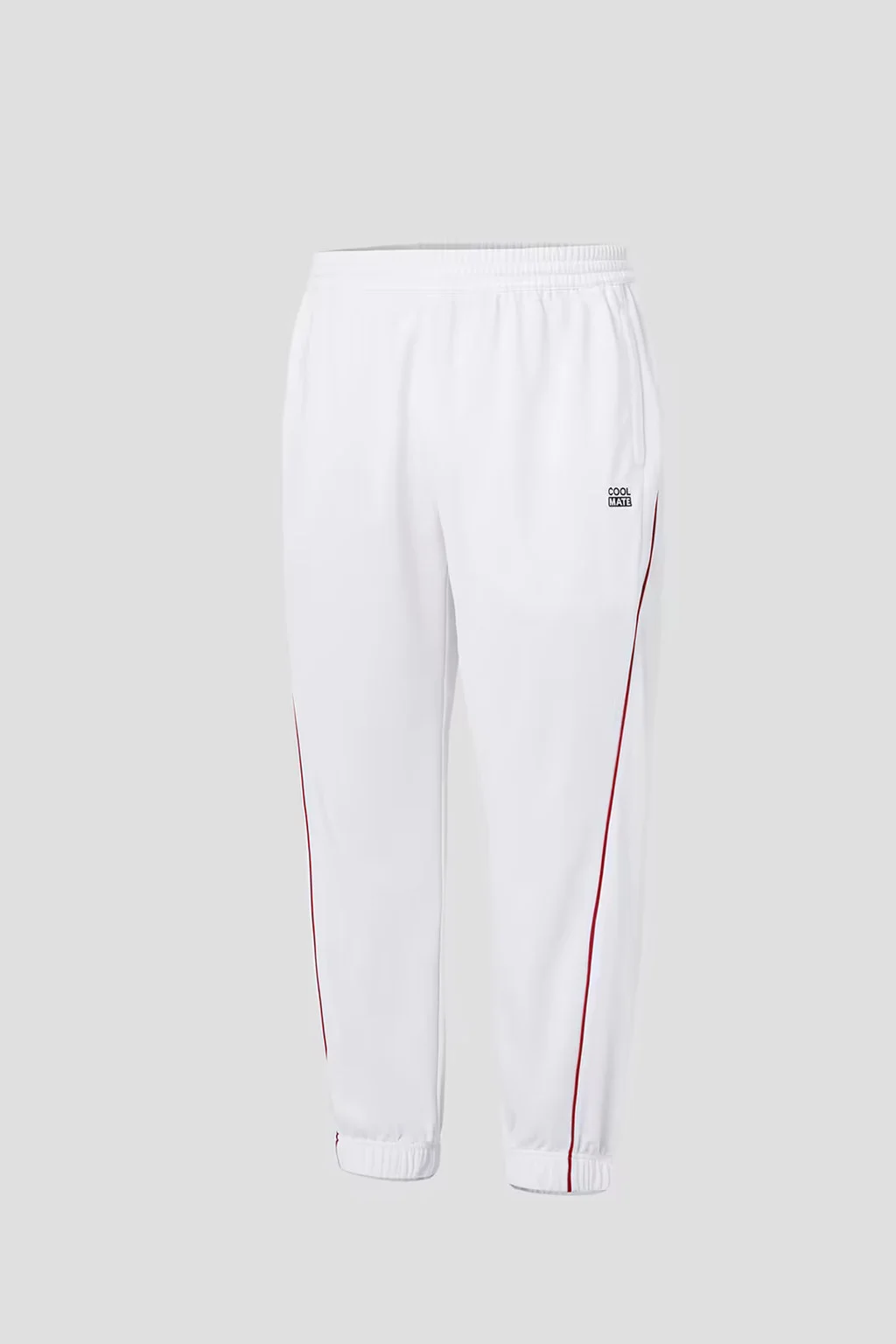
Bottoms with logos and side prints - Lower
| Lower | Before Refiner | After Refiner | Final Output |
|---|---|---|---|
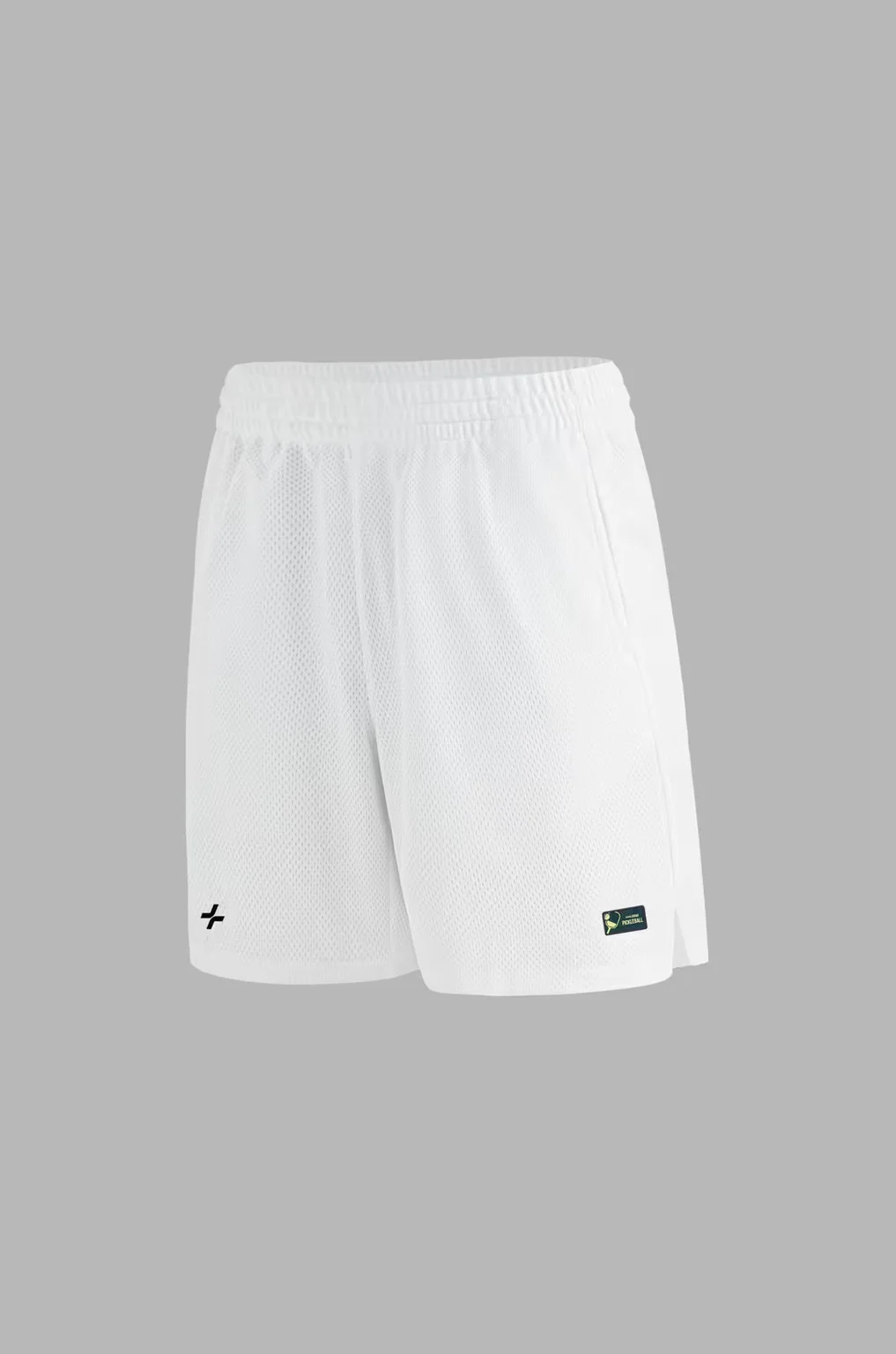 |
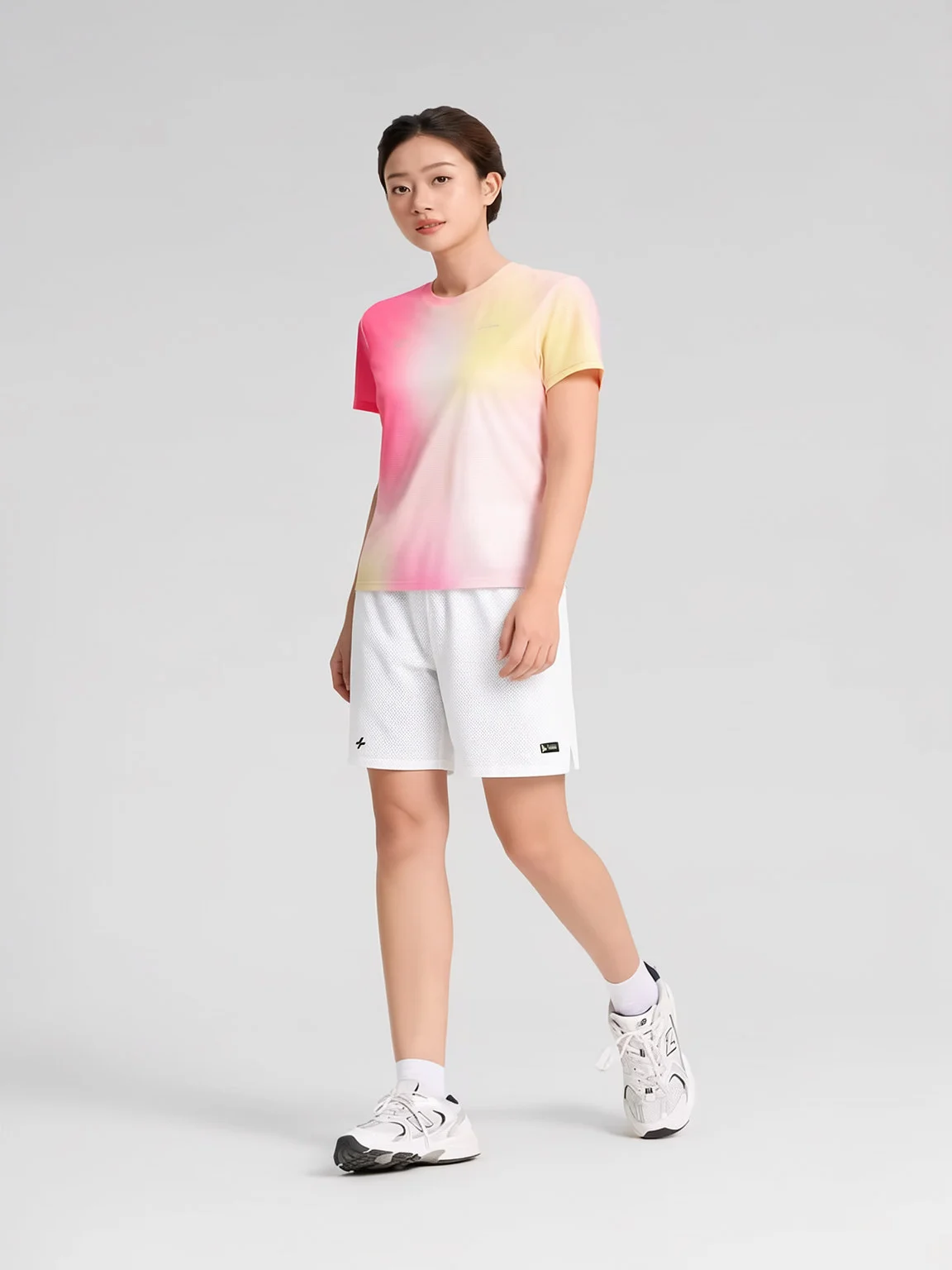 |
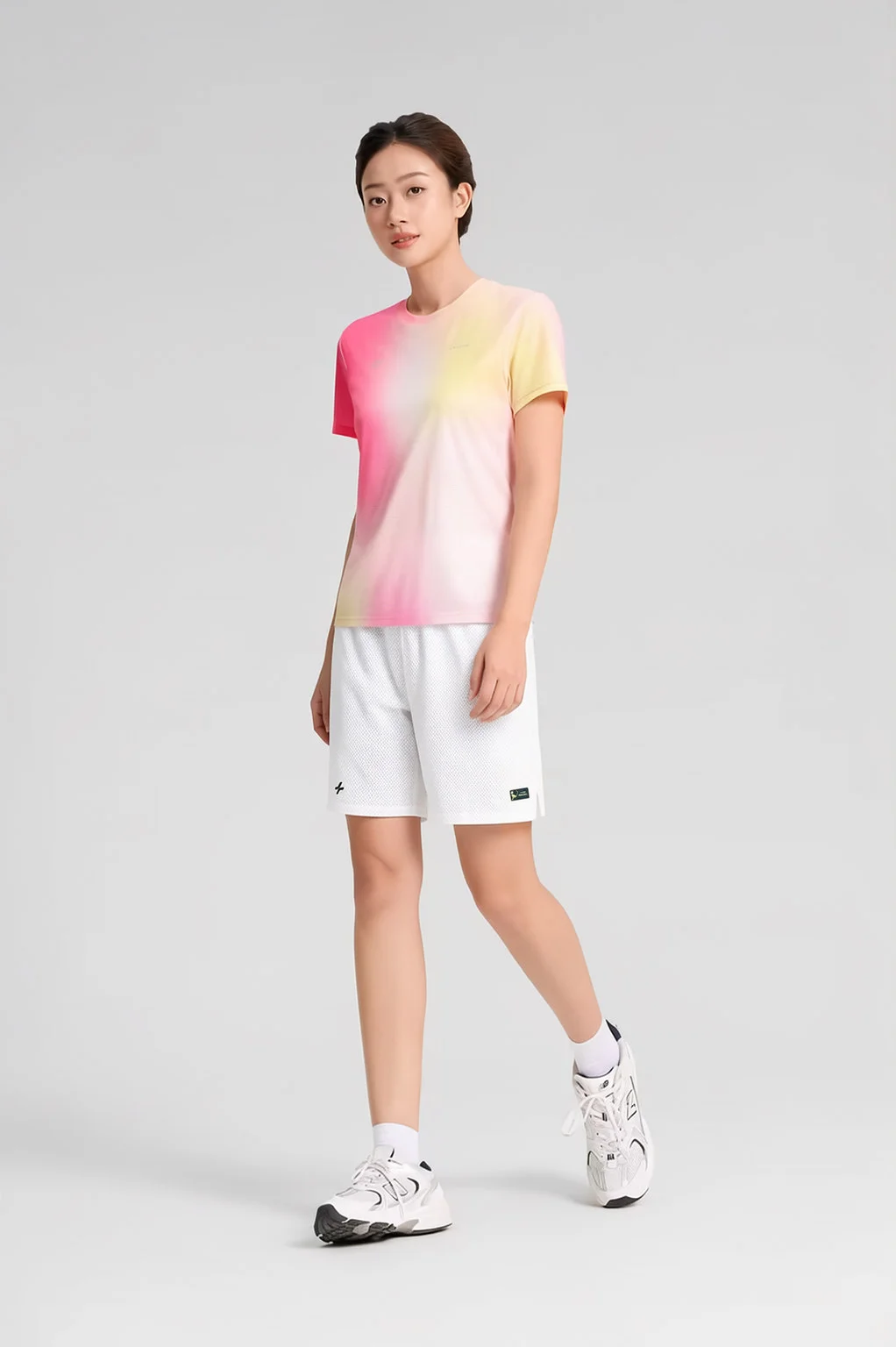 |
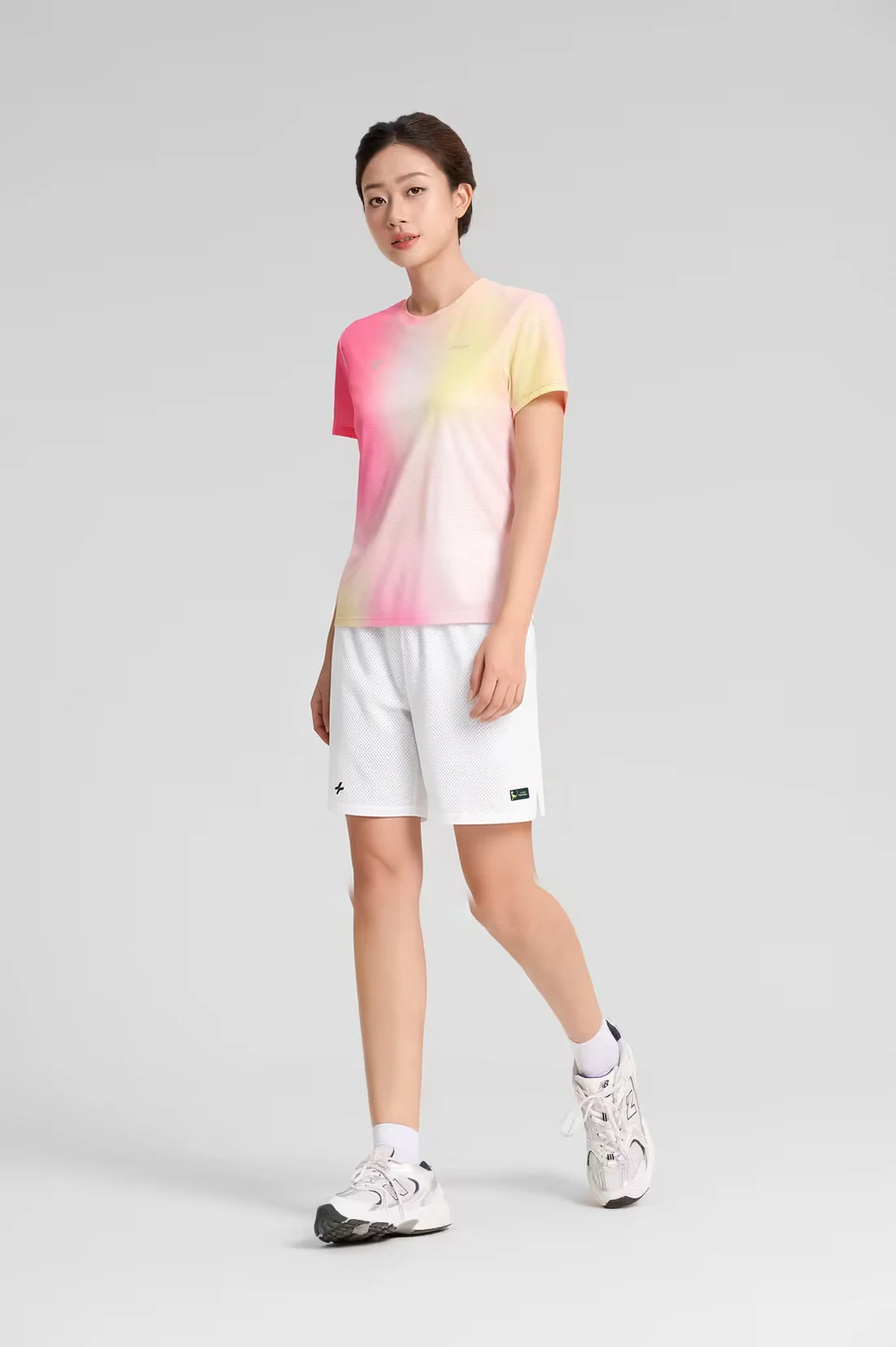 |
 |
 |
 |
 |
 |
 |
 |
 |
 |
 |
 |
 |
 |
 |
 |
 |
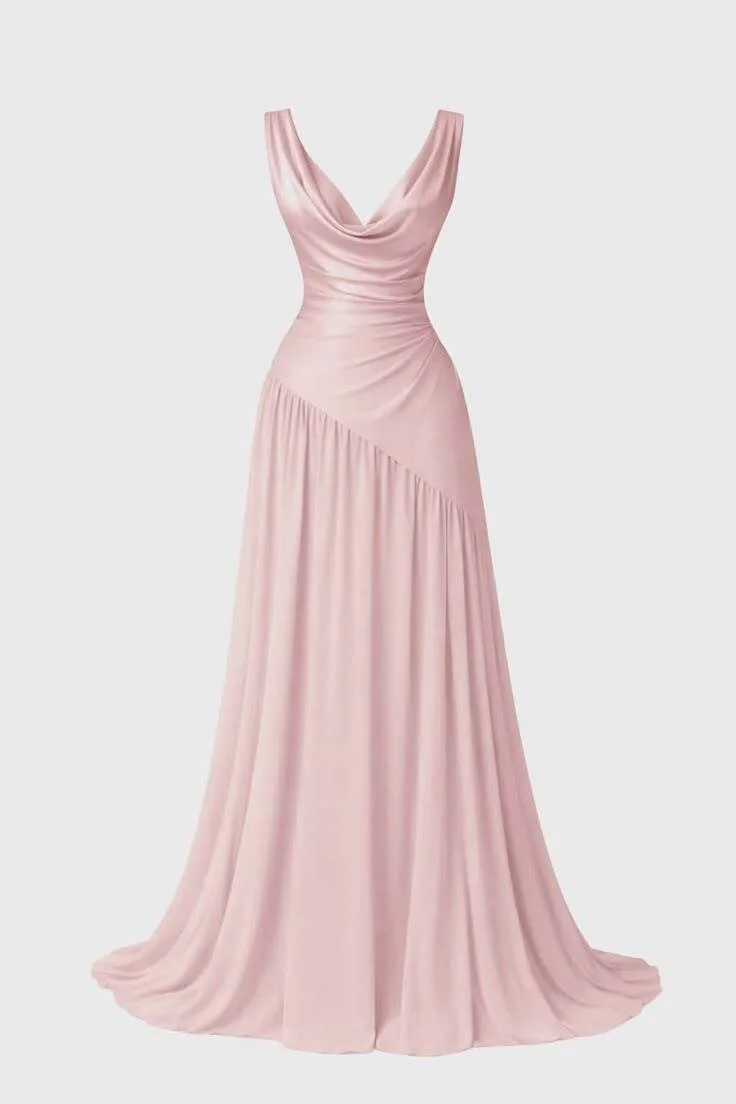
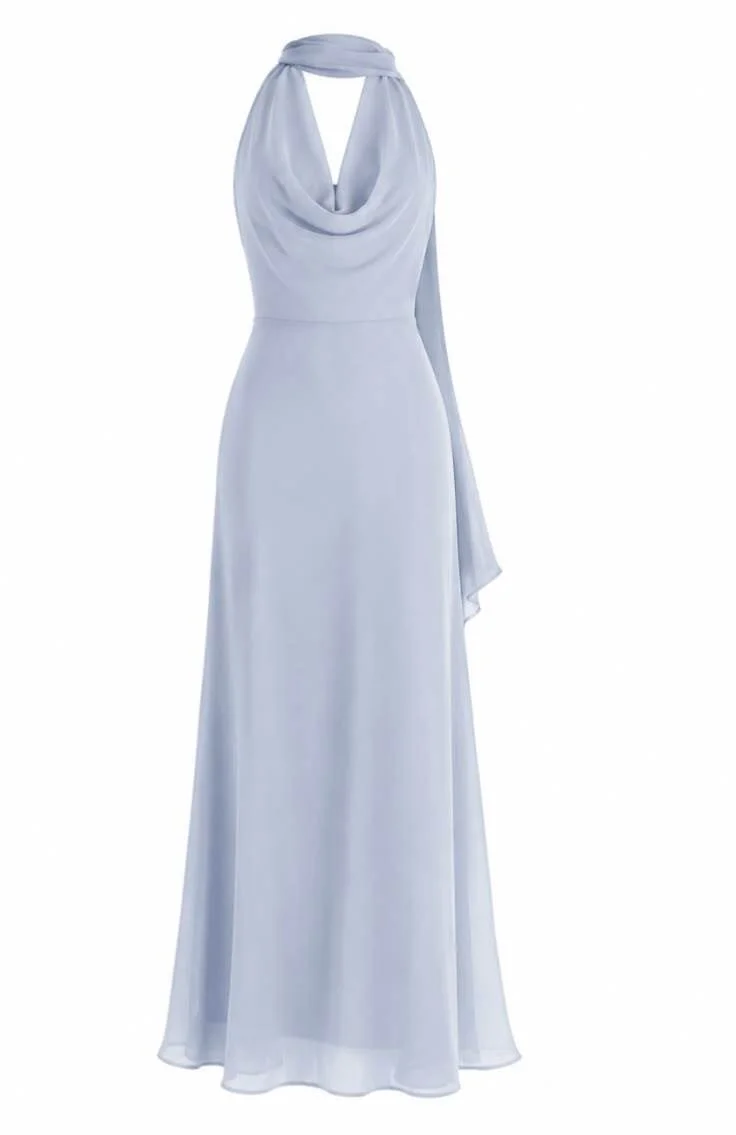
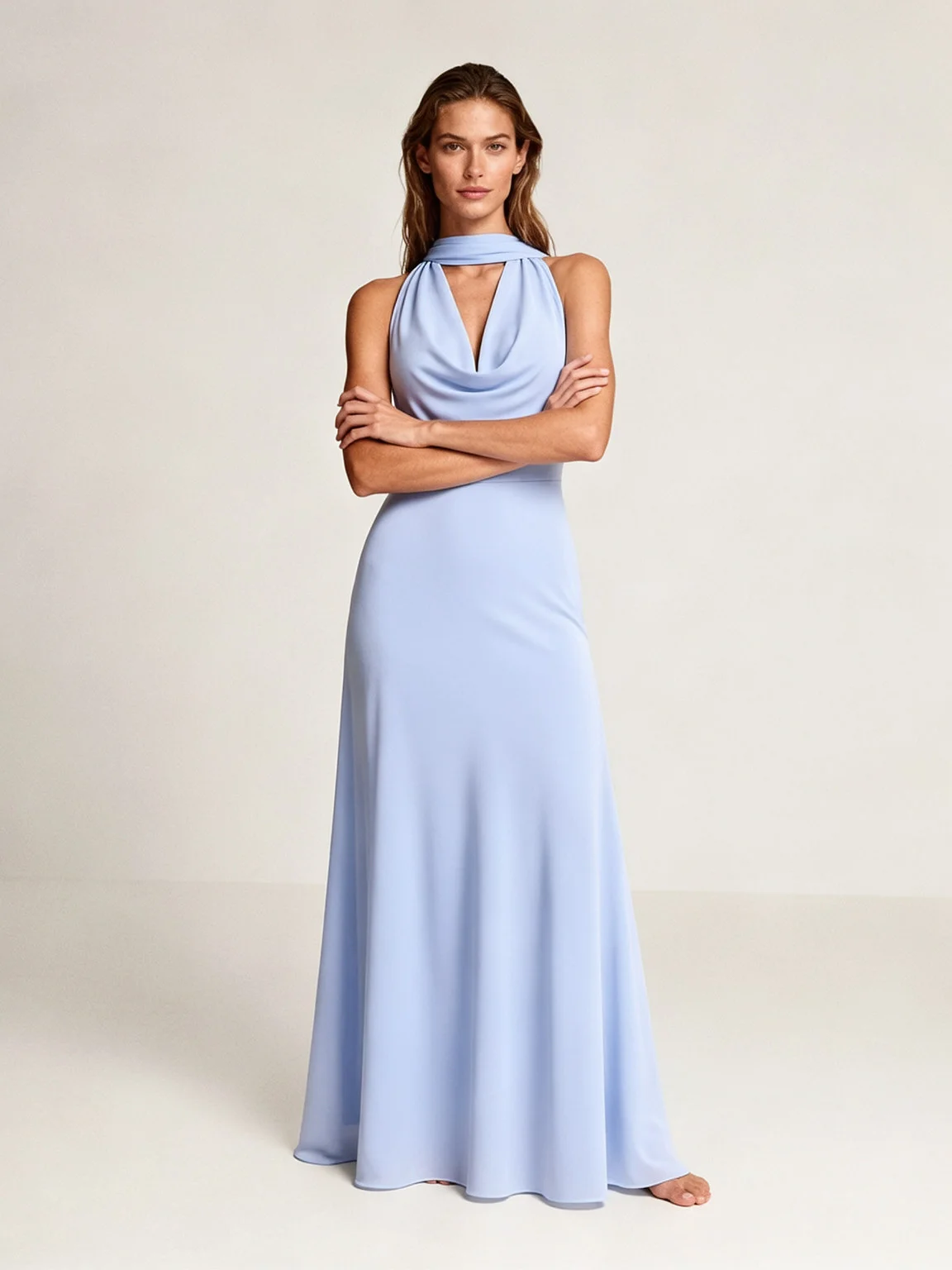
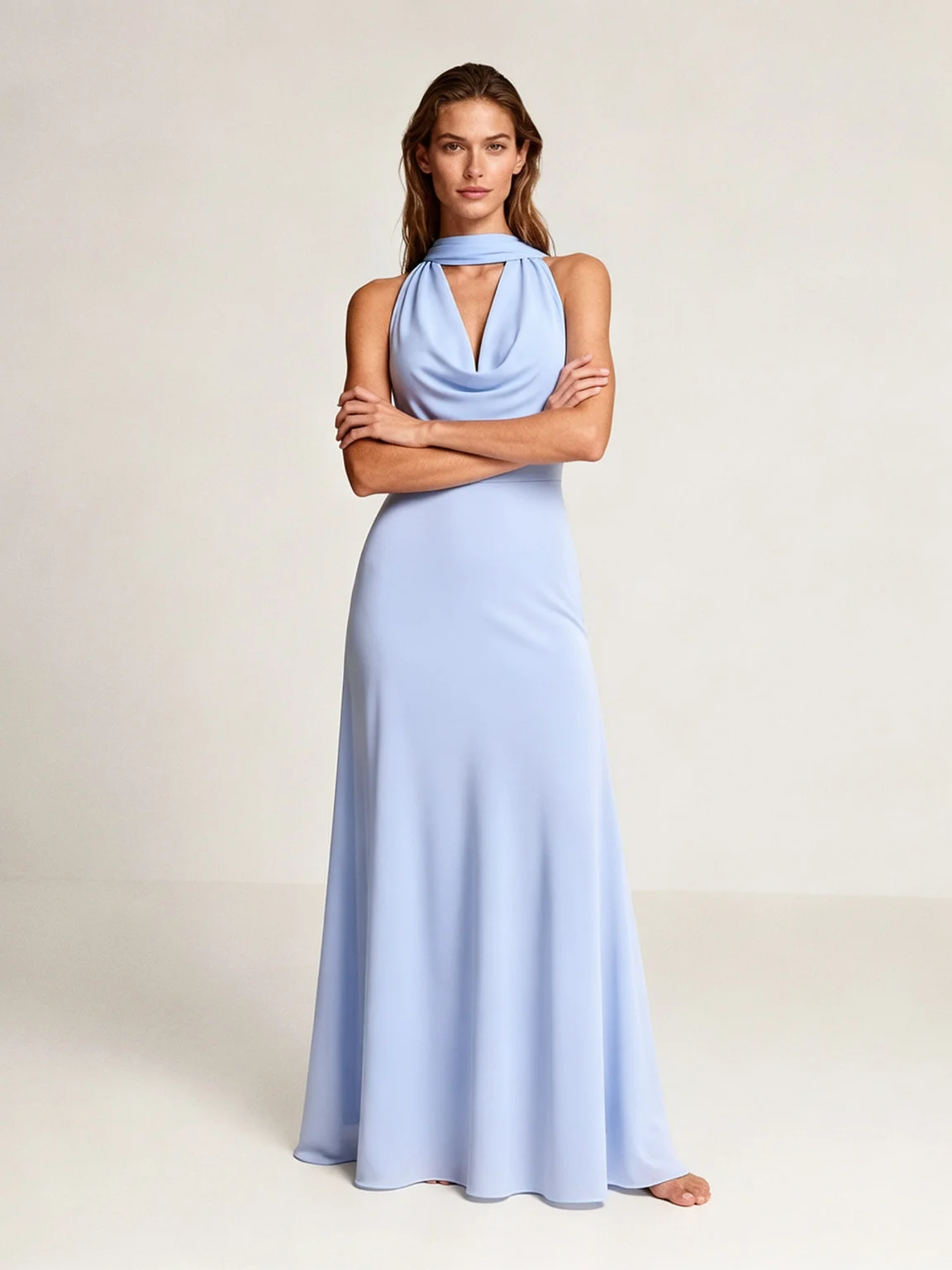
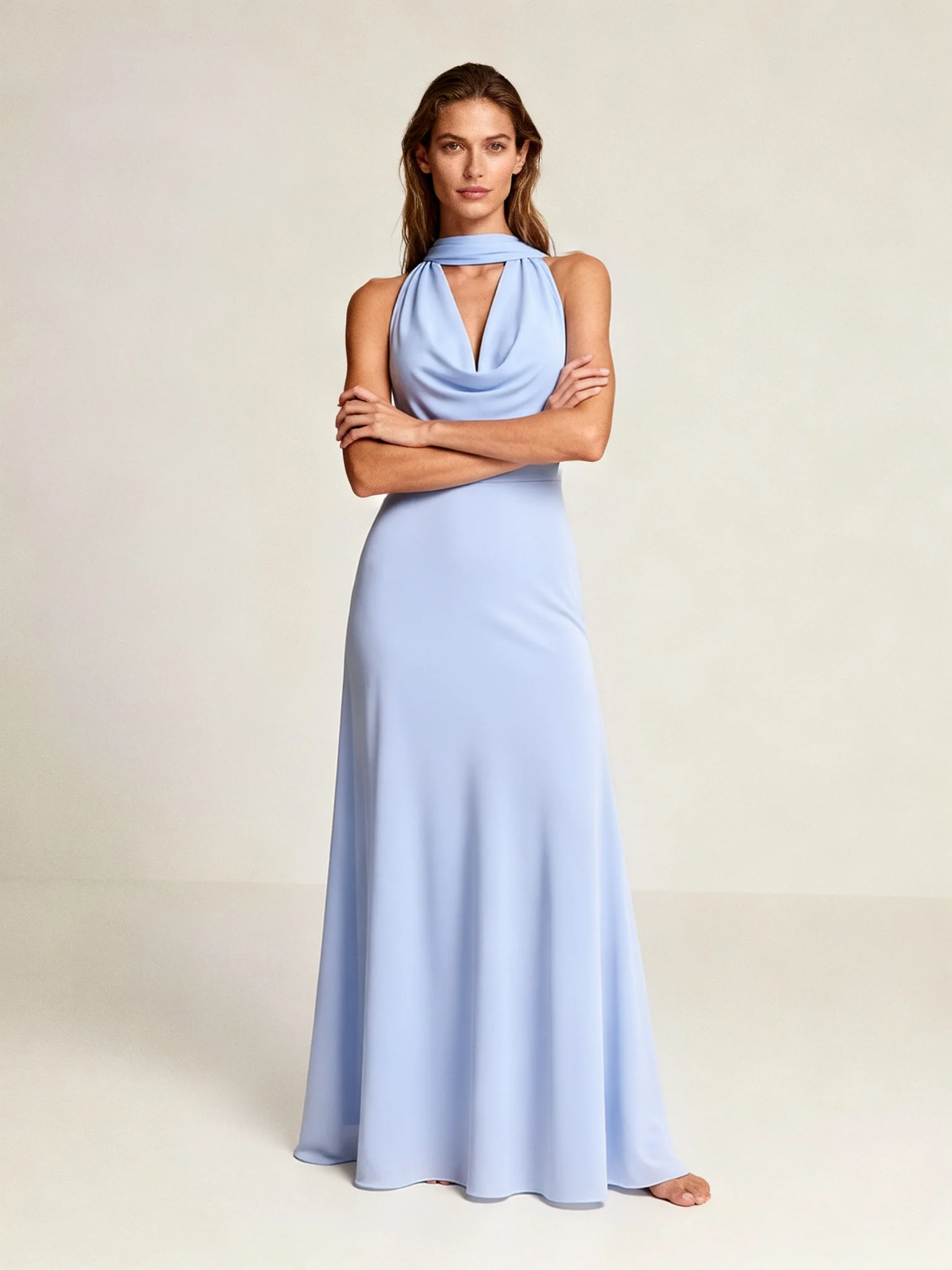
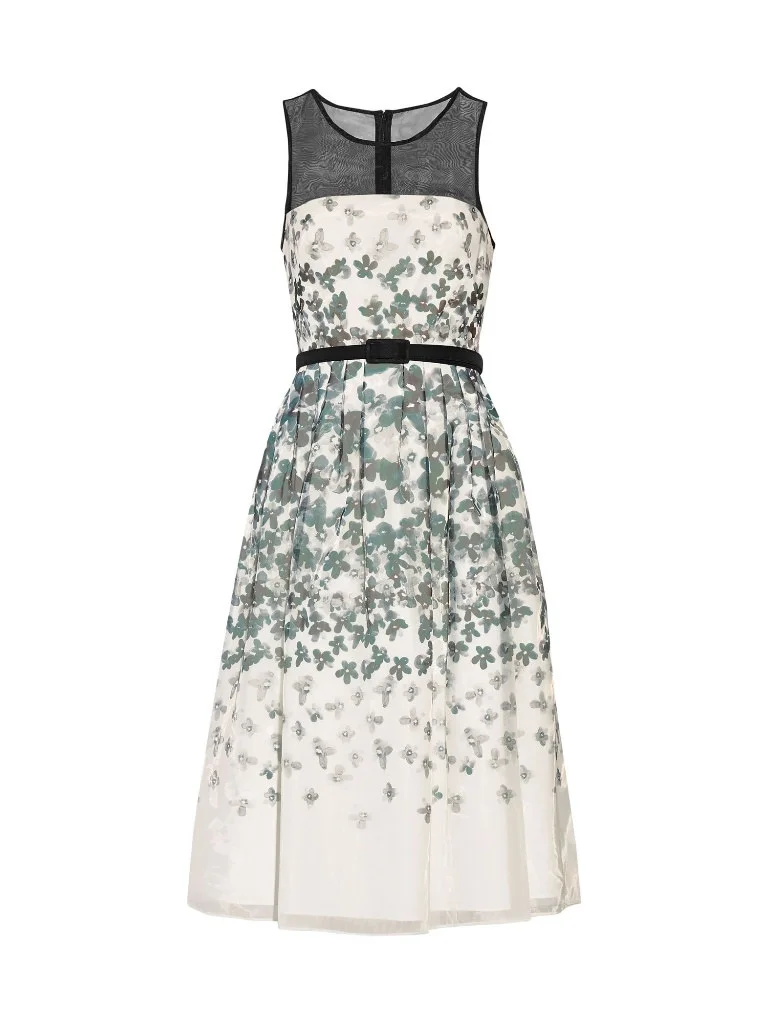
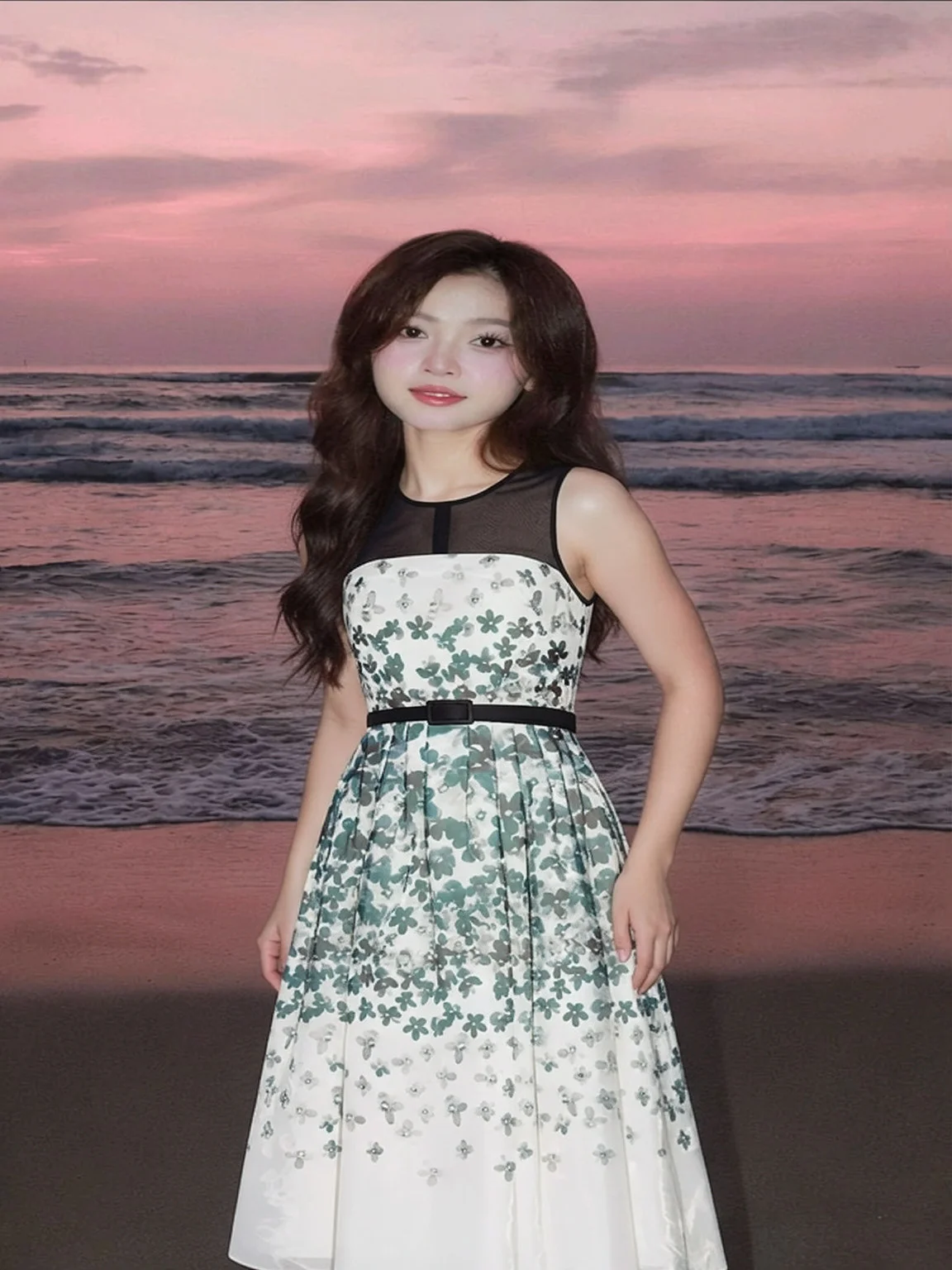
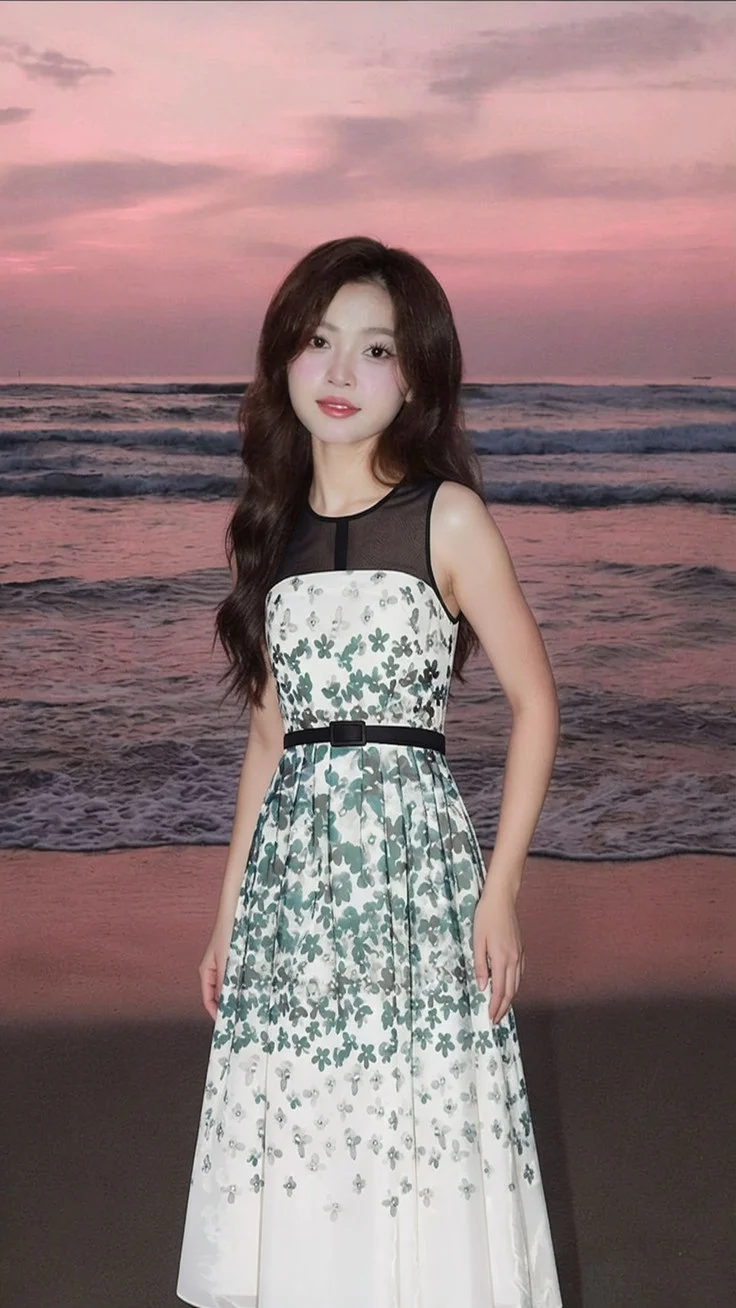
Dresses and full-garment prints
| Dress | Before Refiner | After Refiner | Final Output |
|---|---|---|---|
 |
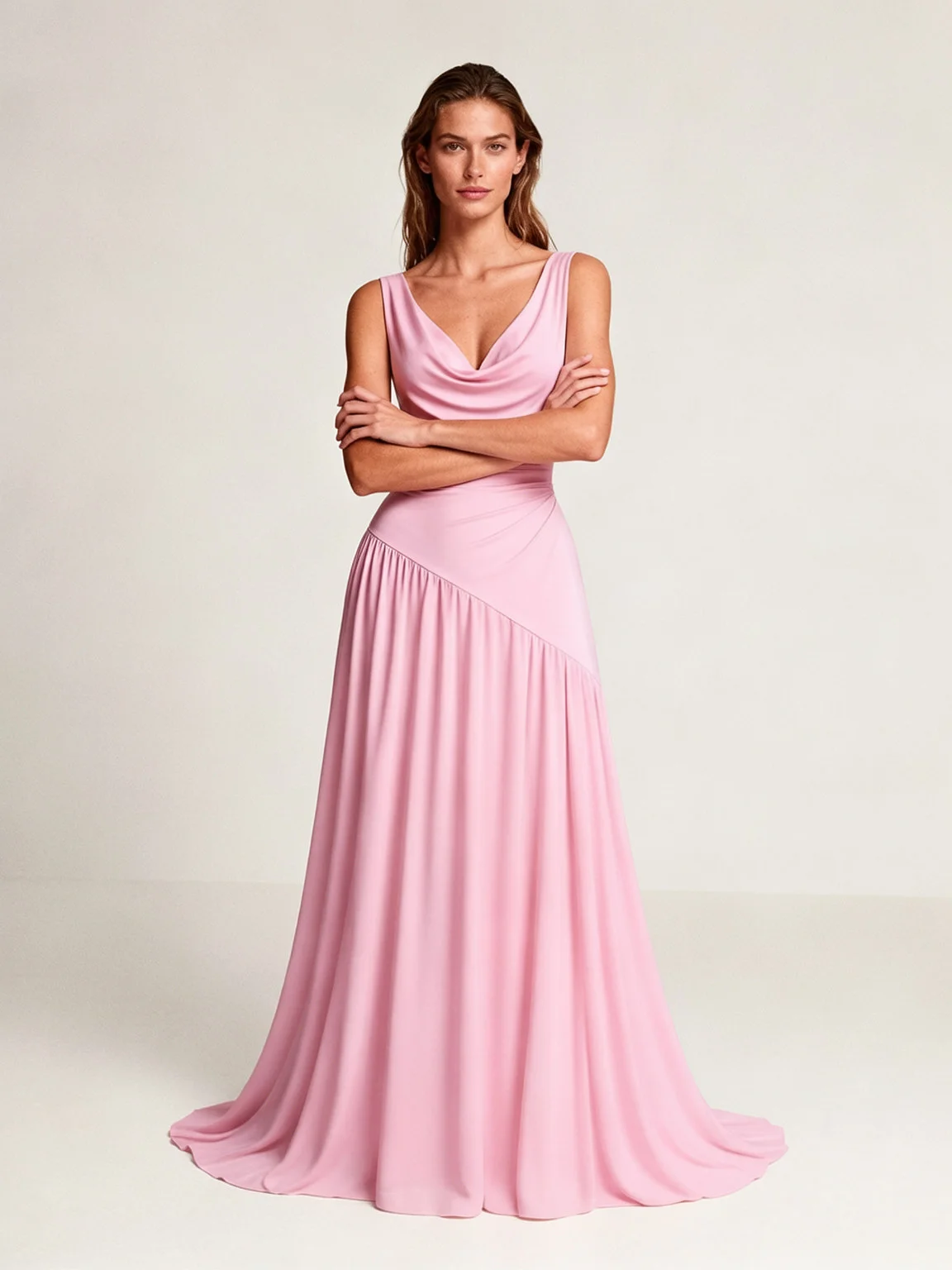 |
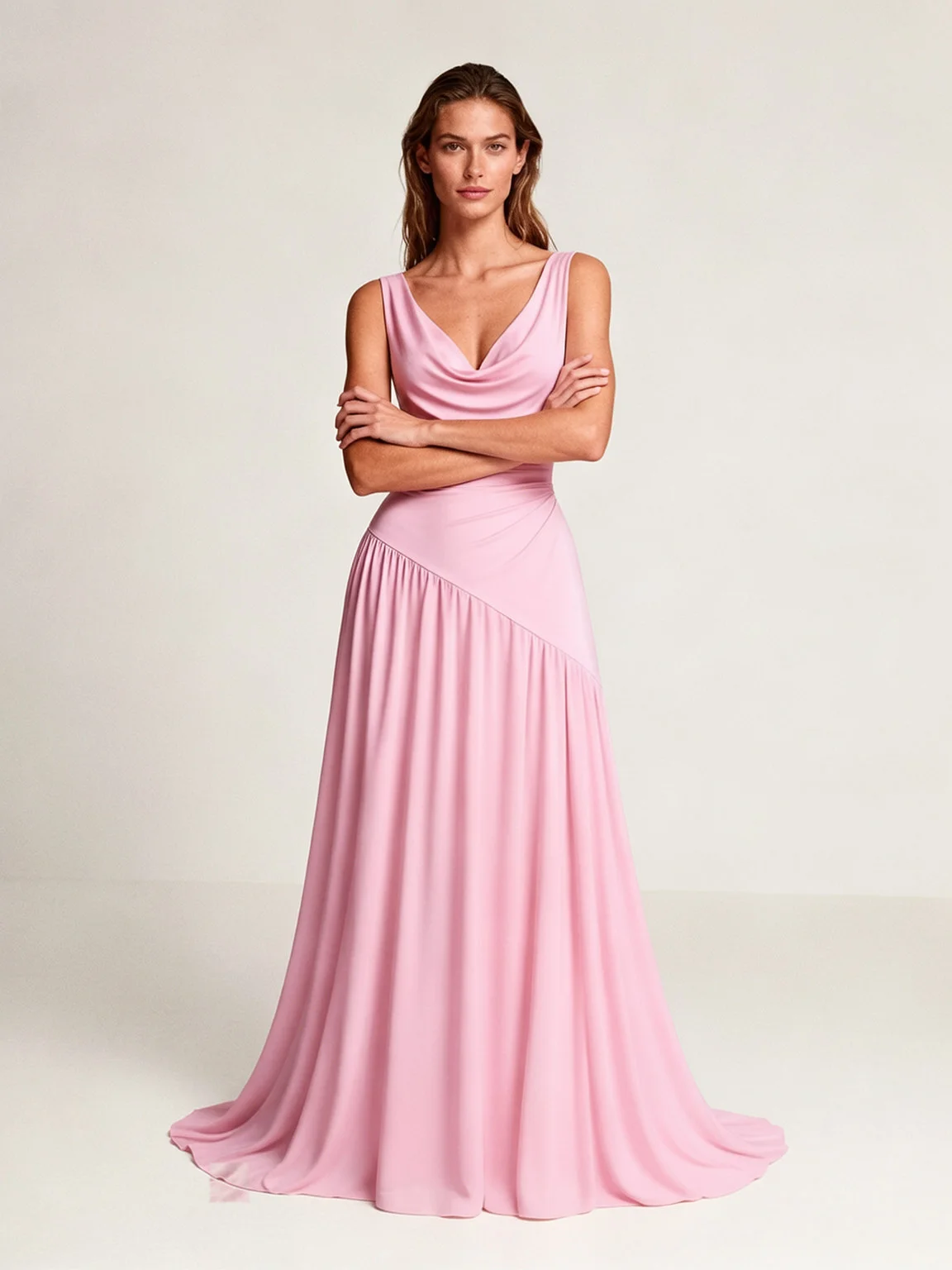 |
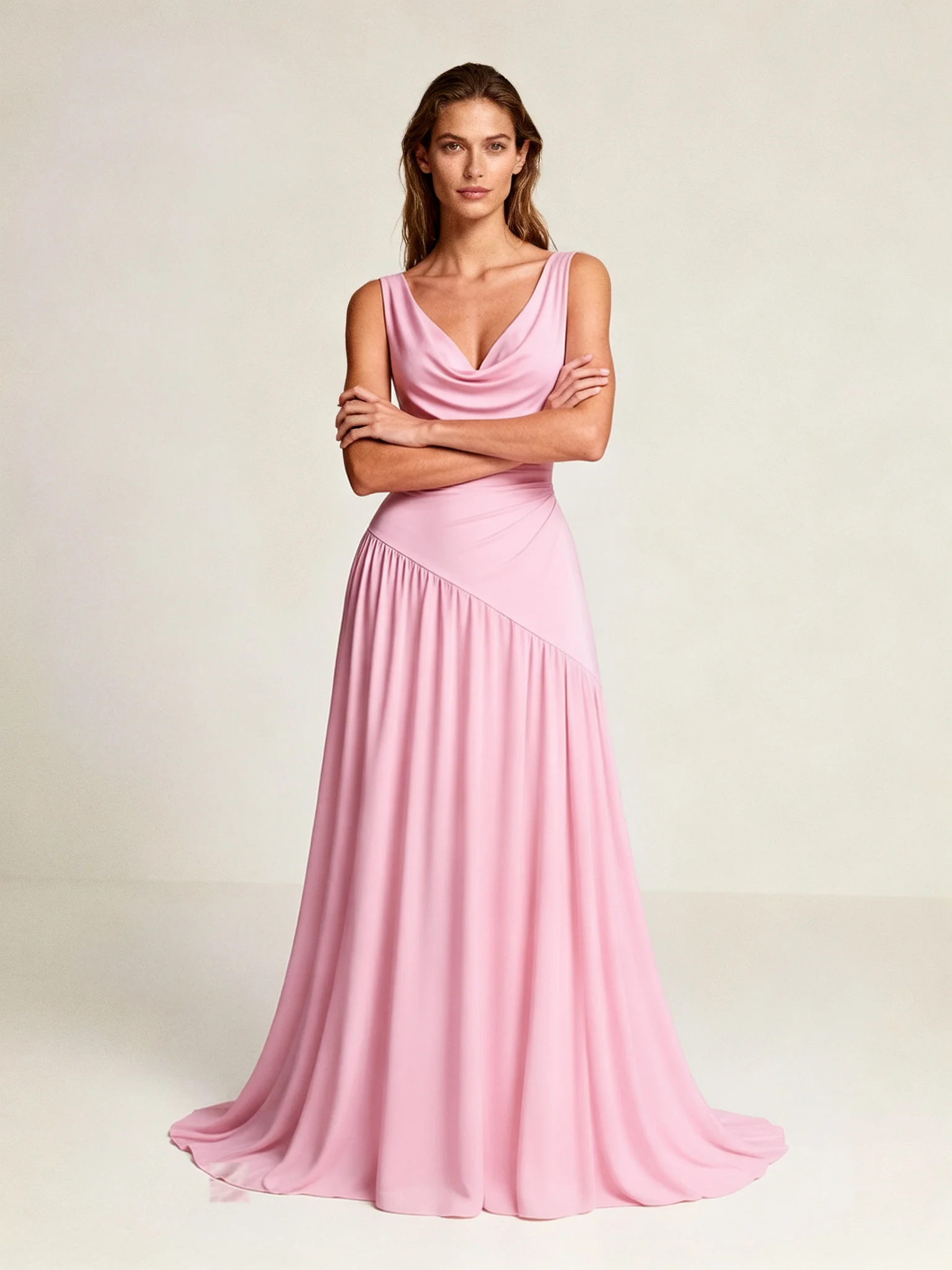 |
 |
 |
 |
 |
 |
 |
 |
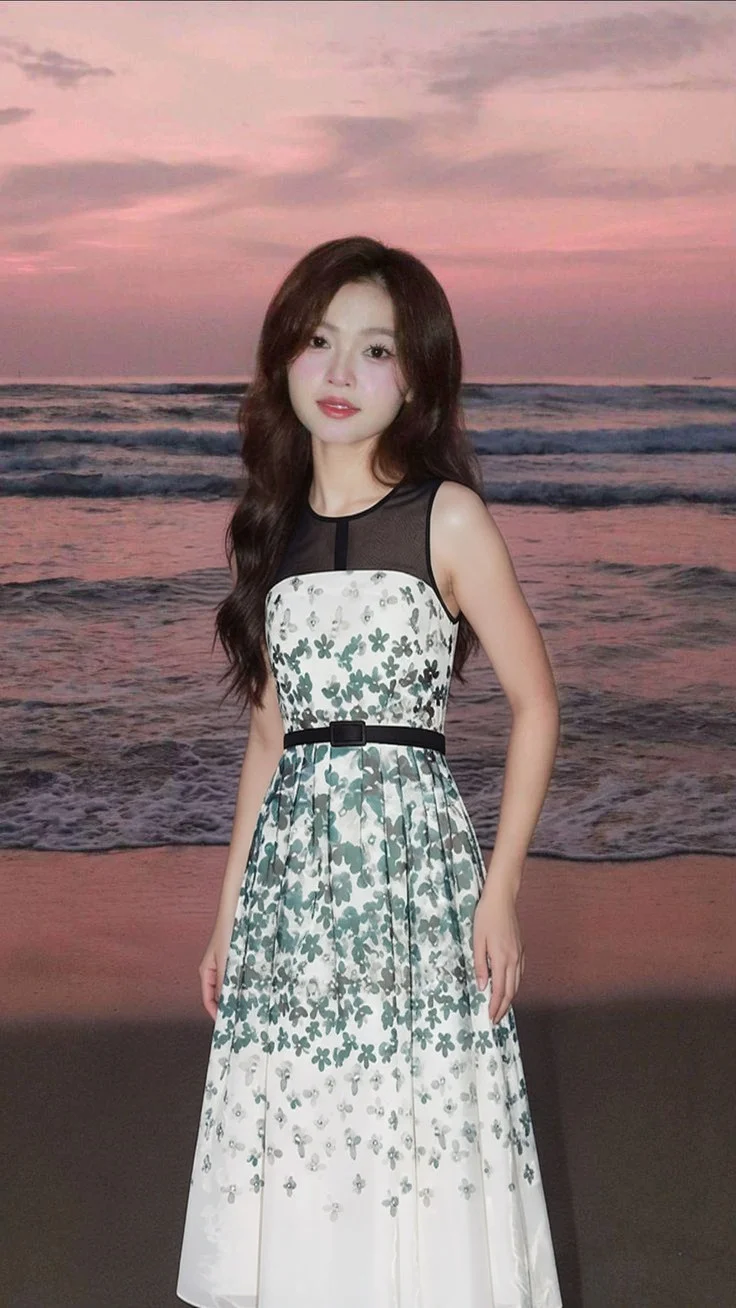 |
Across our internal evaluation set, the large majority of detected logo and print regions were refined and accepted cleanly. The small number of edge cases were correctly caught and rejected by the safety check rather than shipped as visible artifacts which is the outcome we designed for: never worse than before, often meaningfully better.
How to turn it on
Logo and print refinement is now built into a mode parameter on the try-on request, alongside two other quality levels:
- mode: "normal": the standard try-on, unchanged.
- mode: "hd": generates at higher resolution for an overall sharper result: hands, accessories, fabric surface. Not specifically tuned for logos.
- mode: "ultra": HD generation plus the logo/print refinement pass. This is the mode that gets you the accuracy shown above.
There's no separate flag to remember; select mode: "ultra" and refinement is included automatically.
See: Fitroom API Docs
Should you enable Ultra Mode?
- Logo- or print-heavy catalog (POD, sportswear, branded apparel): turn it on. This is the exact case it was built for.
- Mostly solid-color or unbranded garments: you likely don't need it. The standard model is unchanged and stays your fastest, cheapest option.
- Not sure: enable it per request rather than catalog-wide, and compare a sample of your own SKUs before rolling it out further.
How Better Virtual Try-On Creates New Opportunities for POD & Fashion Brands ⭐
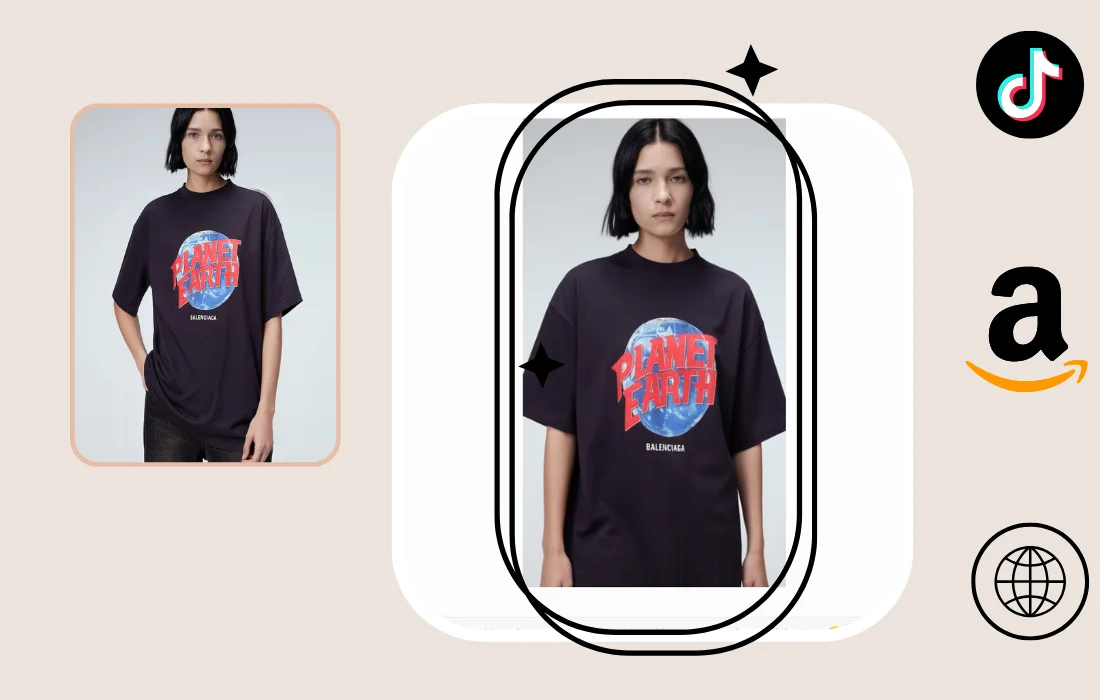
There's a timing angle here too, specifically for POD sellers. Amazon is getting harder, more competition per listing, rising ad costs, less room to stand out with a static product photo. Meanwhile TikTok and TikTok Shop have become one of the few channels where a graphic-driven product can actually win on visual discovery instead of paid placement. But that channel runs on volume and believability: you need a steady stream of content, and it has to hold up to an audience that's quick to spot anything that looks fake.
Fitroom generates images, not video but accurate model images are exactly the raw material that content needs. A print or logo that renders cleanly across a full catalog of SKUs means you can turn that library into TikTok-native content, slideshow-style videos, carousels, showcase posts using TikTok's own editing tools, without a photoshoot behind each one. The bottleneck to expanding into TikTok Shop has often been "we don't have enough believable product visuals, fast enough." This closes a chunk of that gap.
Watch the video template: https://youtube.com/shorts/qD48KBkPxRY?feature=share
Things to Know Before You Turn It On
Two things worth flagging directly, since they affect how you'd want to use this:
Processing time increases. ultra runs both the higher-resolution generation and the refinement pass. Where the previous model averaged 10–15 seconds per try-on depending on garment complexity, expect roughly 2.5x that with ultra mode. If your integration shows a short loading spinner today, consider moving ultra requests to an async/webhook flow so end users aren't staring at a stalled UI.
Pricing reflects the added compute. We're finalizing the exact structure now and will share it on the Fitroom API page shortly.
What's next
Refinement currently only applies to images generated through Fitroom's own try-on. A dedicated endpoint to refine try-on images generated elsewhere is planned but not yet available.
Try it
The mode "ultra" is available on the try-on endpoint. Test it against a sample of your own catalog, particularly SKUs with detailed graphics, to see the difference directly. For help wiring it into your integration, reach out to [email protected].