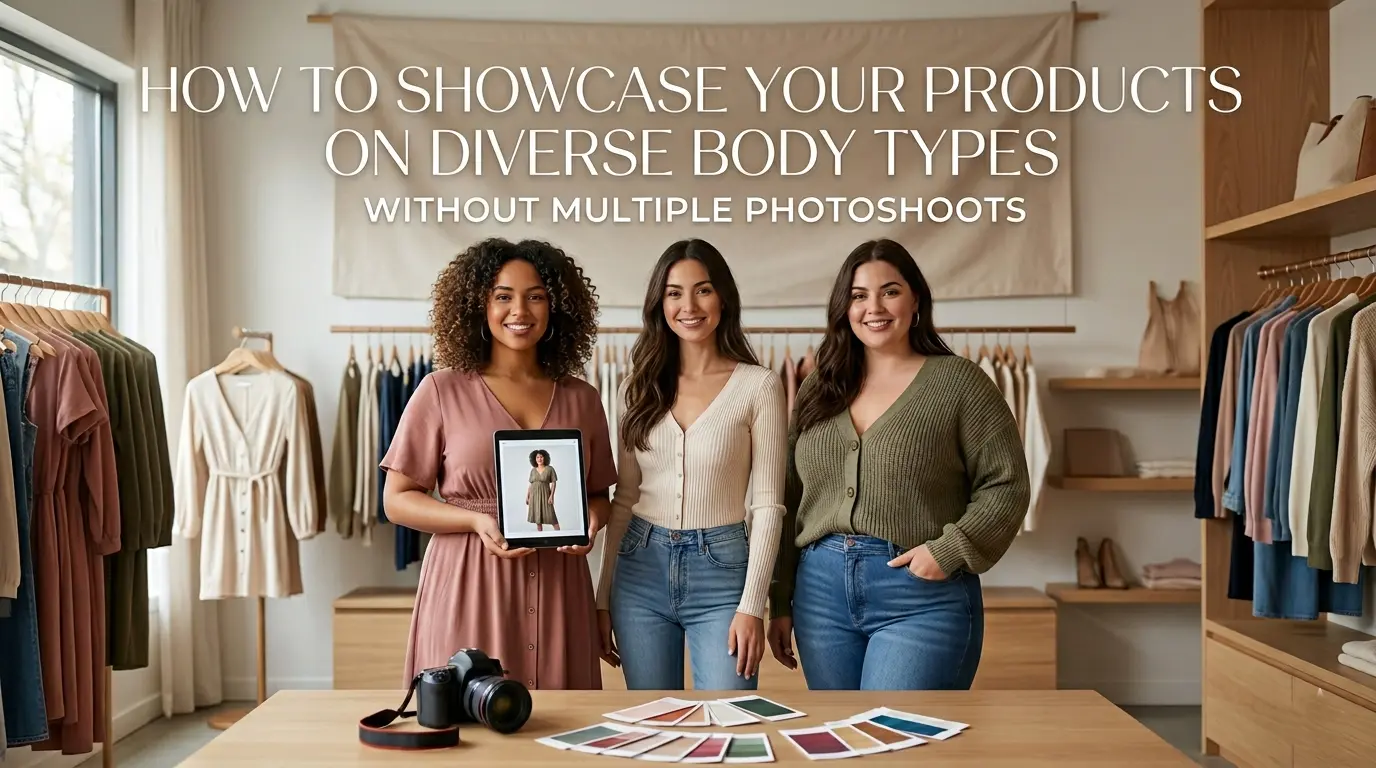
The Real Business Impact of Showing Diverse Body Types
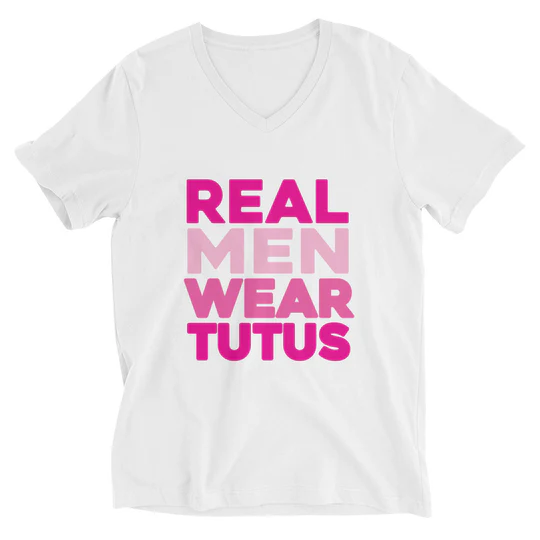 |
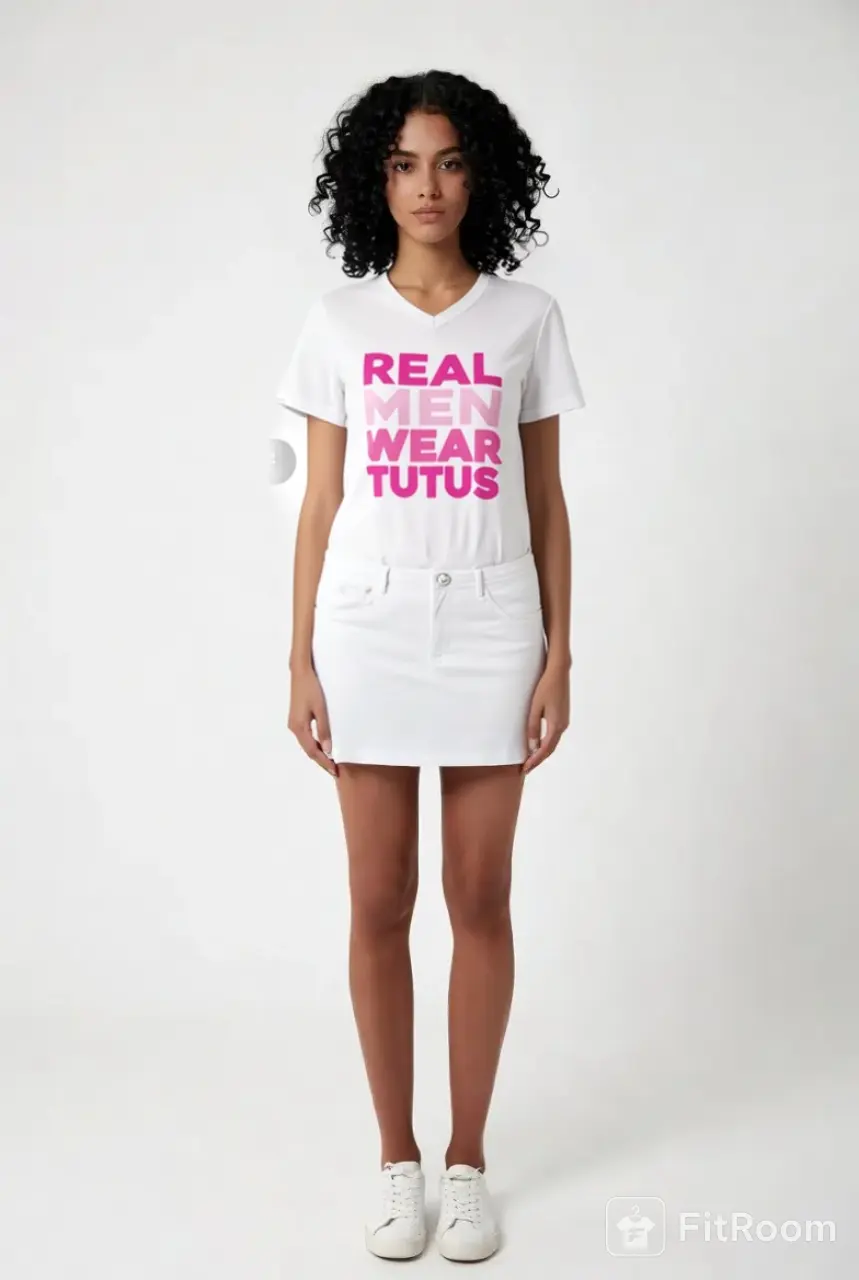 |
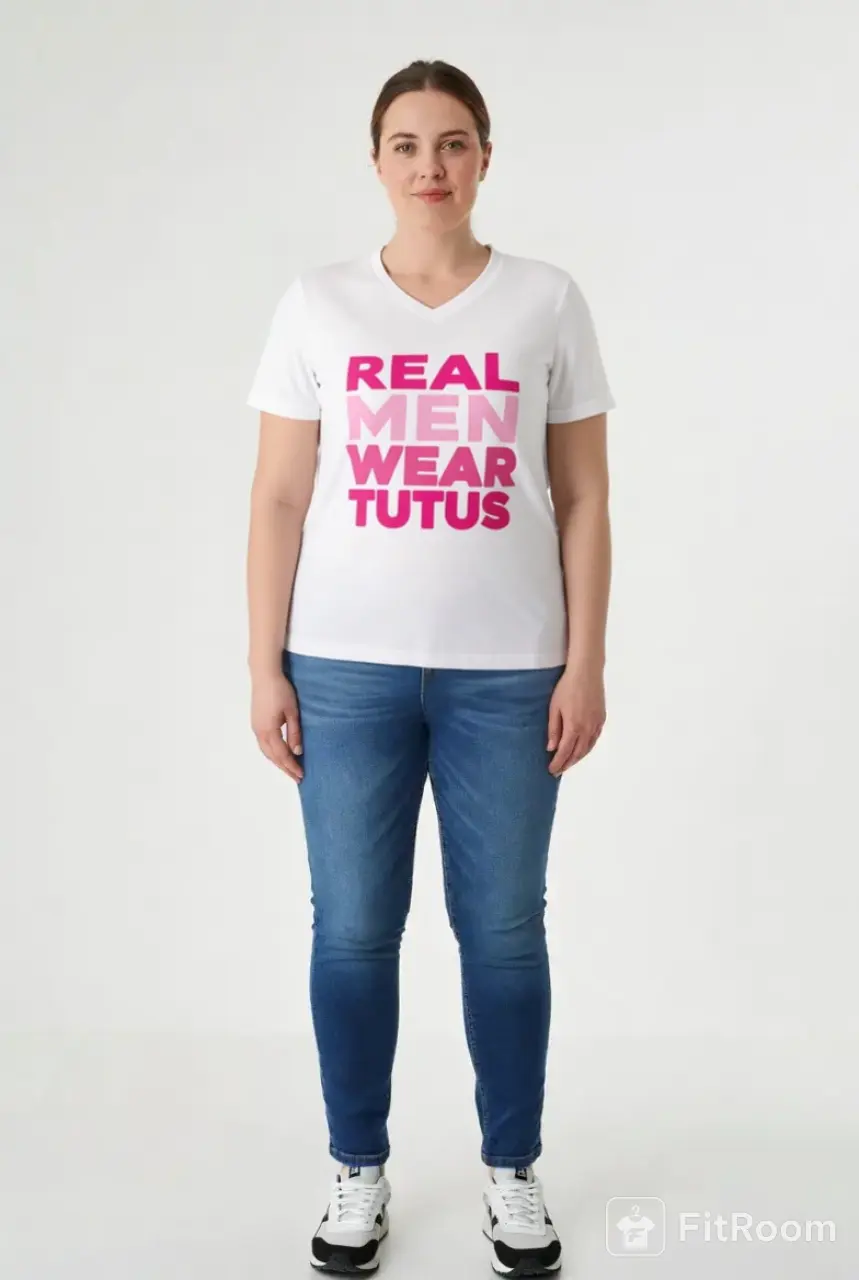 |
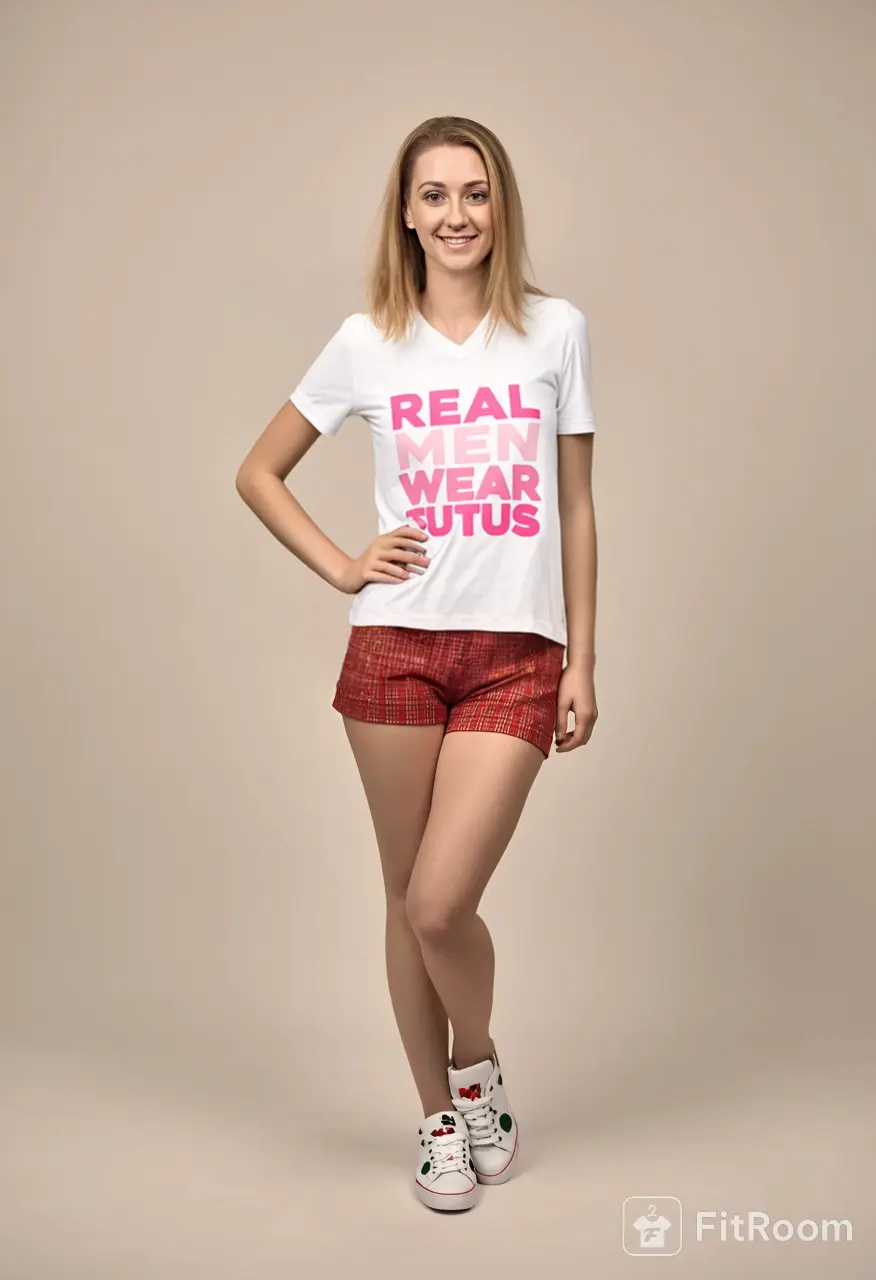 |
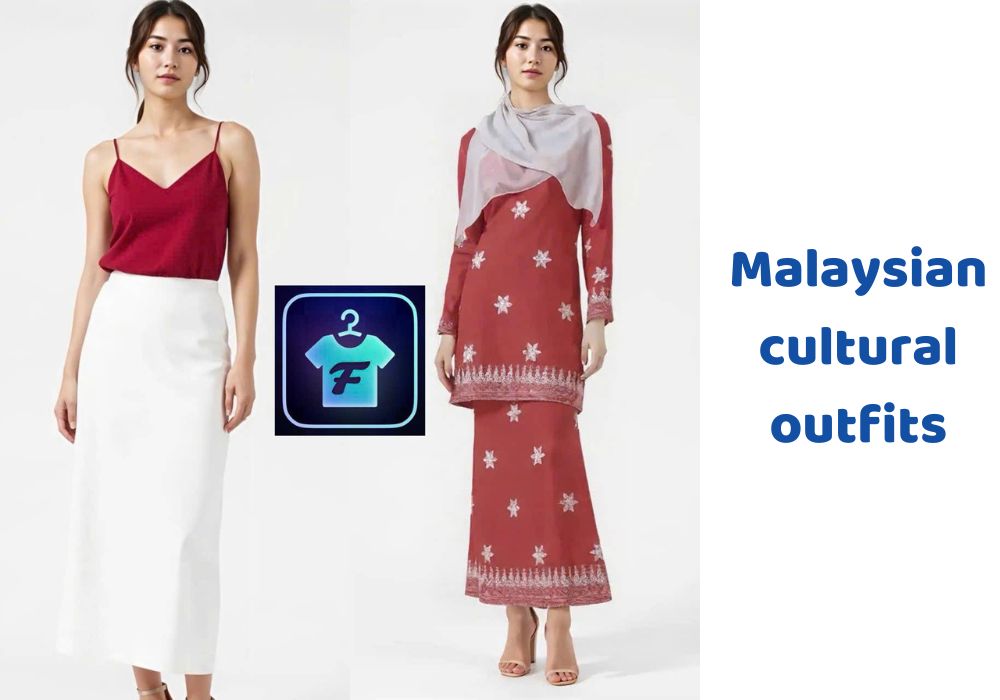
With Fitroom you can visualize a clothe on different types of body
Showcasing products on diverse body types has a direct impact on performance — and the mechanism is straightforward.
When customers see someone with a similar body type wearing a product, it becomes easier to imagine how it will look on them. That reduces hesitation and increases confidence at the point of purchase. The fashion e-commerce industry sees return rates of 20–40%, with fit uncertainty being the leading cause. Showing how a product actually sits on different body proportions addresses that uncertainty before the purchase, not after.
There’s also a trust dimension. Brands that represent a wider range of customers feel more authentic and relatable — which affects not just the immediate transaction but long-term loyalty. A shopper who sees themselves represented is more likely to come back.
The problem has never been whether diverse representation matters. It’s always been the cost of producing it at scale.
The Scaling Problem With Traditional Photoshoots
On paper, the solution seems simple: hire more models, run more photoshoots. In reality, this approach breaks down quickly.
A basic product photoshoot — one model, studio time, stylist, photographer, and post-production — typically runs $500 to $2,000 per day, yielding images for a limited number of products. Every additional body type means more casting, scheduling, and coordination. Costs don’t increase slightly; they multiply. Five body types means five times the production investment, and you’re still only covering the body types you happened to cast.
There’s also a speed problem. Fashion moves fast, photoshoots don’t. Launching a new collection across multiple body types can take weeks — by which point the window for timely social content has already closed.
The result is a system that’s expensive, slow, and still incomplete. Most brands end up with one or two models per product and a gap between what they show and what their actual customers look like.
Strategy 1: AI Virtual Try-On (The Core Solution)
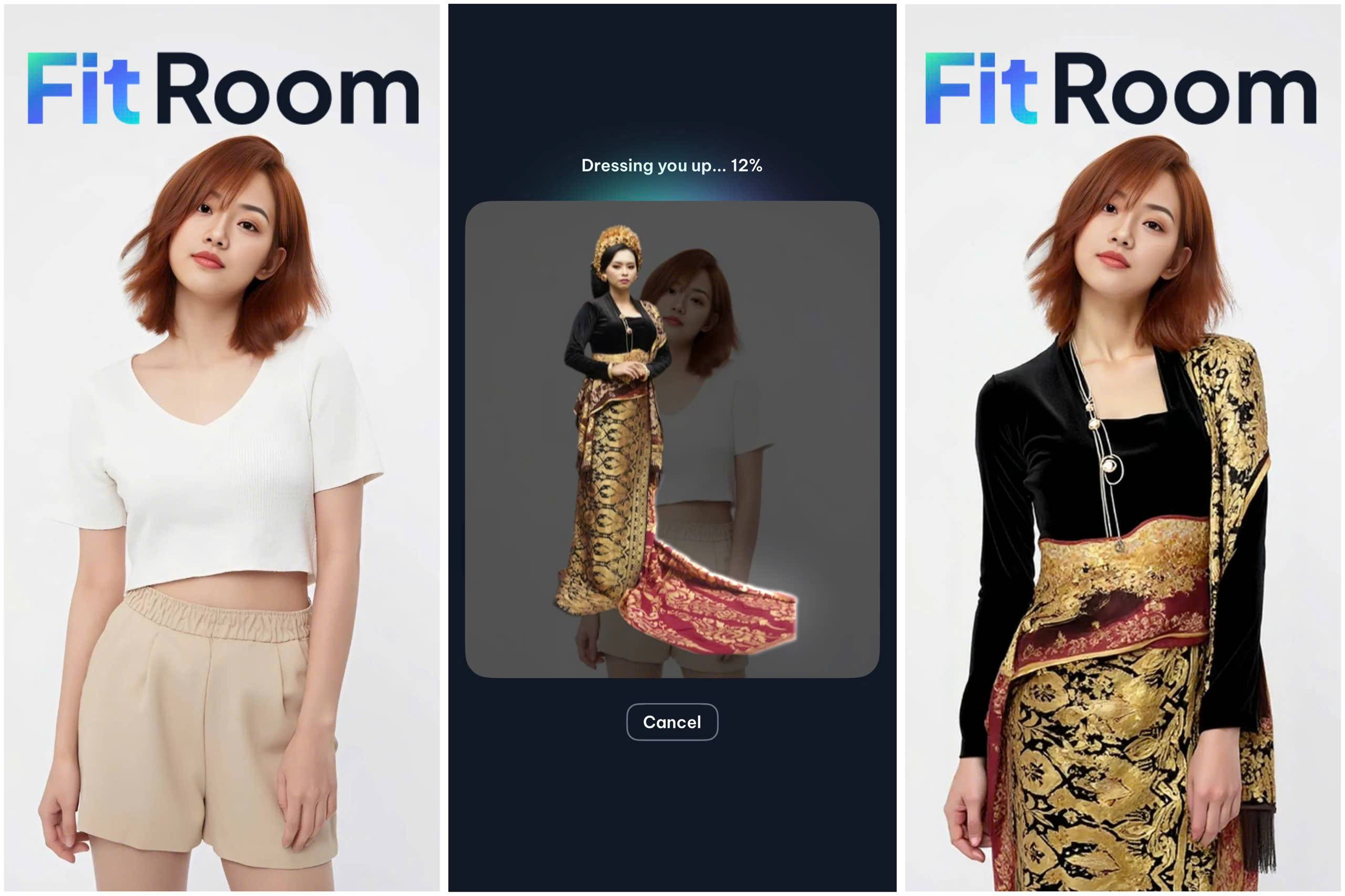
The most scalable way to show products on diverse body types is to remove the need for additional photoshoots altogether. AI virtual try-on does exactly that — take a single product image, apply it digitally to any model photo, and generate a realistic on-model result in seconds.
For fashion brands and POD sellers, this changes the economics of visual diversity completely.
How it actually works
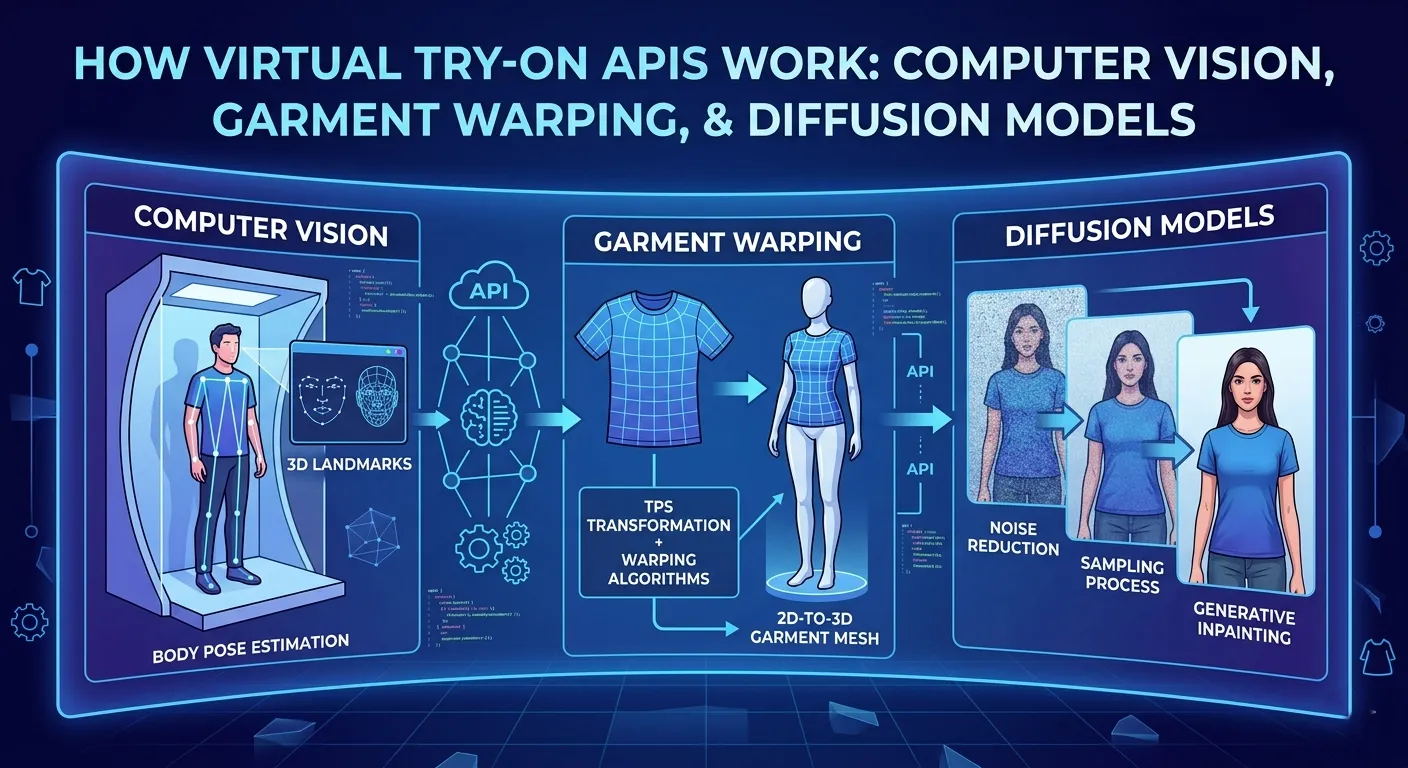
You start with two inputs: a product image (flat lay, ghost mannequin, or existing on-model shot) and a model photo. The AI pipeline analyzes the body pose, understands the garment’s structure and texture, warps the garment to fit the body’s proportions, and generates a final blended image. The whole process takes under 10 seconds in standard mode.
If you want to understand the full technical pipeline behind this — pose detection, garment warping, diffusion model generation — we covered it in detail in How Fitroom Virtual Try-On API Works.
What this means for body type diversity
With virtual try-on, one product image is no longer tied to one model. You can generate the same product on five different model photos — different heights, different builds, different skin tones — without any additional photoshoot. The only input you need is a clean photo of each model, which can come from stock photography, your own customer photos, or a one-time shoot of diverse models that you reuse indefinitely across your entire catalog.
That last point is worth emphasizing. Shoot five diverse model photos once. Then use those photos to generate try-on images across every product in your catalog, every season, indefinitely.
The cost breakdown
A traditional photoshoot to cover 100 products across 5 body types — 500 images total — could easily cost $5,000 to $15,000 in production, not including model fees or editing time.
With Fitroom’s API pricing, generating those same 500 images costs:
| Volume | Fitroom plan | Total cost | Cost per image |
|---|---|---|---|
| 500 images | Subscription 500 credits/mo | $20/month | $0.04/image |
| 1,000 images | Subscription 1,000 credits/mo | $35/month | $0.035/image |
| 5,000 images | Subscription 5,000 credits/mo | $120/month | $0.024/image |
For a brand running 500 SKUs at 5 body types each — 2,500 images — the monthly cost is $120. The equivalent in traditional photography would require multiple shoot days and tens of thousands of dollars.
We compared Fitroom’s pricing against FASHN.ai, Claid, Photoroom, and Kling in detail in our full virtual try-on API comparison — Fitroom comes out 60–80% cheaper at every volume tier above 200 images/month.
What works well and what to watch for
Virtual try-on works best on garments with clean structure: t-shirts, hoodies, dresses, sweaters, and most woven tops. Use flat-lay or ghost mannequin product images with a white or solid background — the cleaner the input, the better the output.
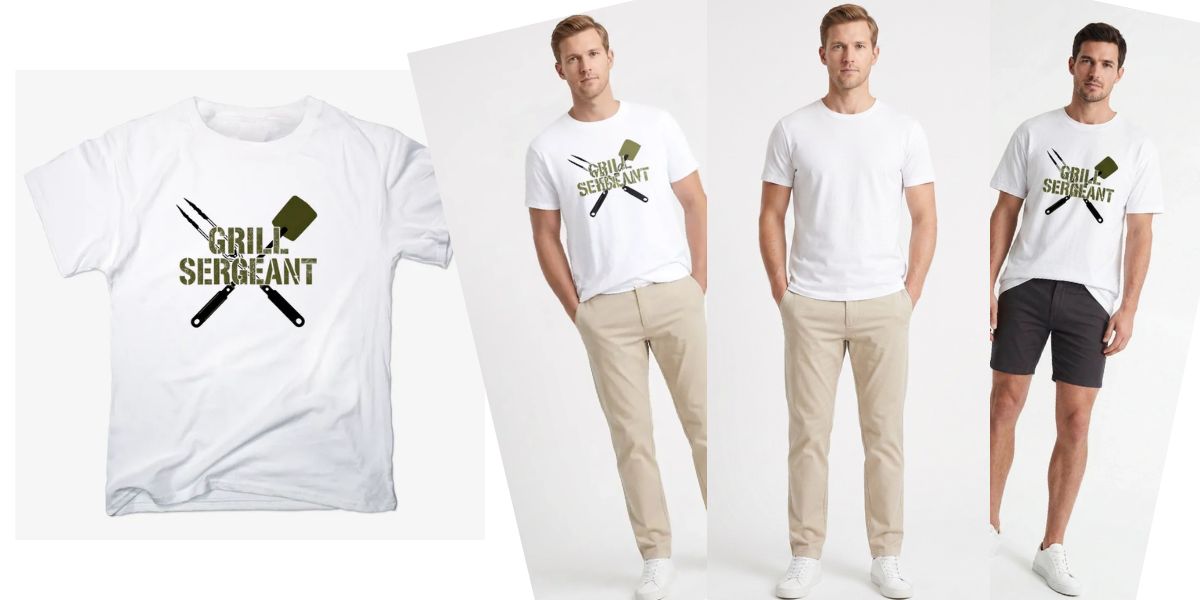
The one area that requires more attention is detailed graphic prints and fine text. As we noted in our API quality benchmark, text prints can lose sharpness depending on the tool and resolution settings. For products where the graphic is the product — band tees, statement hoodies — use HD mode and verify the output before publishing at scale.
Practical workflow for fashion brands
-
- Collect or shoot diverse model photos once. Aim for 5–8 photos covering different body builds and heights, standing straight, facing forward, full body visible. These become your reusable model library.
- Prepare your product images. Flat-lay or ghost mannequin on a clean background. 1024px is the recommended input size for optimal speed.
- Run try-on in batches. Use Fitroom’s API to process your catalog programmatically — or use the web interface for smaller runs. Standard mode (~9 seconds per image) is fast enough for batch processing; HD mode (~30 seconds) for hero images.
- Review and QA. Check outputs for edge cases — unusual garment shapes, models with accessories. Most standard garments pass without issues.
- Publish and reuse. The same model photos work for every new product you add. Your diversity library compounds over time with no additional production cost.
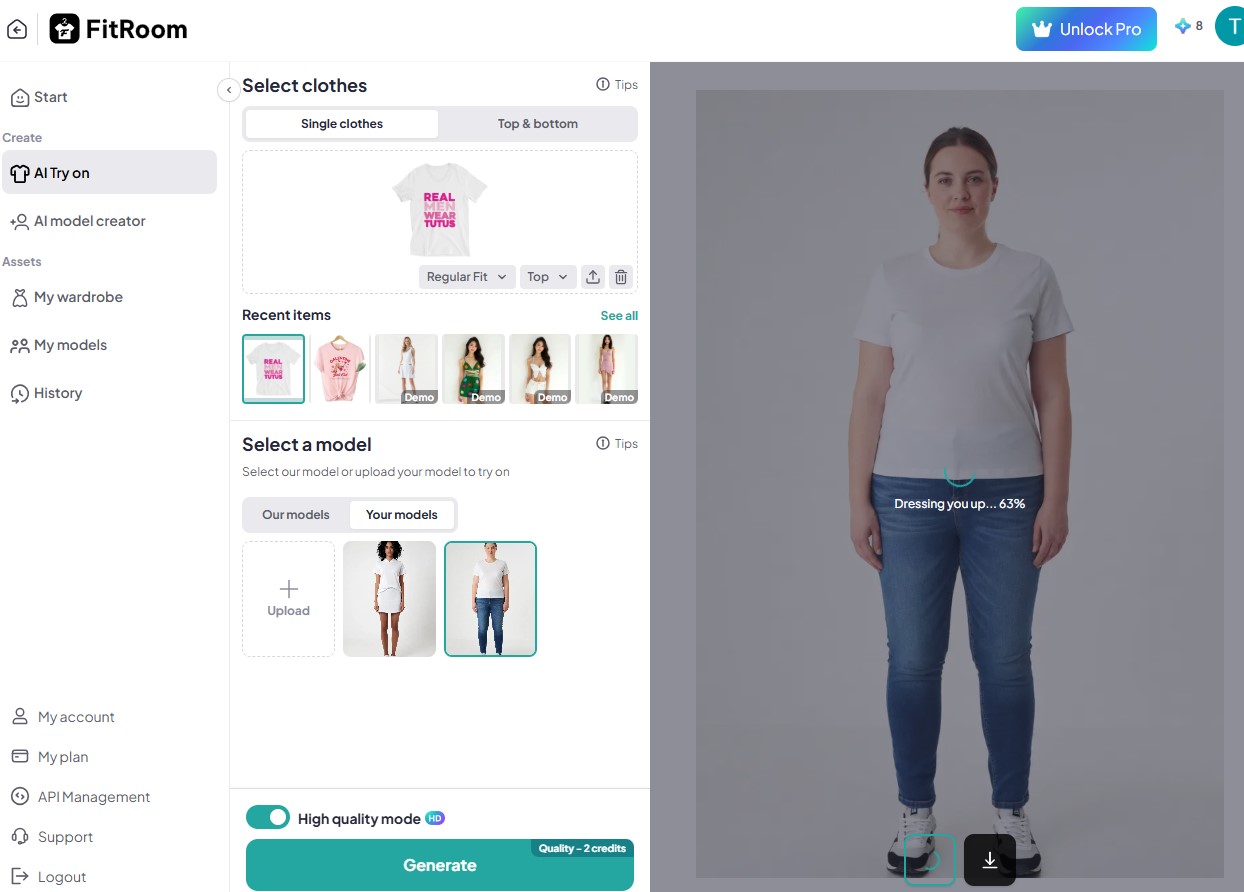
For developers integrating this directly into a product page or catalog pipeline, see the full Fitroom API documentation — the integration can be live in a day with a simple REST setup.
Strategy 2: User-Generated Content as a Complementary Layer
AI virtual try-on solves the production problem. UGC solves a different problem: social proof.

Customers trust other customers. A photo from a real buyer wearing the product in their own environment carries a kind of credibility that studio imagery — even diverse studio imagery — doesn’t. UGC shows the product in real life, on real body types, in real contexts.
The practical approach: after purchase, send a follow-up email asking customers to share a photo of themselves wearing the product. Offer a small incentive — a discount code, early access, a feature on your social page. Once collected, integrate those photos directly onto product pages so shoppers can browse real-customer images alongside the professional shots.
This isn’t a replacement for AI try-on — it’s a layer on top of it. Use AI try-on to generate diverse, consistent imagery at launch. Use UGC to add authenticity and real-world context over time as orders come in.
How to Get Started: A Practical Roadmap
You don’t need to overhaul your entire product page strategy at once. The most effective approach is to layer improvements gradually, starting with what moves the needle fastest.
Start with your highest-traffic, highest-return products. These are the pages where body type uncertainty is most costly. Run AI try-on on your top 20 products across 3–5 model body types. Measure return rate and conversion before and after. That data tells you how aggressively to roll it out across the rest of your catalog.
Build your model library once. Photograph or source 5–8 diverse model images. These photos become a permanent asset — you use them for every new product, every season, without reshooting.
Integrate progressively. Start with manual try-on for your top SKUs. If you’re processing more than a few hundred images per month, set up the API integration to batch-process new products automatically when they’re added to your catalog.
Layer in UGC as orders grow. Once you have a customer base, activate a UGC program to add real-world social proof on top of your AI-generated diversity imagery.
Measure what matters. Track return rate, conversion rate, and time-on-page. Virtual try-on’s impact on returns is often the most measurable — and the most valuable — metric for fashion e-commerce.
The goal isn’t to replicate a full production studio. It’s to build a system where diversity is the default, not the exception — and where adding a new product to your catalog automatically means showing it on multiple body types, without any additional production effort.
Frequently Asked Questions
How can I show my clothing products on different body types without a photoshoot?
AI virtual try-on lets you apply a single product image to any model photo digitally — no studio, no scheduling, no extra production cost. Tools like Fitroom process one try-on image in under 10 seconds for as little as $0.02 per image at scale.
How much does it cost to show a product on multiple body types using AI?
With Fitroom, generating try-on images costs $0.04–$0.06 per image on entry plans, dropping to $0.02 per image at higher volumes. For a catalog of 100 products shown on 5 different body types — 500 images — that’s roughly $20/month. The equivalent in traditional photography would be thousands of dollars per shoot day. See the full pricing breakdown in our API comparison guide.
What type of clothing works best with virtual try-on?
T-shirts, hoodies, dresses, and sweaters all work well. Flat-lay or ghost mannequin shots with a clean background produce the most reliable results. Items with fine text or complex graphic prints need high-resolution source images and are worth reviewing in HD mode before publishing at scale.
Can virtual try-on replace professional model photography entirely?
For most e-commerce use cases — product pages, ads, social content — virtual try-on produces commercially usable results. It’s not a replacement for hero campaign photography, but it’s a practical solution for catalog-scale diversity that traditional photoshoots can’t match on cost or speed.